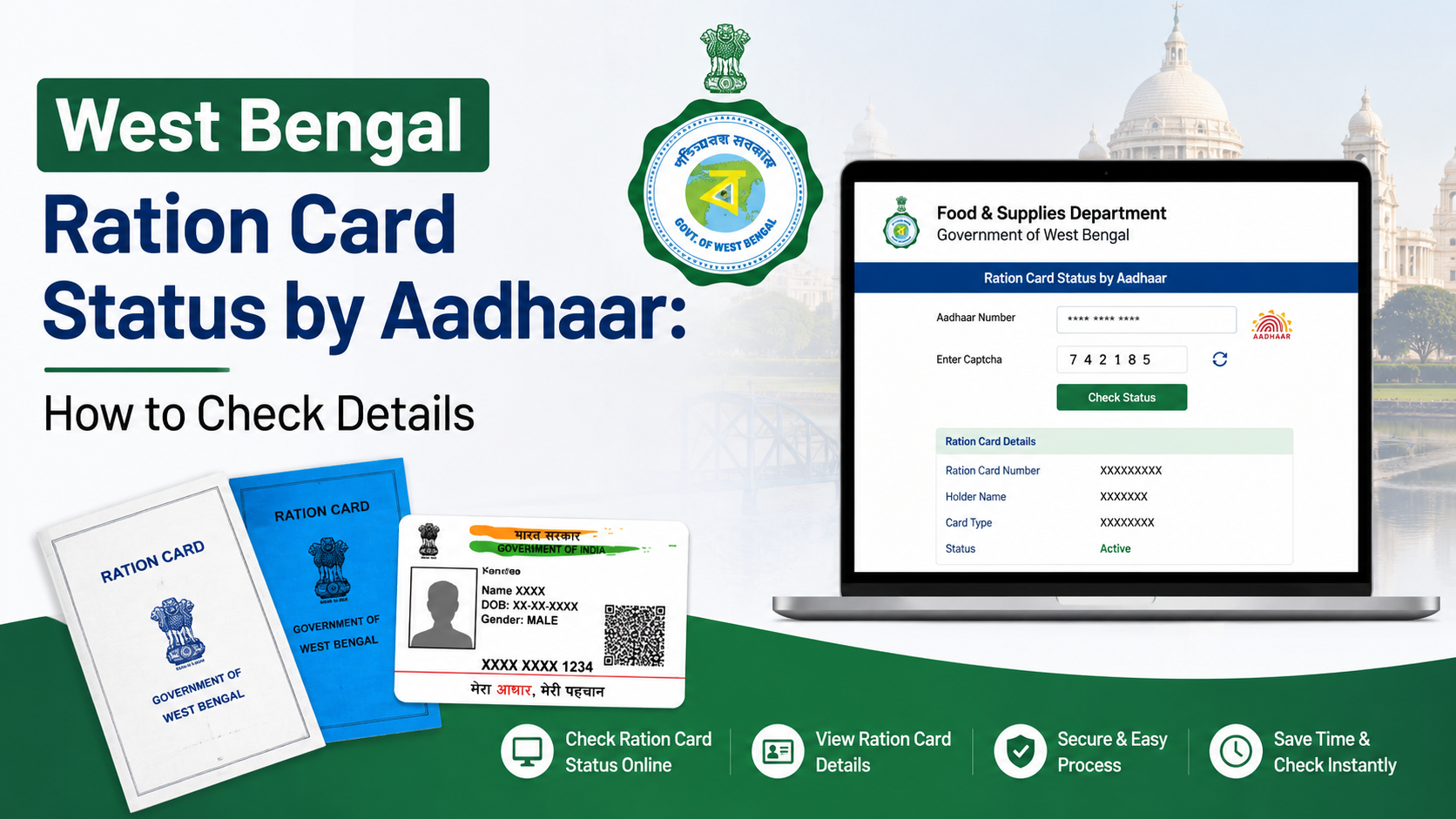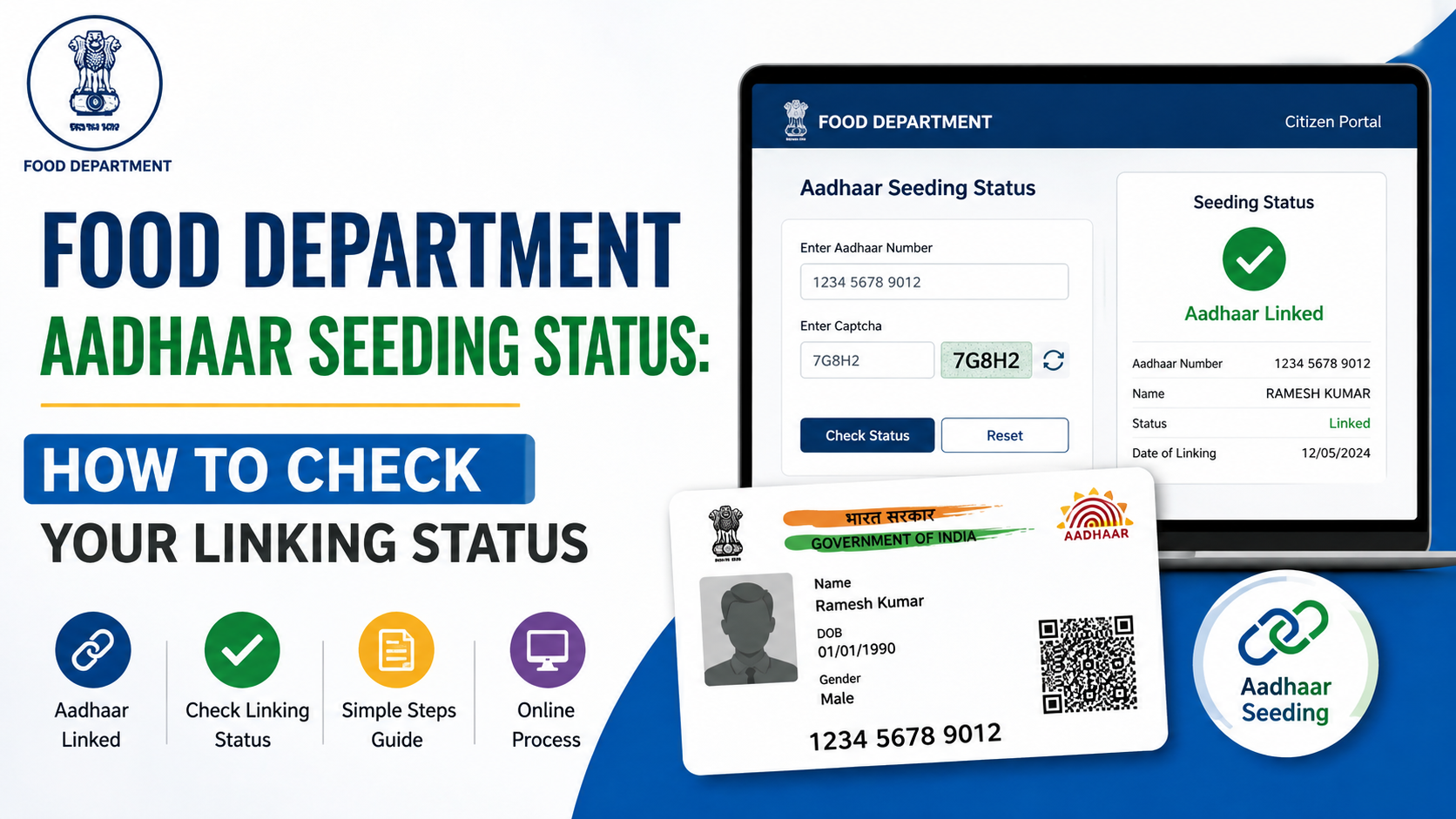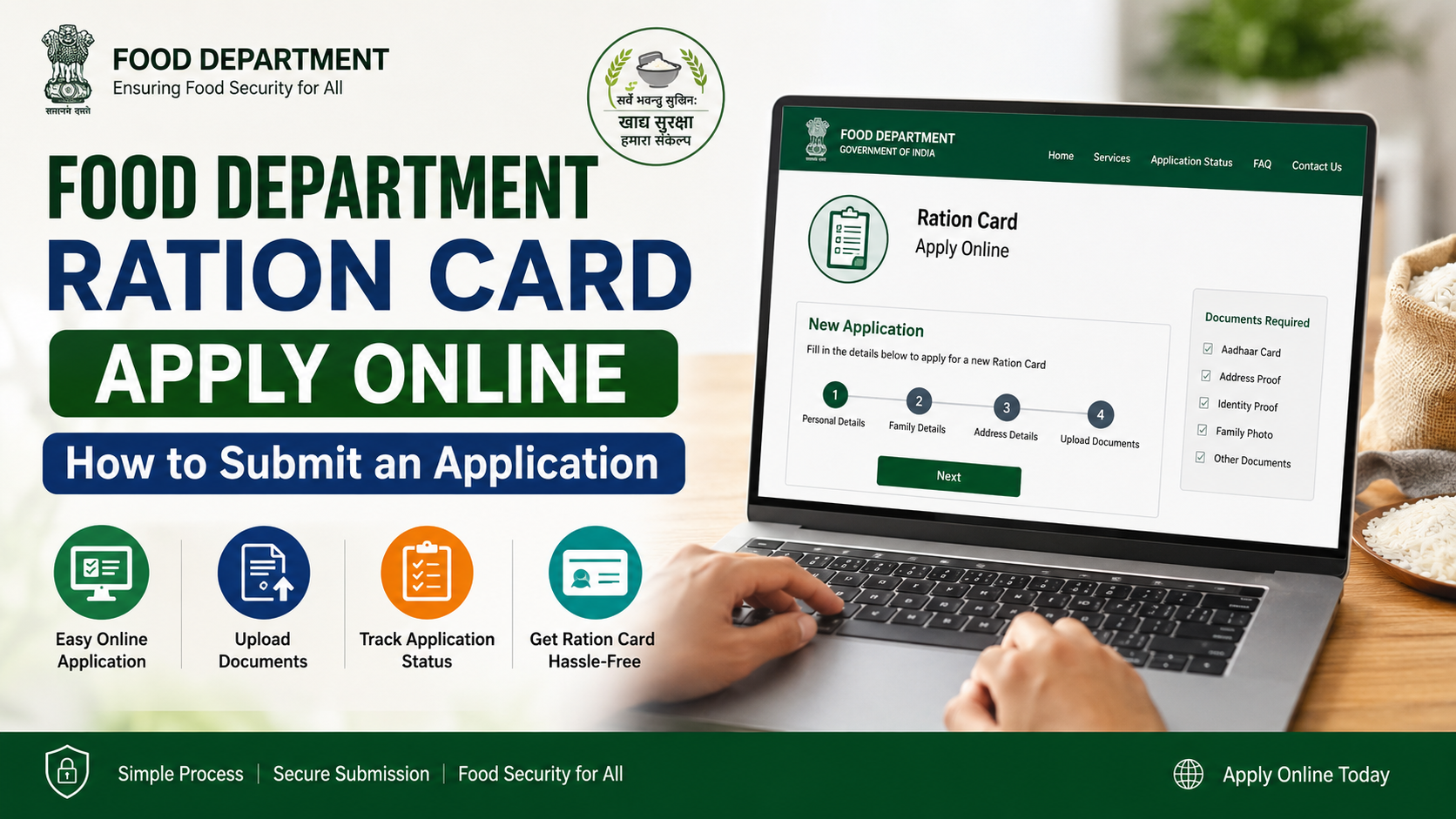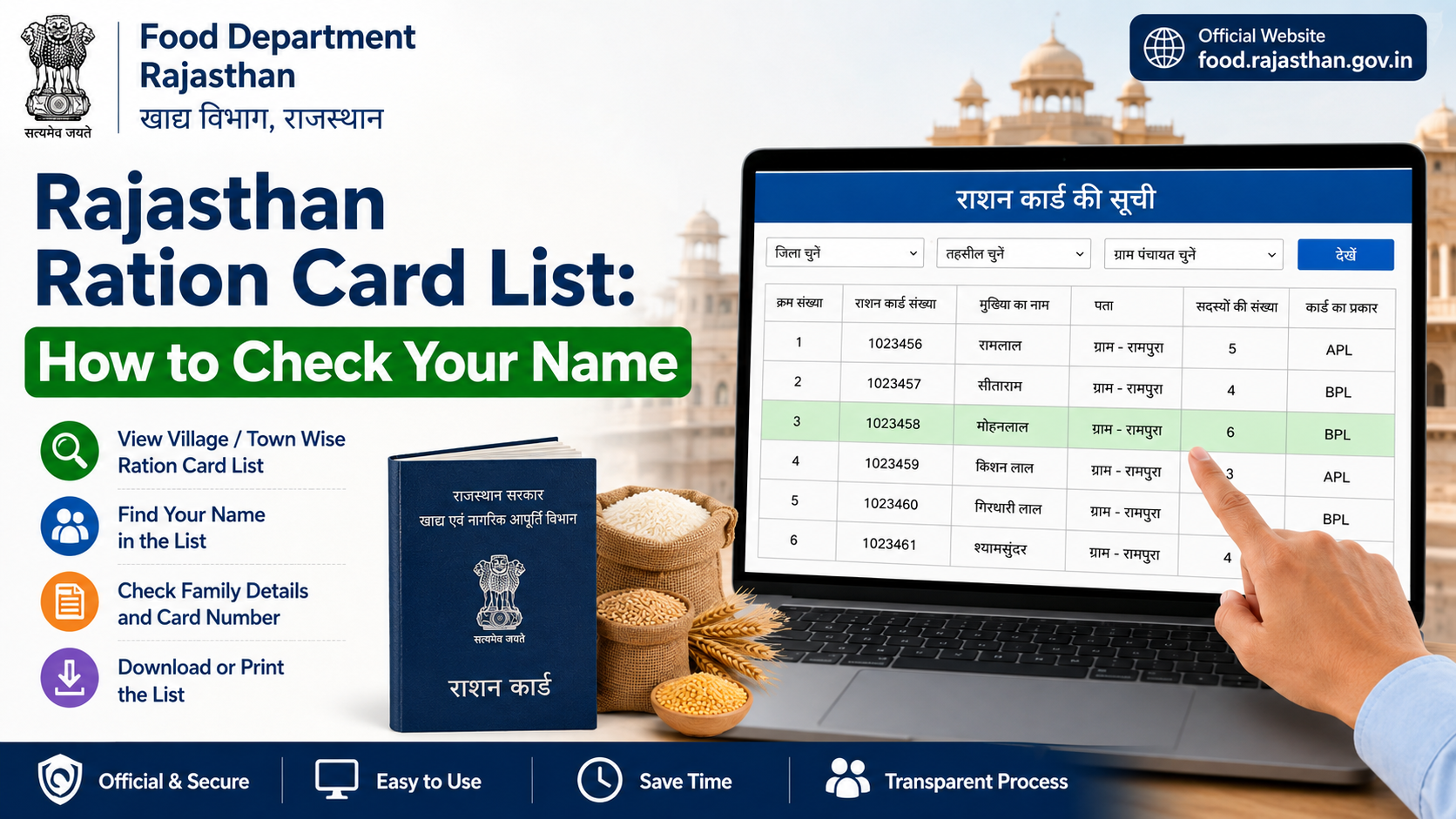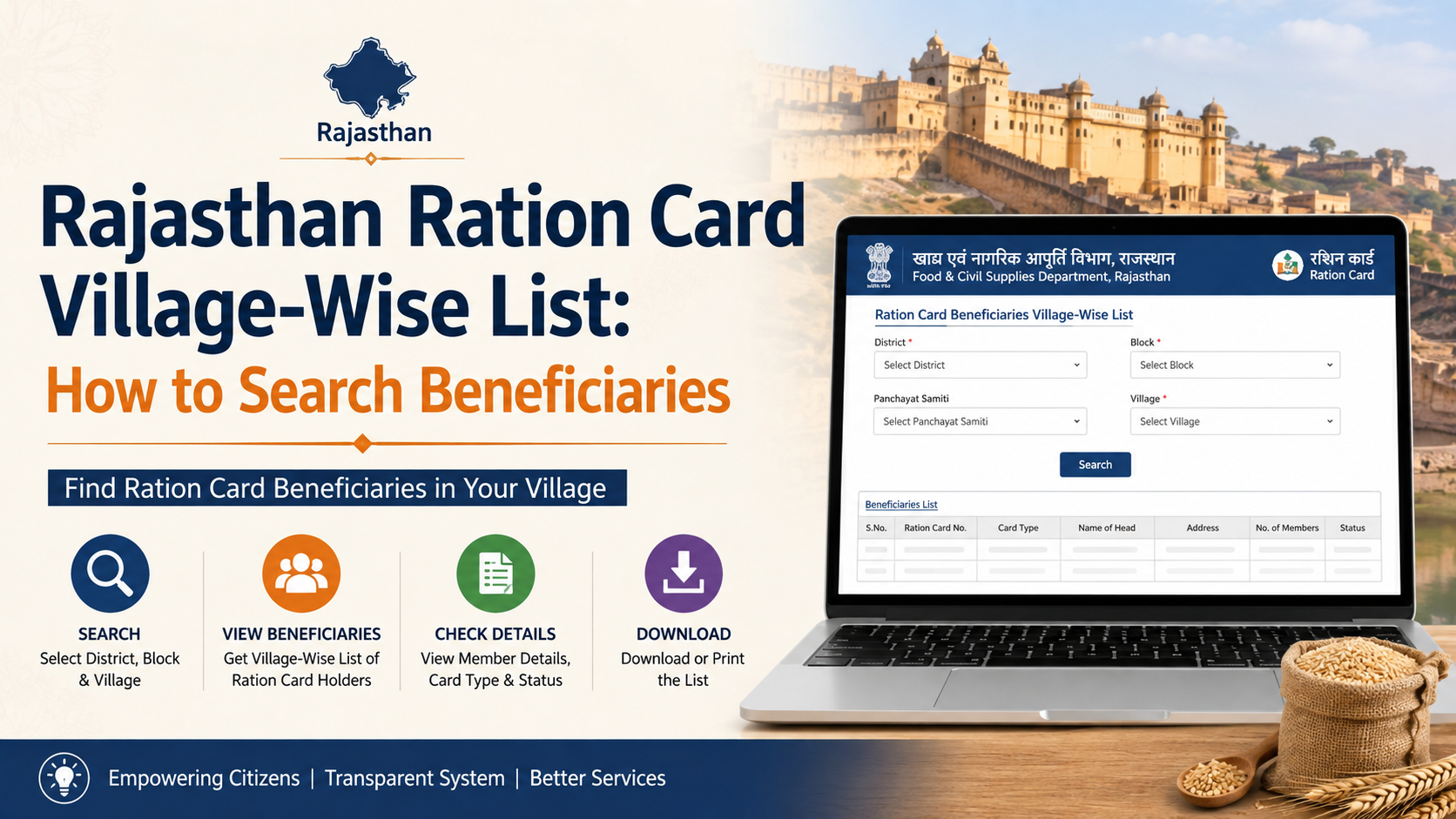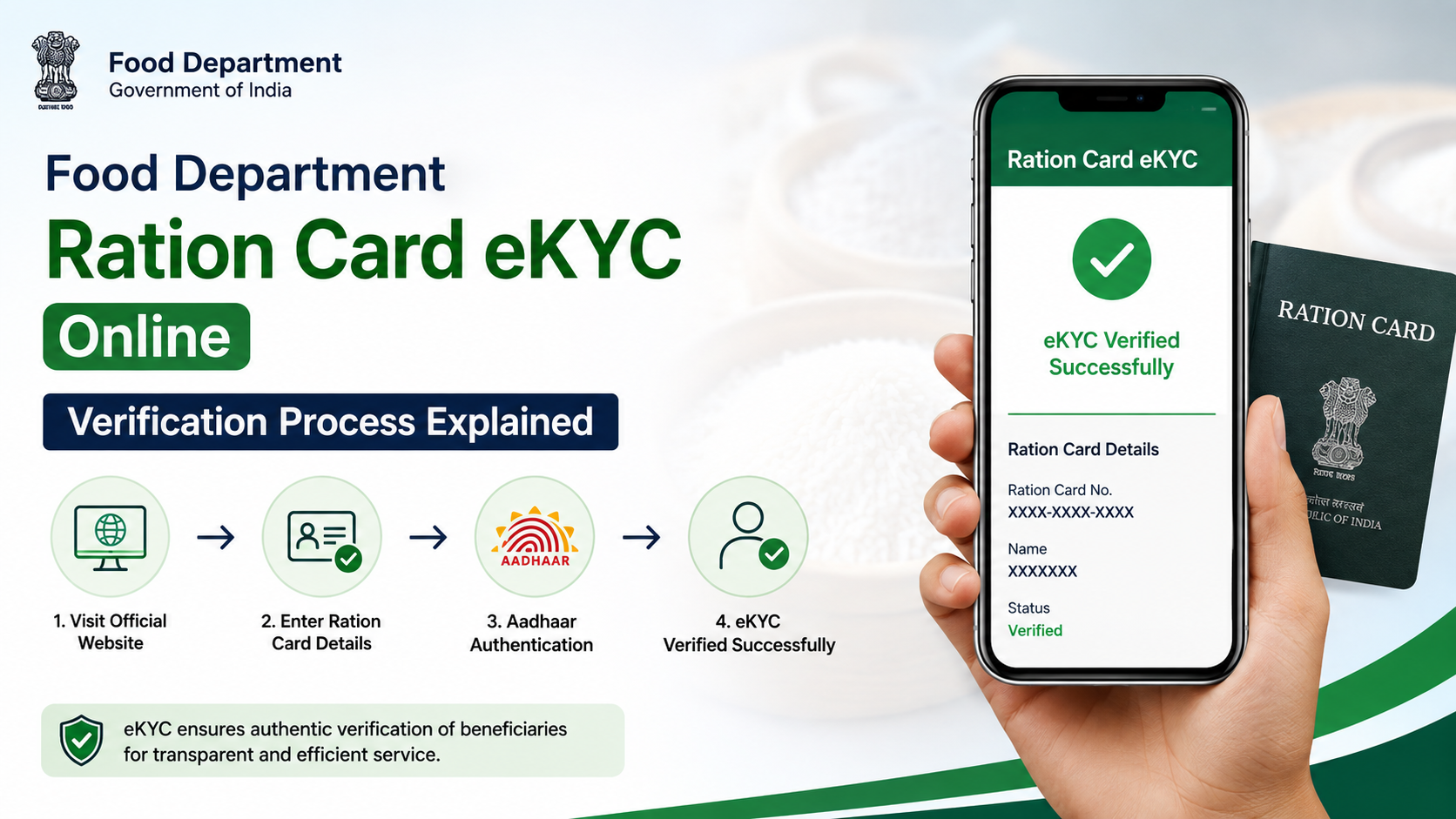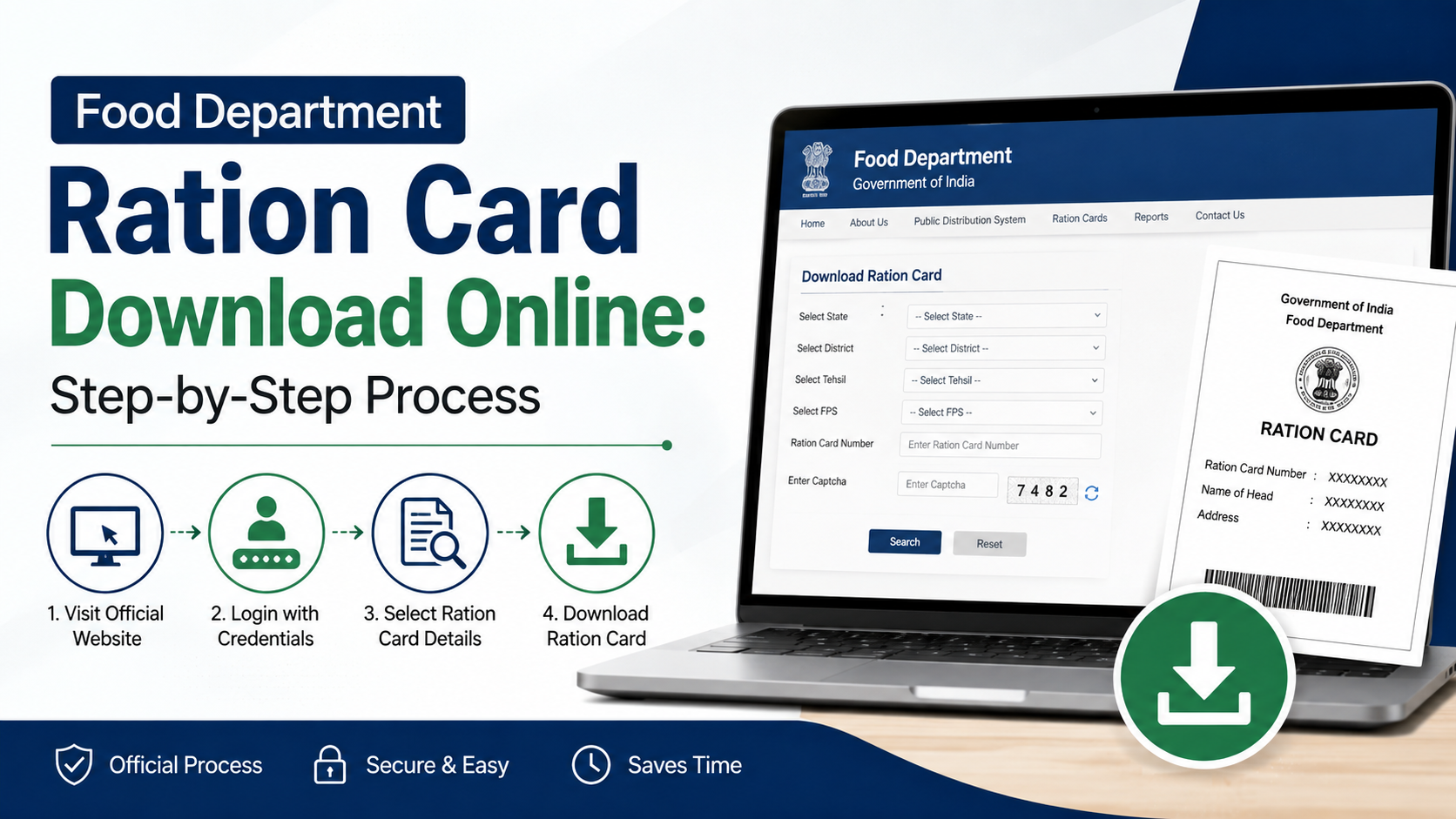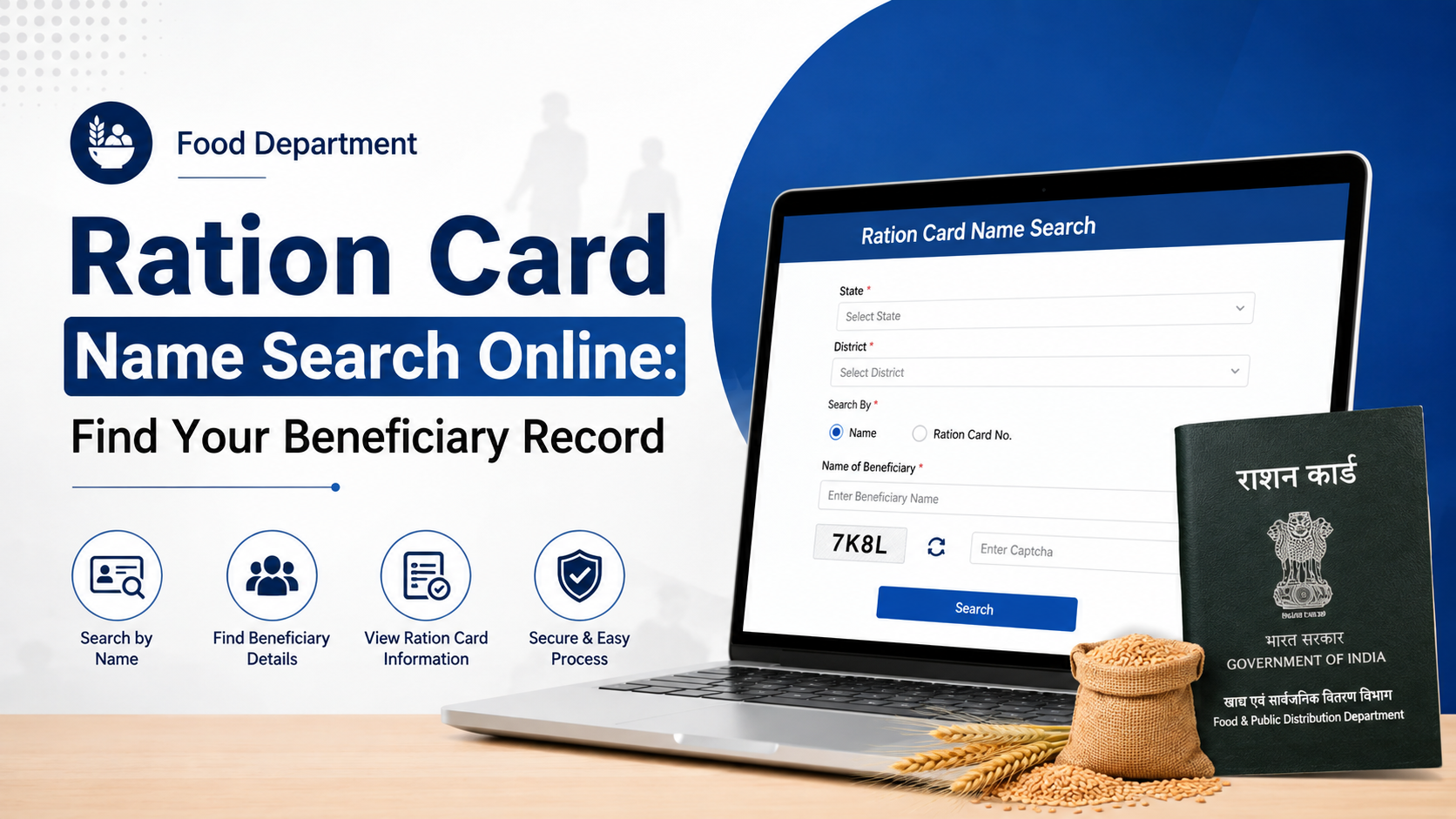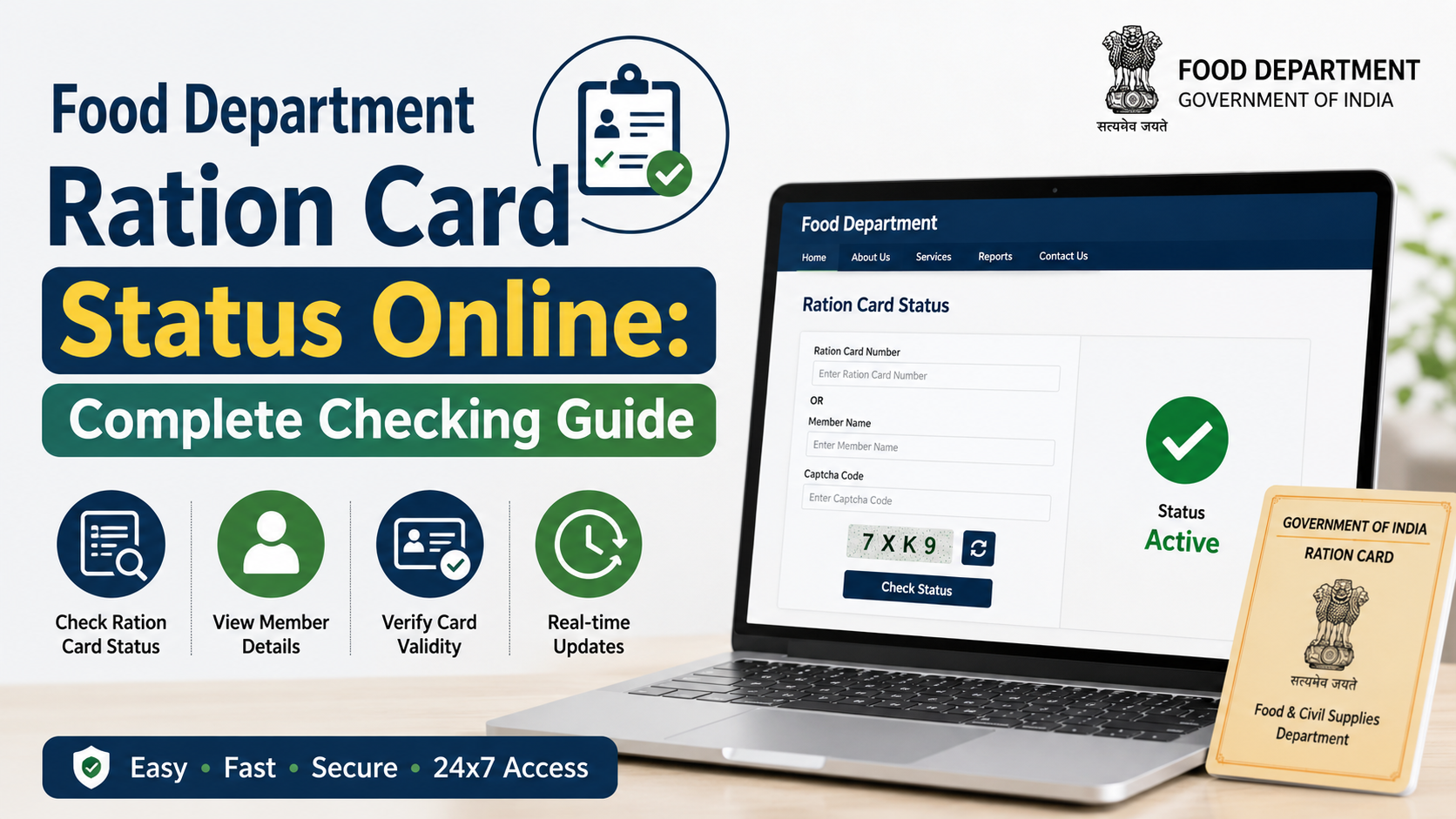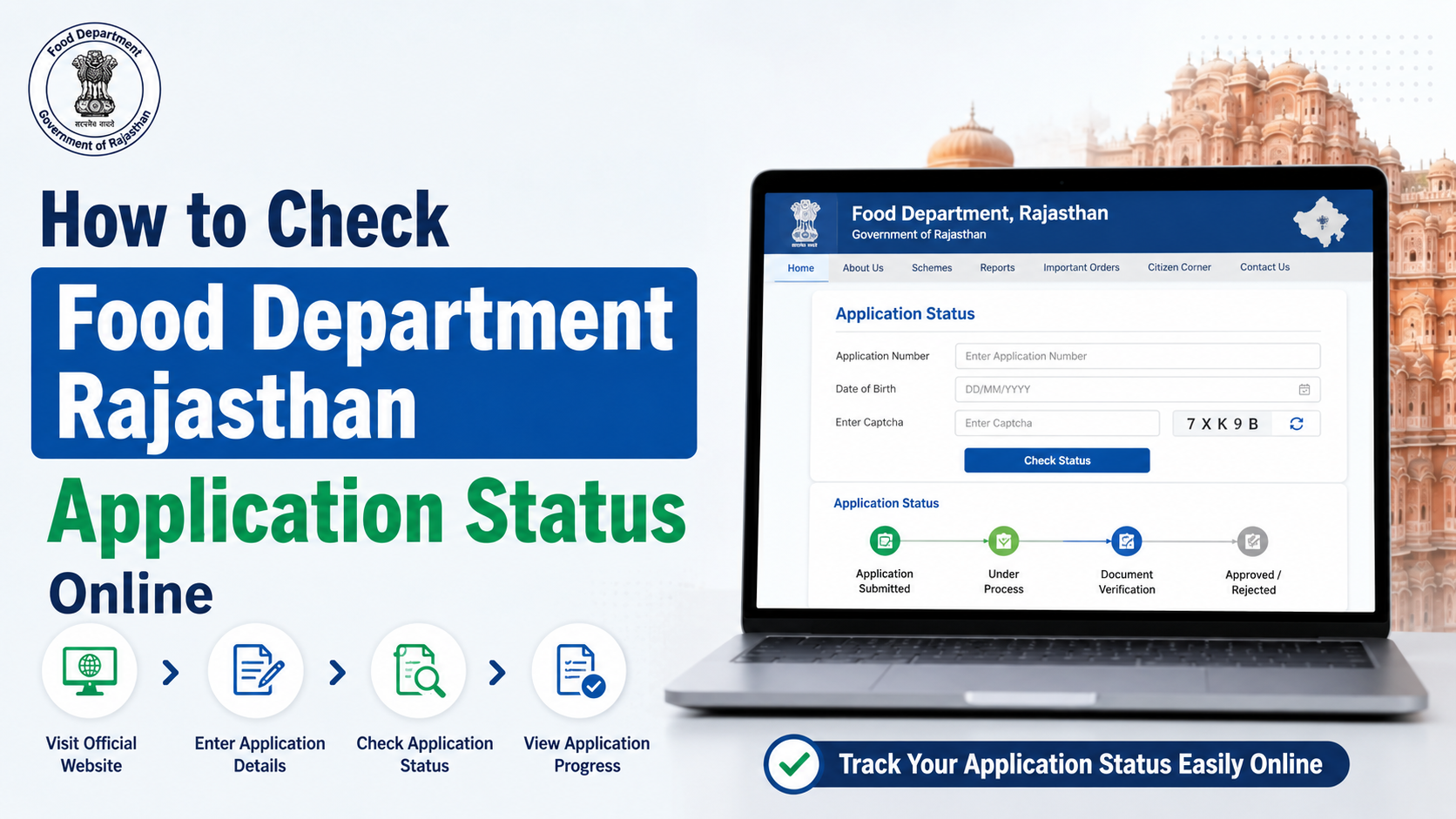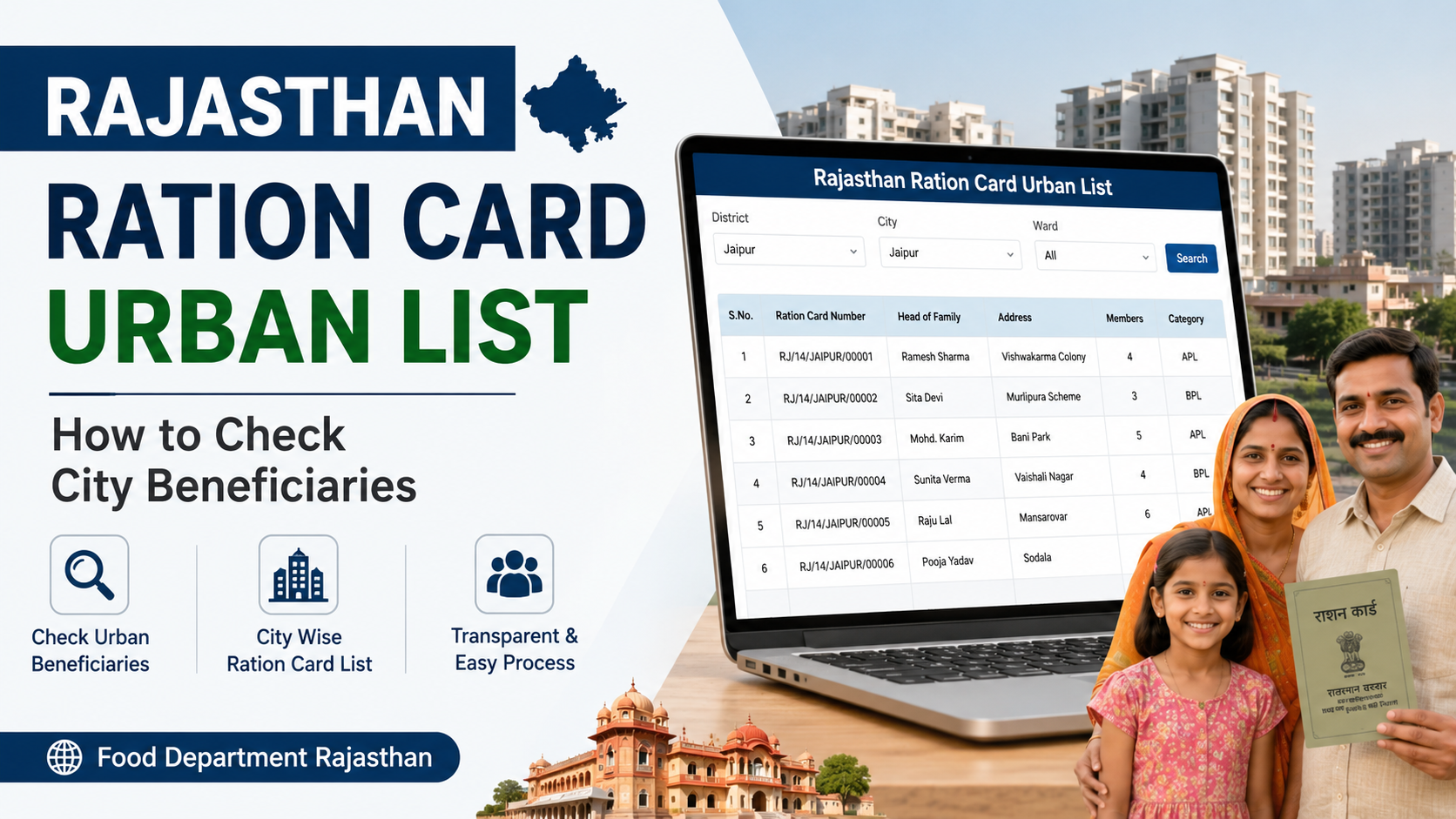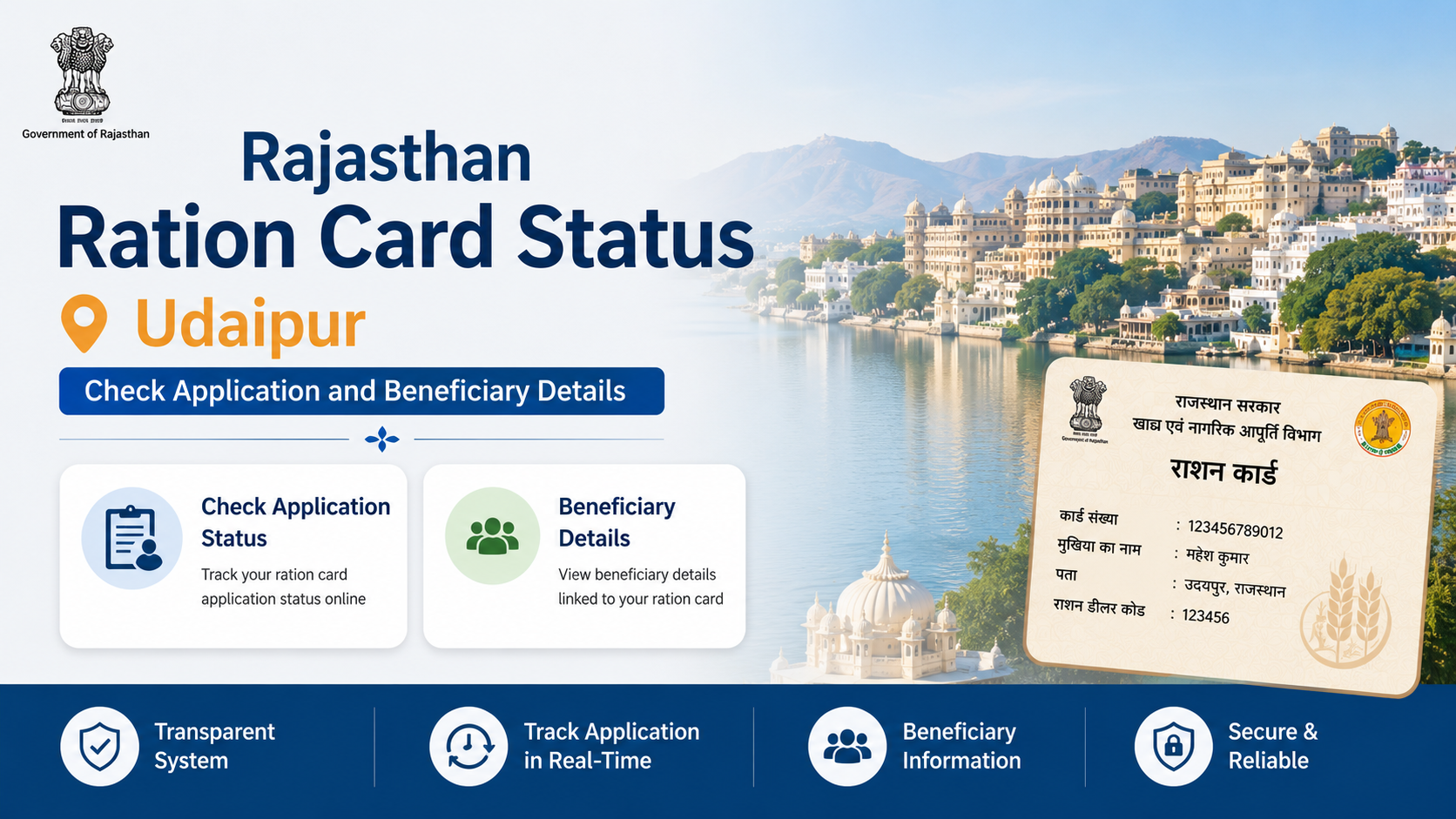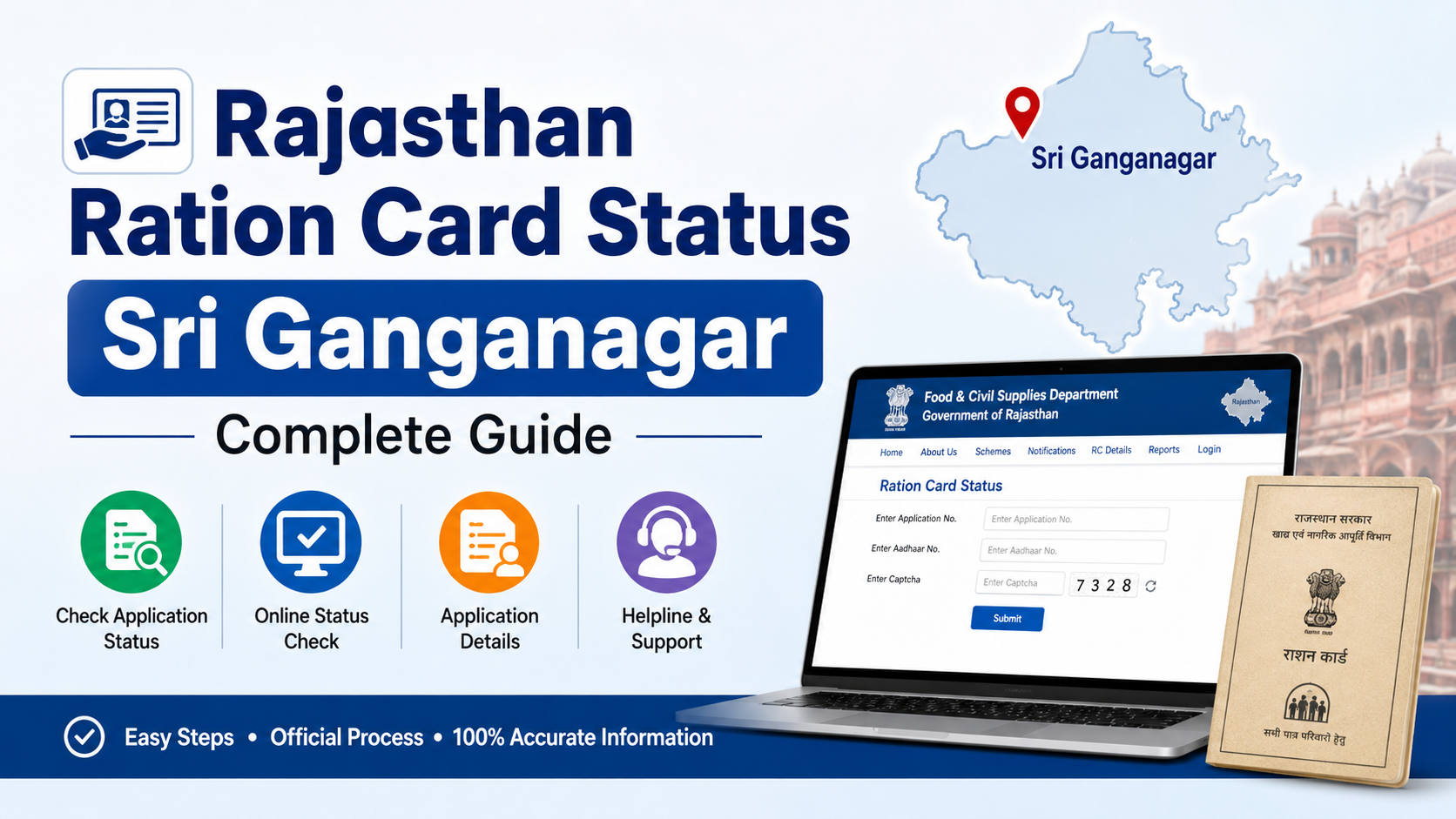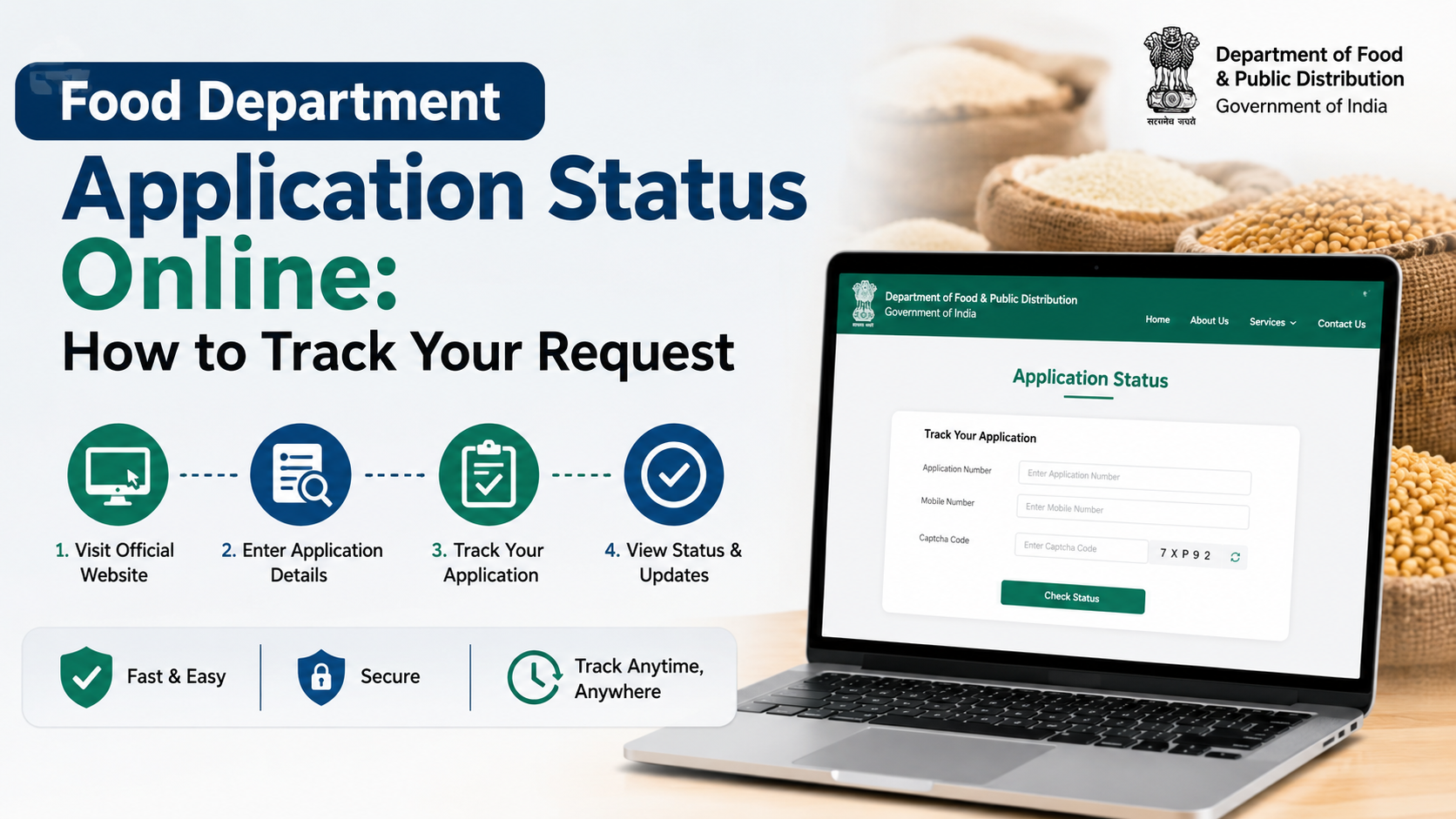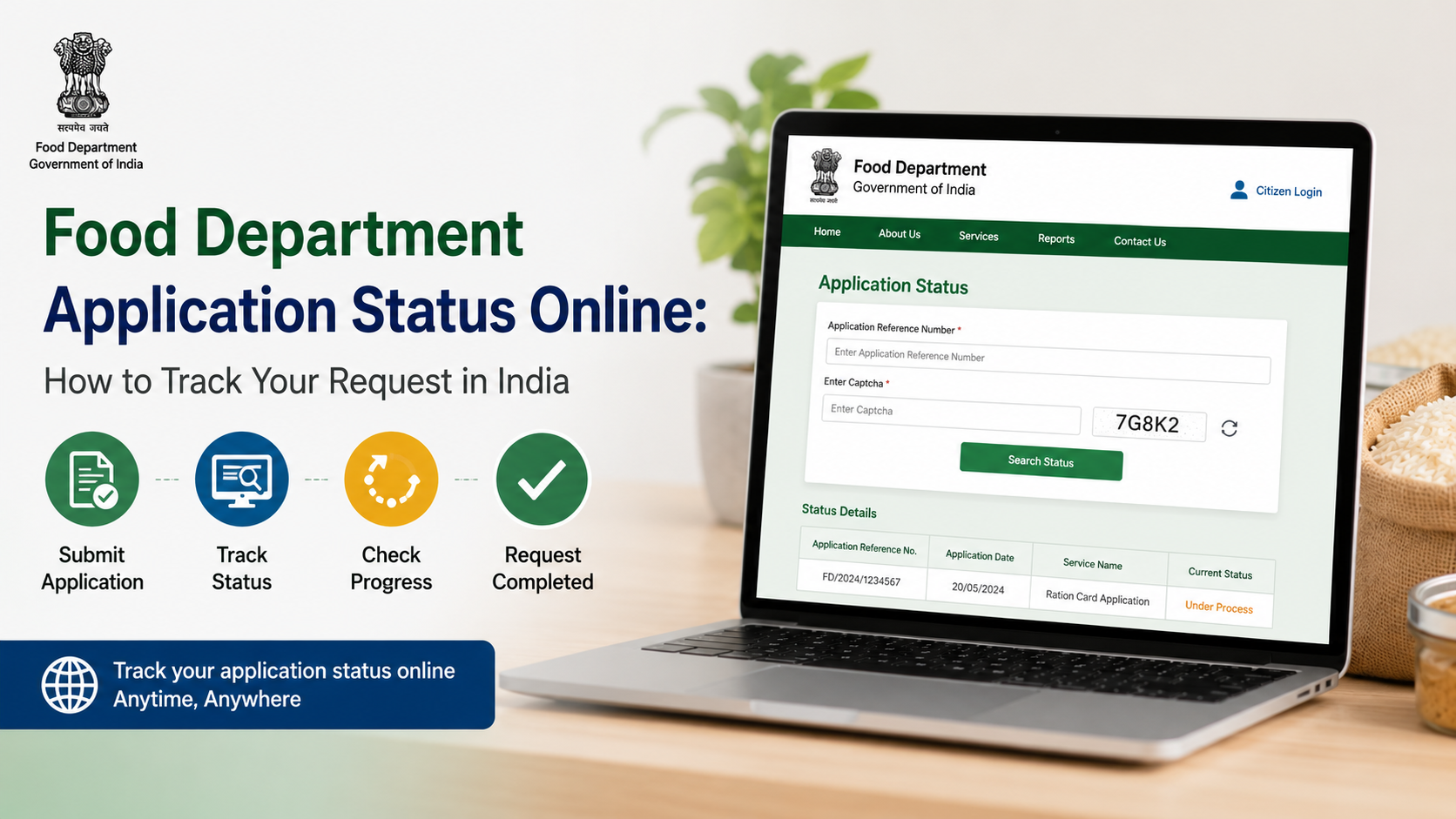
When people search for food department application status online, they usually want to know what has happened to a ration-card-related request: a new ration card, member addition or deletion, address correction, duplicate card, surrender, or another Public Distribution System (PDS) service.
The important point is that India does not have one central tracking page for every food department application. Under the National Food Security Act (NFSA), identifying eligible households and issuing Antyodaya Anna Yojana (AAY) and Priority Household (PHH) ration cards is handled by the relevant State Government or Union Territory Administration. The correct status portal therefore depends on the state or UT where the application was submitted. NFSA: Apply for ration card
Key Takeaways
- Use the same state food, civil supplies, PDS, or citizen-services portal through which you submitted the request.
- Keep your application/reference number, submission date, registered mobile number, and acknowledgement receipt ready.
- The NFSA website provides official links to State and UT ration-card portals and reports.
- “Under process” means the case has not reached a final decision; it is not confirmation of approval.
- If a portal offers only ration-card details, it may show issued-card information rather than the live status of a pending application.
- Use official grievance channels if your application remains unresolved or a required correction is unclear.
Understand Which Application You Are Tracking
“Food department” is a broad term. In most Indian states, the department responsible for ration-card and PDS services may be named the Food and Civil Supplies Department, Food, Civil Supplies and Consumer Affairs Department, Department of Food and Public Distribution, or a similar name.
Before opening a status page, identify the exact service you applied for. Common examples include:
| Request type | What the status may relate to |
|---|---|
| New ration card | Verification, approval, rejection, or card generation |
| Ration-card correction | Update to name, age, address, category, or other recorded information |
| Add or remove a member | Household-member verification and record update |
| Duplicate or replacement card | Eligibility check and issuance process |
| Surrender or transfer | Closure, transfer, or amendment of the existing record |
| PDS grievance | Complaint registration and redressal progress |
Do not assume that a portal’s “ration card search” function is the same as a pending-application tracker. A ration-card search normally helps locate an existing card or beneficiary record. A status tracker is intended to show the progress of the request submitted by the applicant.
Find the Correct Official Food Department Portal
The safest starting point is the Government of India’s NFSA website. Its official ration-card page directs applicants to the relevant State or UT Food Portal for application procedures, reflecting the fact that these services are administered at the state or UT level. NFSA State/UT application guidance
The NFSA portal also maintains a page of State and UT links for ration-card and beneficiary reports. This is useful when you need to identify the food department portal for your state without relying on search-engine advertisements or unofficial blogs. Ration card details on State/UT portals
A practical way to reach the right page
- Open the official NFSA portal.
- Choose the link for your State or Union Territory.
- Look for a menu labelled Online Services, Citizen Services, Ration Card Services, Application Status, Track Application, or similar wording.
- Select the service category matching your submitted request.
- Enter only the details requested by that government portal.
Some states deliver services through their own dedicated PDS site; others use a broader citizen-service platform. For example, the Government of India’s National Government Services Portal identifies Delhi’s PDS online services as including ration-card application-status checking. Delhi PDS online services
What You Need Before Checking Status
A successful food department application usually produces an acknowledgement or receipt. Save it as soon as you submit the application, because it contains the details most trackers need.
Keep the following ready:
- Application number, acknowledgement number, or reference number
- Application submission date
- Registered mobile number
- OTP, if the portal sends one
- Ration card number, if you are tracking a modification to an existing card
- Captcha text, where required
- Copy of the acknowledgement receipt or payment receipt, if applicable
Do not share OTPs, Aadhaar details, ration-card credentials, or document images with unverified websites, callers, or social-media accounts. Enter information only on the official government portal you reached through an official source.
How to Check Food Department Application Status Online
Although page labels differ by state, the process is usually straightforward.
Step 1: Open the state’s official tracking service
Start from the relevant State/UT food portal or the citizen-service portal stated on your application acknowledgement. Look for an option such as:
- Track Application Status
- Application Status
- Know Your Application Status
- View Application
- Ration Card Application Status
If you applied at a Common Service Centre (CSC), kiosk, or department office, the receipt should still contain an application or acknowledgement number. Ask the centre to help locate the official tracking link if it was not printed.
Step 2: Choose the correct search method
A portal may allow tracking through one or more of the following:
- Application/reference number and submission date
- Registered mobile number and OTP
- Ration card number
- Applicant name and district or local-body details
- Login credentials for the state citizen-services account
Use the reference-number method whenever available. It is generally more precise than name-based search, particularly where multiple residents have similar names.
Step 3: Review the displayed status carefully
Read every field on the result page, not only the headline status. It may show the current office, remarks, document requirements, verification stage, or date of the last update.
Take a screenshot or download the status page if the portal provides that option. This creates a useful record if you later need to contact the department.
Step 4: Follow portal instructions for the next action
If the portal shows an objection, missing document, appointment, or resubmission instruction, act only through the stated official channel. Upload a document again only if the portal requests it or the department confirms the requirement.
Do not submit multiple fresh applications merely because the original request is still pending. Duplicate submissions can make records harder to resolve.
What Common Status Messages Usually Mean
Terminology varies between states and service platforms, so the exact wording on the official portal takes priority. These are practical interpretations, not universal legal definitions.
| Portal status | What it generally indicates | What to do |
|---|---|---|
| Submitted / Received | The department has recorded the request. | Save the acknowledgement and wait for the next update. |
| Under Process / Pending | The request is still being examined, verified, or routed. | Check remarks and track through the same portal. |
| Verification Pending | Field, document, or record verification may be incomplete. | Review portal instructions; contact the designated office if no action is stated. |
| Query Raised / Objection | The department needs clarification or supporting information. | Respond within any deadline displayed on the official portal. |
| Approved | The request has been accepted. | Check whether card generation, download, collection, or record update is still required. |
| Rejected | The request was not accepted. | Read the stated reason and use the applicable correction, reapplication, or appeal route. |
| Disposed / Delivered | The service has reached its recorded completion stage. | Confirm that the issued card or updated details are correct. |
Approval does not always mean that an updated ration-card record will appear immediately in every search tool. Use the application-status page for the decision and the relevant ration-card search or report for the issued or updated record, where available.
Use ServicePlus When Your State Service Is Hosted There
Some government services are delivered through ServicePlus, an NIC-supported e-service platform. Its official guidance says applicants can select Track Application on the home page and use the application reference number and submission date. Registered users can also log in and navigate to View Status of Application and then Track Application Status. ServicePlus official FAQ
ServicePlus also states that services may be offered through its website, mobile application, state-specific portals, and the National Portal of India. This means it is a possible route—not a replacement for your state food department’s instructions. If the service you need is not listed for your state, return to the State/UT Food Portal linked by NFSA.
If an online payment was attempted but the application shows a failure message, ServicePlus directs logged-in users to View Status of Application > Revalidate Payment. Use this route rather than paying again without checking whether the transaction was recorded. ServicePlus payment-status guidance
If You Cannot Find Your Application
First, check for simple input errors:
- Enter the reference number exactly as printed.
- Use the submission date in the format required by the portal.
- Confirm that you selected the correct service and state.
- Use the mobile number registered during the application.
- Try again after clearing a typing error in the captcha field.
If the portal still cannot locate the request, refer to the acknowledgement receipt and contact the office, helpline, CSC, or portal support channel specified there. Carry or upload only the documents requested by the official authority.
The NFSA website also provides an online grievance route and a Know Your Grievance Status facility. Its listed complaint categories include “Applied for Ration Card but could not receive it.” This can be appropriate when the issue concerns NFSA/PDS service delivery and the regular application route has not resolved it. NFSA online complaint and grievance-status services
For existing NFSA beneficiaries, the official Mera Ration 2.0 FAQ says the app provides ration-card details, entitlement information, transaction history, nearby Fair Price Shop location, and grievance submission with redressal-status monitoring. It is useful for beneficiary information and grievances, but applicants should still use the state portal for the formal application status where that is the prescribed route. Mera Ration 2.0 FAQ
Avoid These Common Mistakes
A little care prevents many tracking problems.
- Do not use a private website that asks for a fee merely to display a government application status.
- Do not mistake an ePoS distribution report for an application tracker; ePoS pages concern Fair Price Shop distribution reporting.
- Do not rely on social-media posts for approval, rejection, or document requirements.
- Do not use another household’s ration-card number or mobile number to try to access status information.
- Do not assume a particular processing period applies nationwide; timelines, verification steps, and appeal processes can differ by state and service.
- Do not ignore portal remarks. A request can remain pending if a query is awaiting the applicant’s response.
Frequently Asked Questions
Is there one national website for food department application status online?
No. Ration-card eligibility identification and card issuance under NFSA are handled by State Governments and UT Administrations. The NFSA website is the official starting point for finding the relevant State/UT food portal, but the live application tracker is usually state-specific. NFSA application guidance
Can I check status using only my ration card number?
Possibly, but only if the state portal offers that search option and the request relates to an existing card. For a new-card application, the application or acknowledgement number is usually the more suitable identifier.
What should I do if the status says “under process”?
Check the page for remarks, pending documents, verification details, or a designated office. If no action is requested, retain the acknowledgement and continue checking the same official portal. Avoid filing duplicate applications.
My application is approved. How do I get the ration card?
Follow the instructions on the state portal or approval notice. The next step may be digital card availability, record updating, collection, or another state-specific process. Confirm the names, address, and household details once the record is available.
Can I complain if I applied but did not receive a ration card?
Yes. Start with the official state food department or citizen-service route used for the application. For NFSA/PDS-related unresolved issues, the NFSA website offers an online complaint option and grievance-status tracking. NFSA grievance services
Conclusion
To check your food department application status online, use the official State or UT portal connected to the application—not a generic search result. Begin with the NFSA portal if you need help locating the right state food department website, then track the request using your acknowledgement number, submission date, or registered mobile number. Read portal remarks closely, preserve your receipt, and use the relevant official grievance channel if the application cannot be found or remains unresolved.