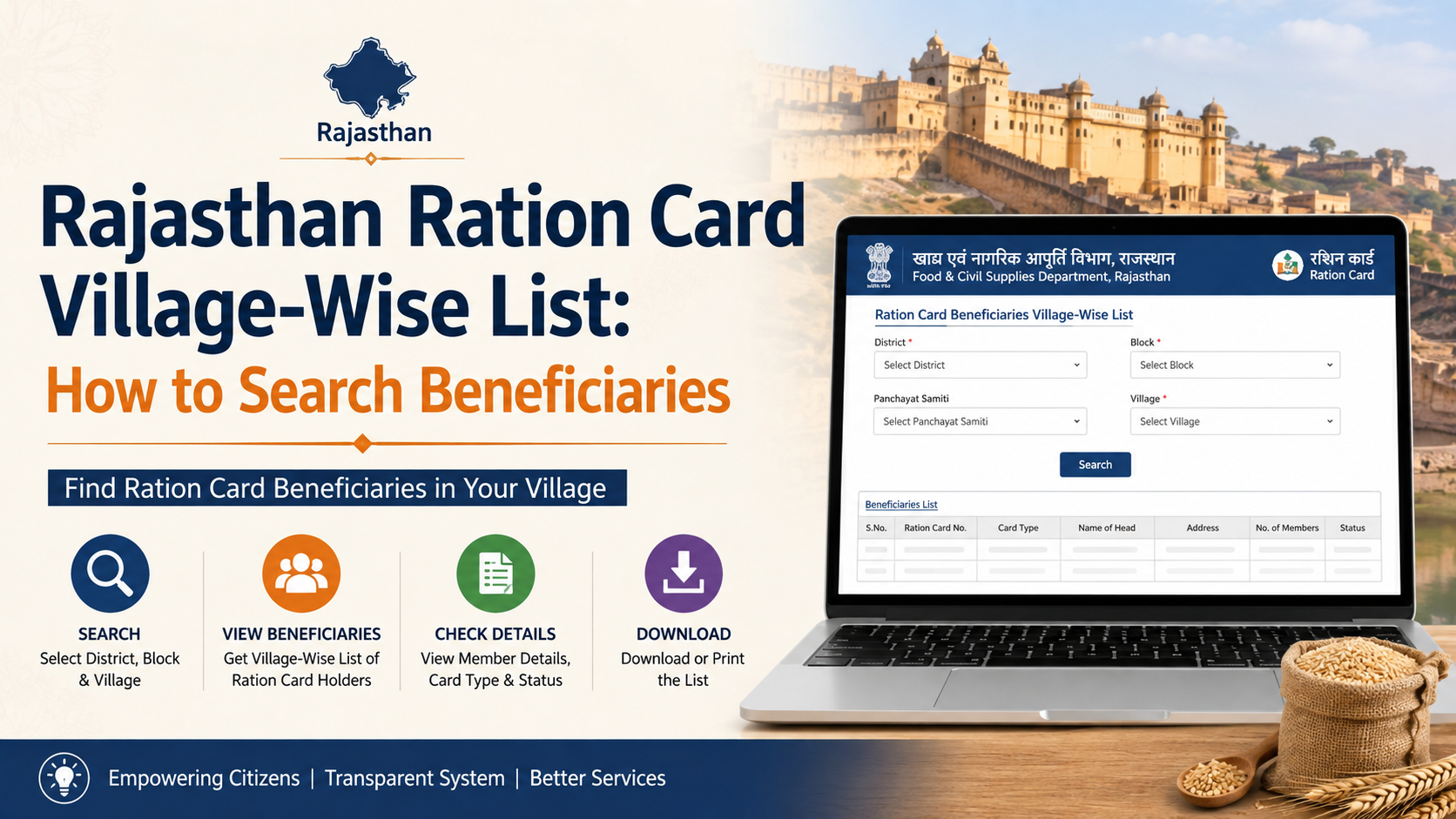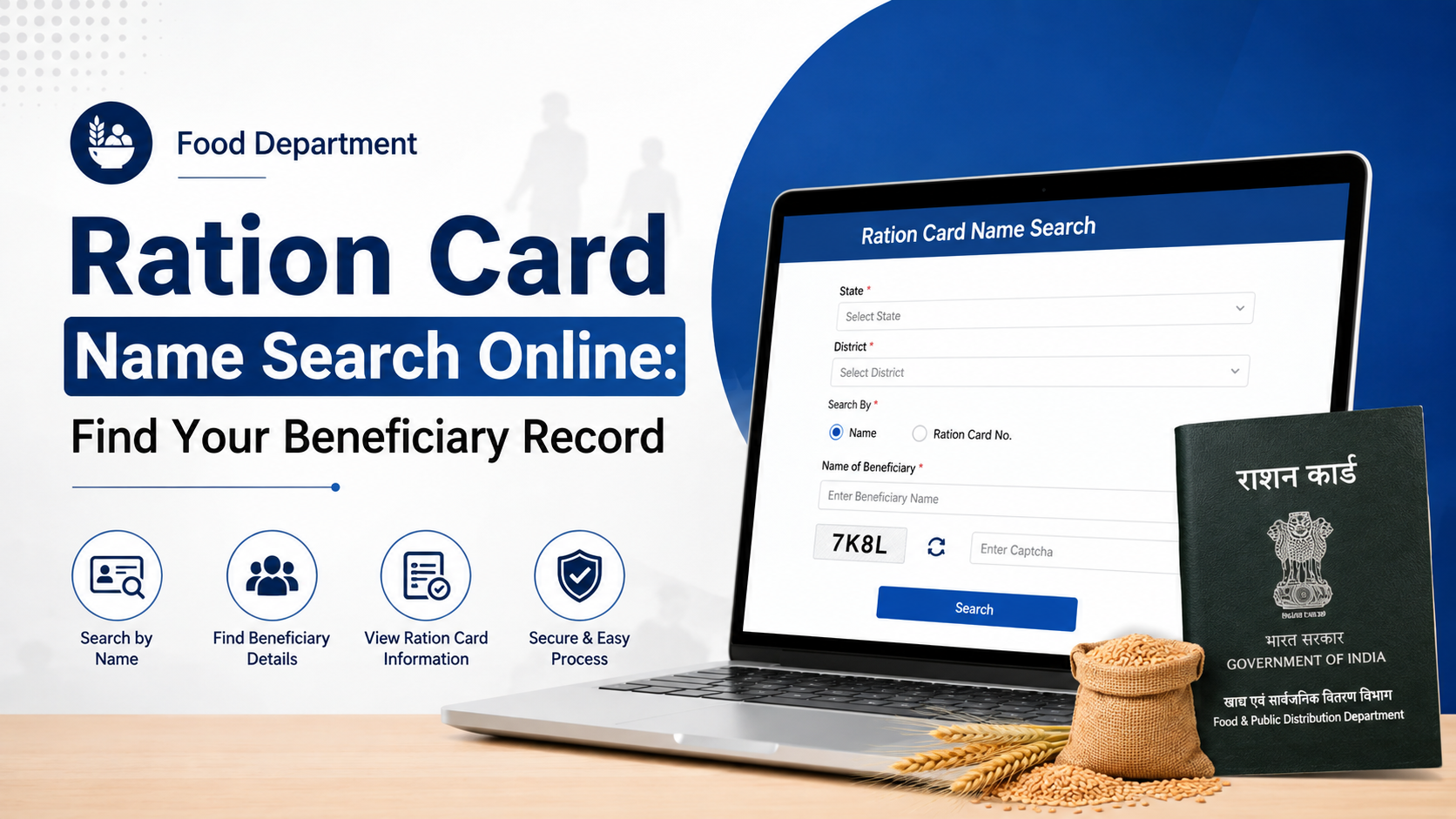
If you are searching for the food department ration card apply online process, the most important point is this: there is no single nationwide application form that approves every new ration card. Under the National Food Security Act (NFSA), State Governments and Union Territory administrations identify eligible households and issue ration cards. Therefore, you must apply through the official Food, Civil Supplies, or Public Distribution System (PDS) portal for the State or UT where your household resides.
The central National Food Security Portal provides an official directory of State/UT ration-card portals. This guide explains how to find the right portal, submit an online request safely, prepare for verification, and follow up if your application is delayed.
Key Takeaways
- New ration-card applications are handled by the relevant State Government or UT administration, not through one universal national form.
- Start from the official NFSA State/UT portal directory to avoid unofficial websites.
- Eligibility, documents, fees, and approval timelines can differ by State or UT.
- Keep clear copies of identity, address, family-member, and any State-required eligibility documents before beginning.
- Save the acknowledgement or application reference number immediately after submission.
- An approved NFSA card may be categorised as a Priority Household (PHH) or Antyodaya Anna Yojana (AAY) household, subject to State/UT identification rules.
Understand What a Ration Card Application Does
A ration card is a household document used by State and UT food departments to record eligible beneficiaries under the Targeted Public Distribution System (TPDS). It can enable eligible households to receive foodgrains through Fair Price Shops (FPS).
The National Food Security Act, 2013 provides for two principal NFSA beneficiary categories:
| Category | Central foodgrain entitlement |
|---|---|
| Priority Household (PHH) | 5 kg per eligible person per month |
| Antyodaya Anna Yojana (AAY) household | 35 kg per household per month |
The Department of Food and Public Distribution states that free foodgrains for eligible AAY and PHH beneficiaries continue under PMGKAY for five years from 1 January 2024, according to their entitlement. A new application, however, does not automatically guarantee NFSA coverage: the State or UT must assess the household under its applicable criteria and available coverage. Official PMGKAY information
Some States also operate State-specific food-security schemes or non-NFSA ration-card categories. The benefits and rules for these schemes are determined locally, so read the notices on your State portal before applying.
Find the Correct Official Food Department Portal
The safest route is the Government of India’s Apply for Ration Card page. It confirms that new ration-card procedures are handled by the respective State Government or UT administration and directs applicants to State/UT food portals.
Use the NFSA State/UT directory
Follow these steps:
- Open the NFSA State/UT ration-card portal directory.
- Select your State or Union Territory.
- Look for a service labelled “Apply for New Ration Card,” “Citizen Services,” “Ration Card Management System,” or a similar official option.
- Confirm that the page belongs to the relevant government department or is linked from the NFSA directory.
- Create an account, if the portal requires one, using your own mobile number and email address where available.
Do not rely on search advertisements, social-media posts, agents, or websites that ask for a fee merely to show you an application link. A genuine government portal will normally be linked from the NFSA directory or the official website of your State’s Food and Civil Supplies Department.
If your State does not offer a full online form
Not every State/UT service works in exactly the same way. A portal may allow complete digital submission, document upload and status tracking. Another may provide a downloadable form, appointment process, or local office submission after online registration.
If no online application option is shown, use the contact details, grievance link, or district office information published on your State’s official PDS or food department page. Do not submit personal documents to an unverified third party.
Check Eligibility Before You Start
Eligibility for an NFSA ration card is determined by States and UTs. The central government does not publish one uniform income limit or one identical document checklist for every applicant.
Your State’s portal may assess factors such as:
- Household composition and residence in the State or UT
- Existing ration-card records for household members
- Socio-economic or exclusion criteria prescribed by the State/UT
- Whether the household seeks PHH, AAY, or a State-specific category
- Valid address and identity details
- Duplicate or migrated beneficiary records
Avoid duplicate household applications
Before submitting a new request, check whether you or another household member is already listed on an existing ration card. A person should not ordinarily be recorded as a beneficiary in two different household records at the same time.
If you have moved, married, separated into a new household, or need to remove a deceased family member from an old card, the appropriate service may be “change,” “deletion,” “surrender,” or “transfer” rather than a new-card application. Selecting the wrong service can cause avoidable delays.
Keep Documents Ready for Online Submission
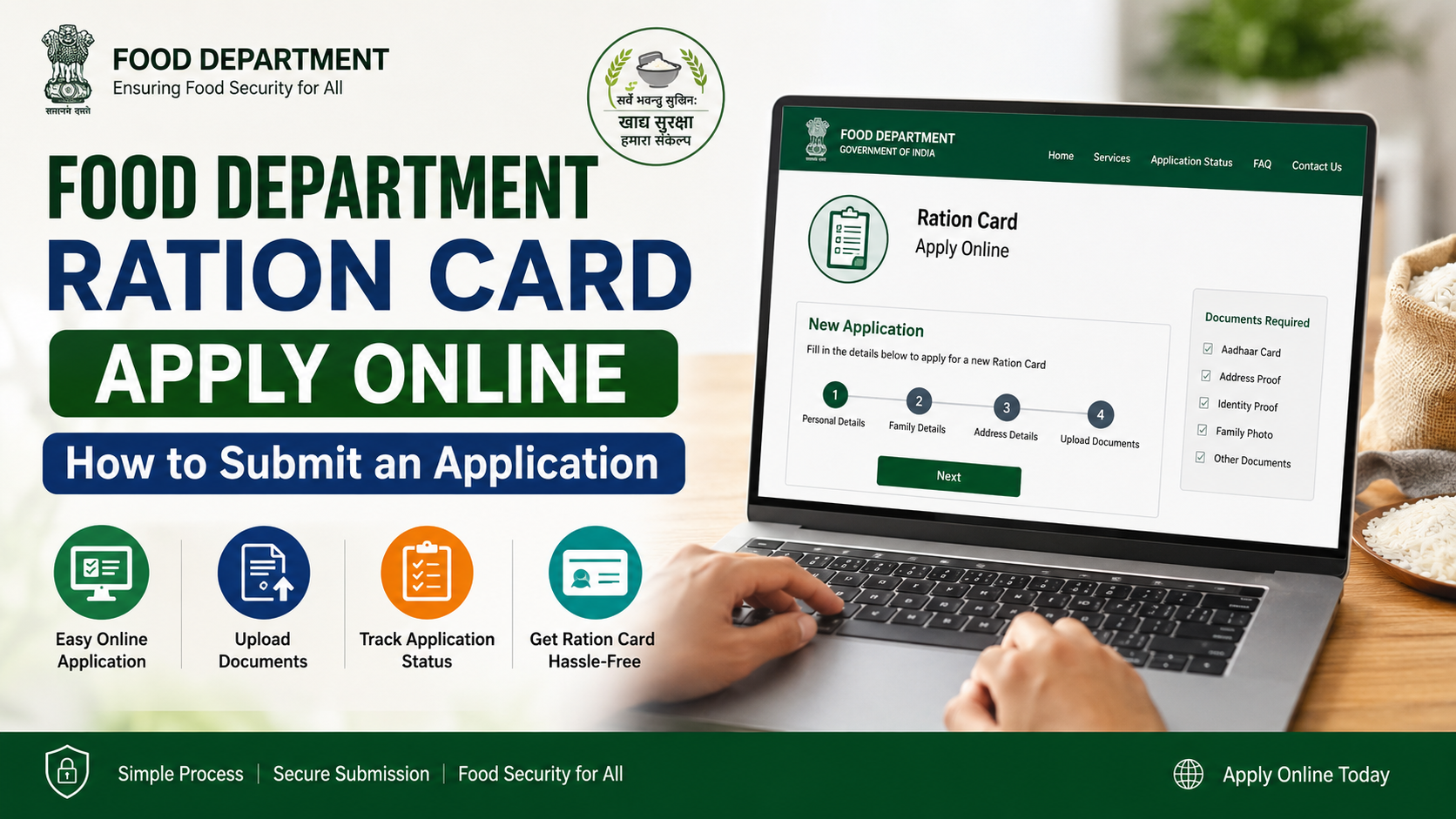
The exact documents are State-specific. The official application portal is the final authority on what to upload. Still, applicants commonly need digital copies of documents that establish the household’s identity, residence, and family details.
| Purpose | Documents commonly requested by State/UT portals |
|---|---|
| Applicant identity | Aadhaar or another accepted government identity document |
| Residence | Address proof accepted by the relevant State/UT |
| Household details | Names, ages, relationship details, and identity information of family members |
| Photograph | Passport-size photograph, where the portal asks for one |
| Category or eligibility evidence | Documents required for the selected State/UT scheme or category |
| Existing-card action | Old ration-card details, surrender certificate, or deletion proof where applicable |
Use only current, readable documents. Ensure that names, date of birth, address spelling, and family relationships are consistent across the form and uploads. A mismatch does not always mean rejection, but it may trigger clarification or field verification.
Aadhaar and e-KYC
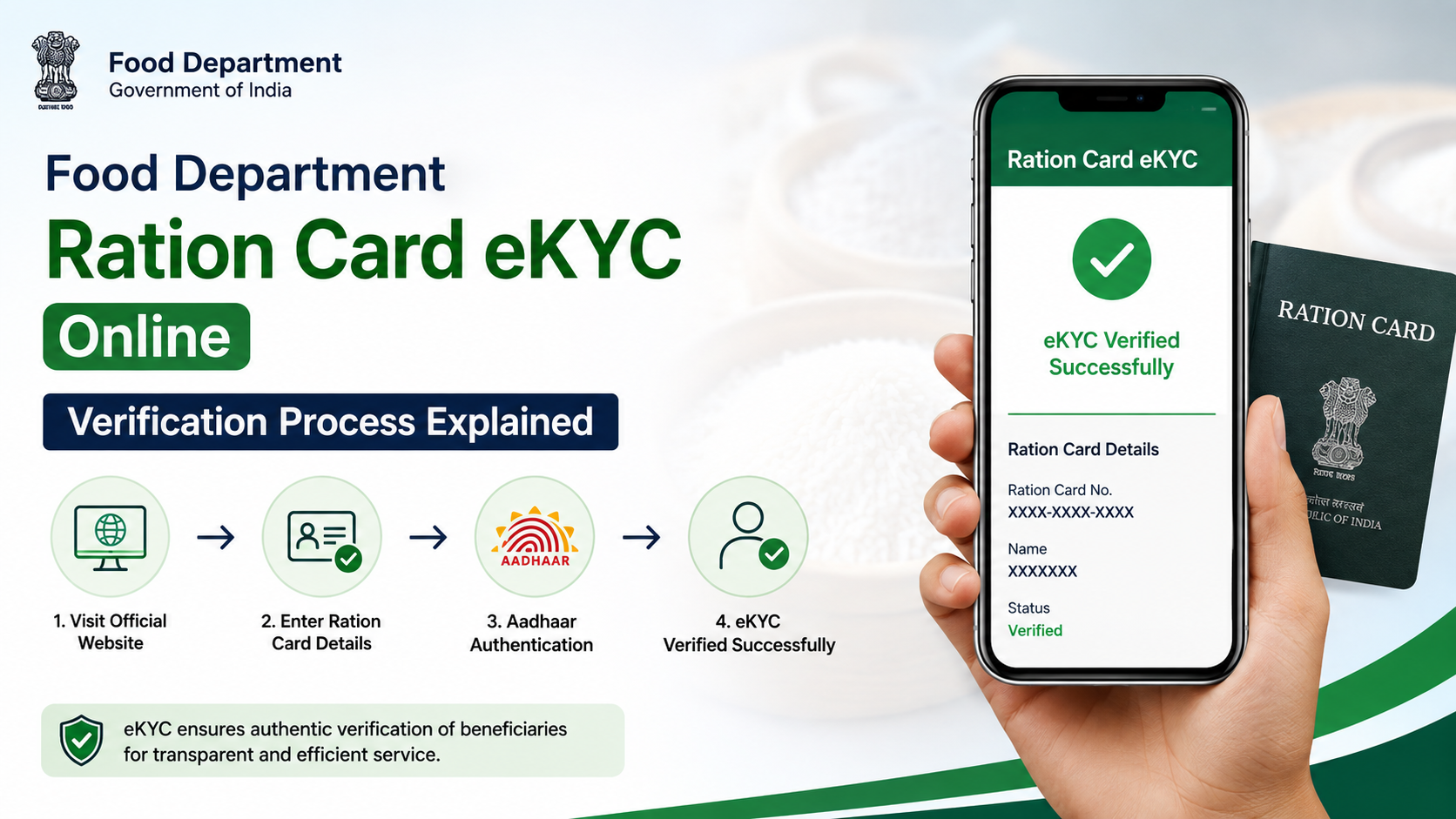
Many PDS systems use Aadhaar-based authentication or e-KYC to validate beneficiary information. The Department of Food and Public Distribution describes e-KYC as a process through which a beneficiary authorises retrieval of basic demographic information for validation against the State food department’s PDS database. Official e-KYC advisory
Follow the instructions on your State portal carefully. If the system asks you to complete biometric or OTP-based verification at a Fair Price Shop or designated office, take the application acknowledgement and the required original documents with you.
Food Department Ration Card Apply Online: Step-by-Step Process
Although portal labels vary, the online workflow usually follows this sequence.
1. Choose the correct application service
Select the service for a new ration card only if your household genuinely needs a new record. If you are adding a child, correcting an address, splitting a family, or transferring a card, select the dedicated service shown by your State portal.
Read any eligibility notice and declaration before continuing.
2. Register or sign in
Create a citizen account if required. Enter your mobile number accurately, because the portal may send a one-time password (OTP), status alerts, or requests for clarification to that number.
Use a password you can retain and do not share OTPs with agents or unknown callers.
3. Enter household information accurately
Complete the online form with the head of household’s details, current address, family-member information, and scheme/category information requested by the portal.
Before moving to the next page, check:
- Spelling of names
- Date of birth and age entries
- Mobile number
- Full address, district, block, ward, village, or locality
- Family-member count
- Identity-document numbers, where requested
A simple typing error can create a mismatch during verification.
4. Upload documents in the required format
Upload only the documents requested by the portal. Check its instructions on file type, image clarity, file-size limits, and whether self-attestation is required.
Avoid blurred phone photographs, cropped documents, password-protected files, and edits that conceal required information. If a document is not accepted, do not substitute an unrelated document; use the portal’s help option or local office instructions.
5. Review declarations and submit
Read the declaration about the accuracy of the information and any duplicate-card restrictions. Submit only after reviewing every page.
If the portal shows an application fee, payment option, or receipt requirement, use only the official payment method displayed within the government portal. Fees are not uniform nationwide, so do not assume that a fee is required or that it is waived in your State.
6. Save proof of submission
Download or screenshot:
- Application or acknowledgement number
- Submission date
- Payment receipt, if an official payment was made
- Uploaded-document confirmation, if available
This reference number is essential for status tracking and grievance follow-up.
What Happens After Submission
Submission begins the application process; it is not final approval. The food department may conduct automated checks, document scrutiny, database matching, local verification, or e-KYC as required under its rules.
Possible outcomes include:
| Status | What it usually means | Practical next step |
|---|---|---|
| Submitted / Pending | The request was received | Save the reference number and wait for the portal update |
| Under verification | Documents or household details are being examined | Respond promptly to any request for clarification |
| Query raised | More information or a corrected document is needed | Use the official portal or designated office before the stated deadline |
| Approved | The application has been accepted | Download the card or follow the State’s collection/activation instructions |
| Rejected | The request was not accepted | Read the recorded reason and use the official review or grievance route, if available |
Do not rely on a fixed nationwide approval period. Timelines depend on the State/UT procedure, verification needs, and completeness of your application. Check your specific portal’s citizen charter, service timeline, or application-status page.
Track Status, Correct Errors, and Raise a Grievance
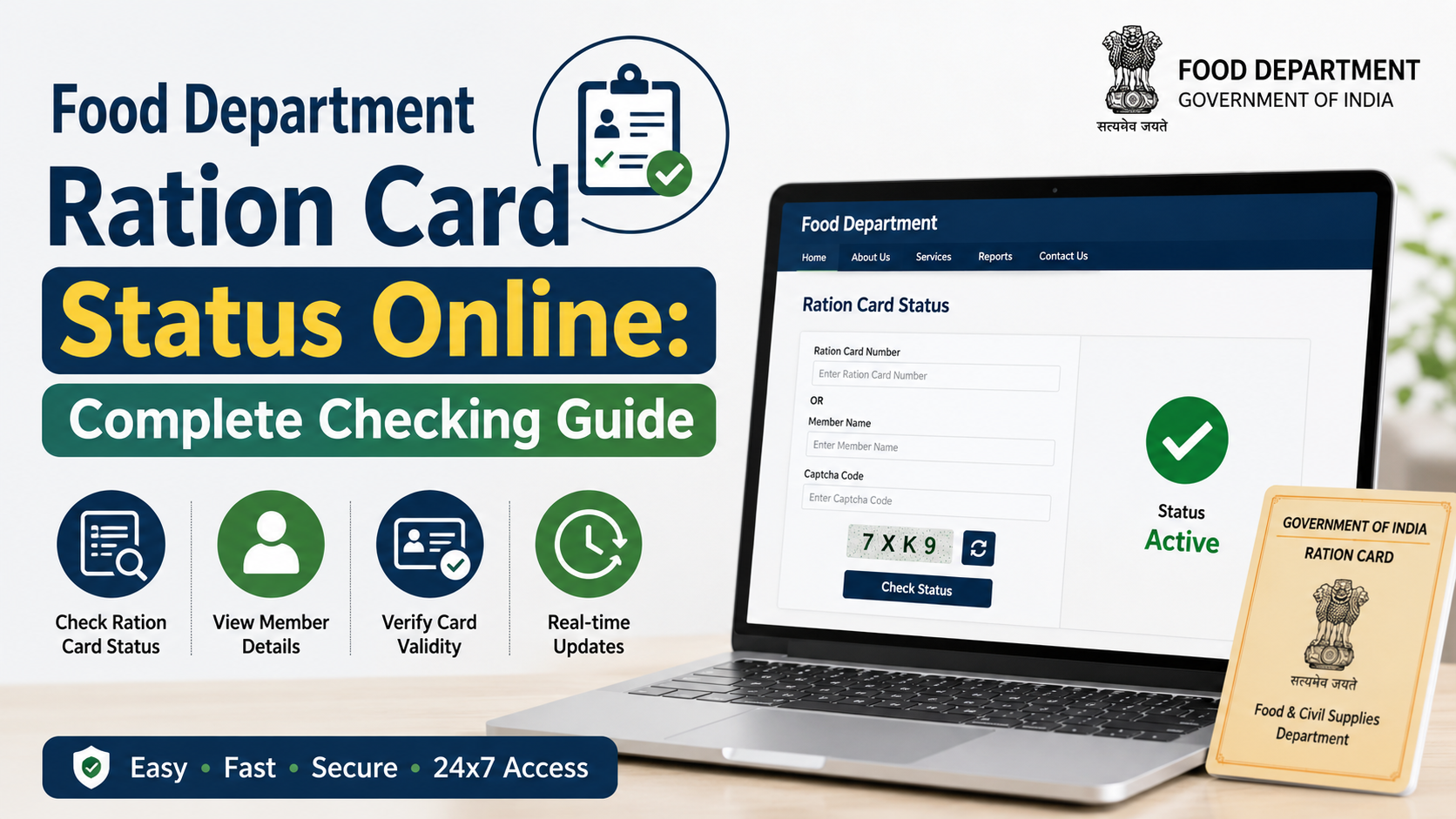
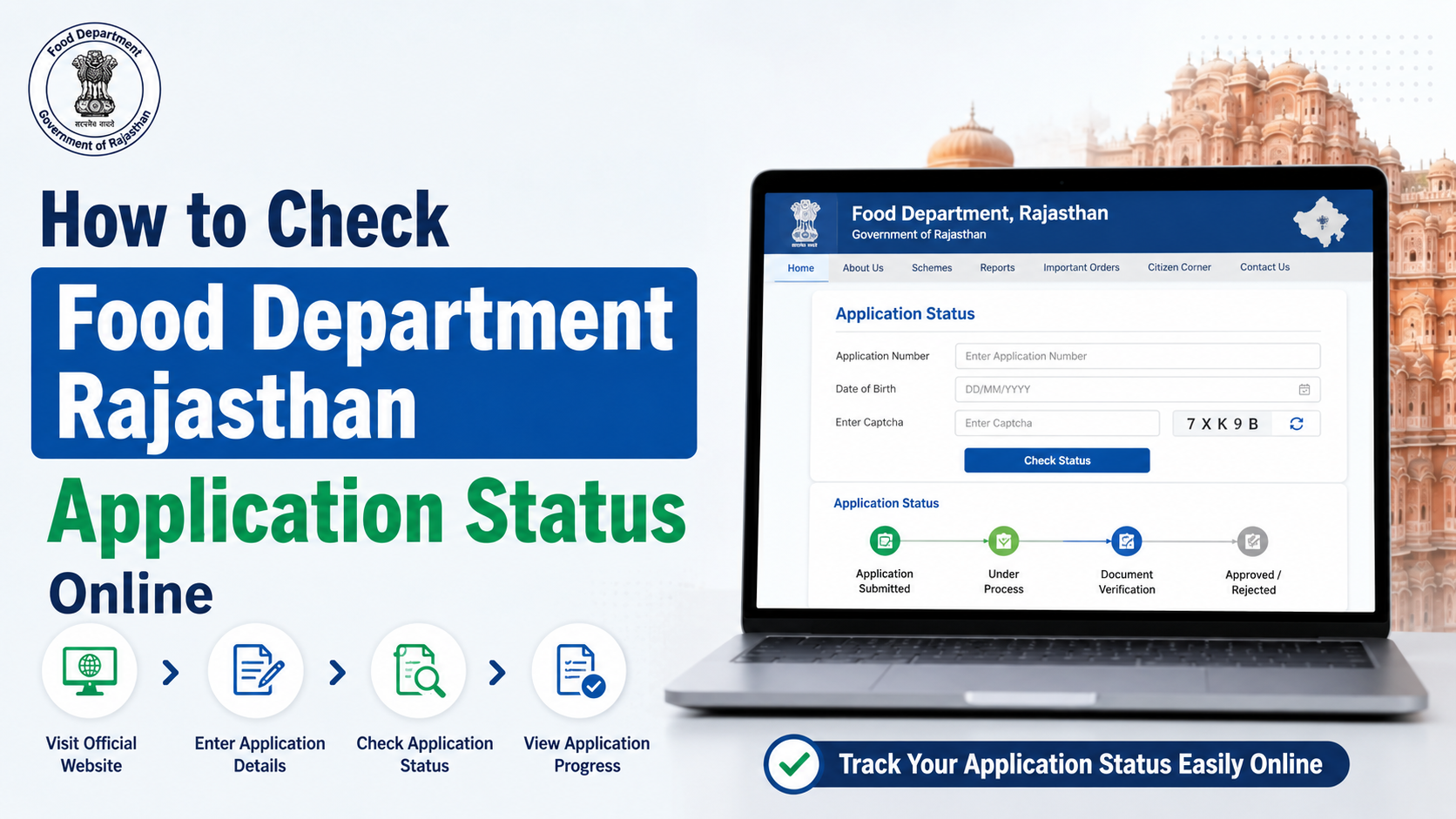
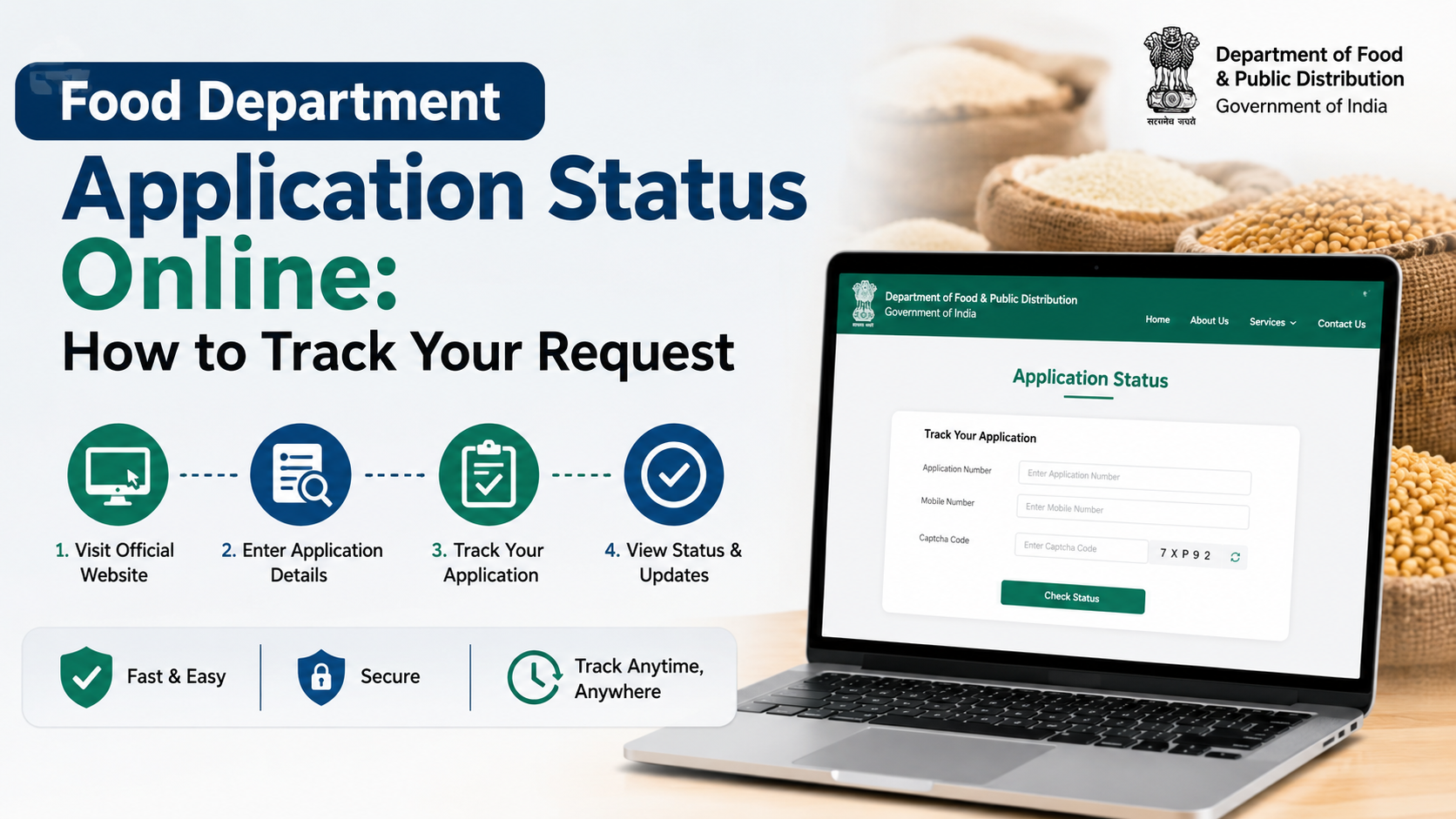
Use the application number on the same official portal where you applied. Search for options such as “Track Application,” “Application Status,” “Know Your Status,” or “Ration Card Status.”
If you receive a query, respond through the official channel and keep copies of any corrected uploads or acknowledgements.
When to contact the department
Contact the State/UT food department if:
- The portal displays a technical error after submission
- You did not receive an acknowledgement despite a completed submission
- A query cannot be answered online
- Your application has remained pending beyond the service timeline published by the State/UT
- You believe a rejection reason is incorrect
- Your approved card or beneficiary details are missing or inaccurate
Many State pages listed through NFSA display the PDS helpline 1967, alongside State-specific support numbers and grievance links. Confirm the applicable contact details on your own State/UT page before calling. The NFSA public grievance system is also available for PDS-related grievances.
One Nation One Ration Card: What It Does and Does Not Do
The One Nation One Ration Card (ONORC) arrangement supports portability for eligible NFSA beneficiaries, allowing them to lift their entitled foodgrains from enabled Fair Price Shops outside their home location.
It is important not to confuse portability with a new-card application:
- ONORC does not replace the State/UT process for applying for a new ration card.
- It does not automatically make a new applicant eligible under NFSA.
- It is useful after a household is already recorded as an eligible beneficiary and needs portability.
The Integrated Management of Public Distribution System (IMPDS) portal provides official PDS and portability-related information. IMPDS portal
Frequently Asked Questions
Can I apply for a ration card through one central Indian government website?
No. The central NFSA portal directs applicants to the respective State/UT food portals because identification of eligible households and issuance of AAY and PHH ration cards are handled by States and UT administrations. Start with the official State/UT directory.
Is Aadhaar mandatory for every step of the application?
Requirements and verification methods can vary by State/UT and by the service you are using. Follow the instructions on your official State portal. Where e-KYC is required, it may involve Aadhaar-based authentication or a designated verification process.
Can I apply online if I already have a ration card in another State?
Do not submit a duplicate new-card application without first checking the relevant transfer, surrender, deletion, or migration procedure. Your household may need to update or close the earlier record before the new State can process eligibility.
How can I download my ration card after approval?
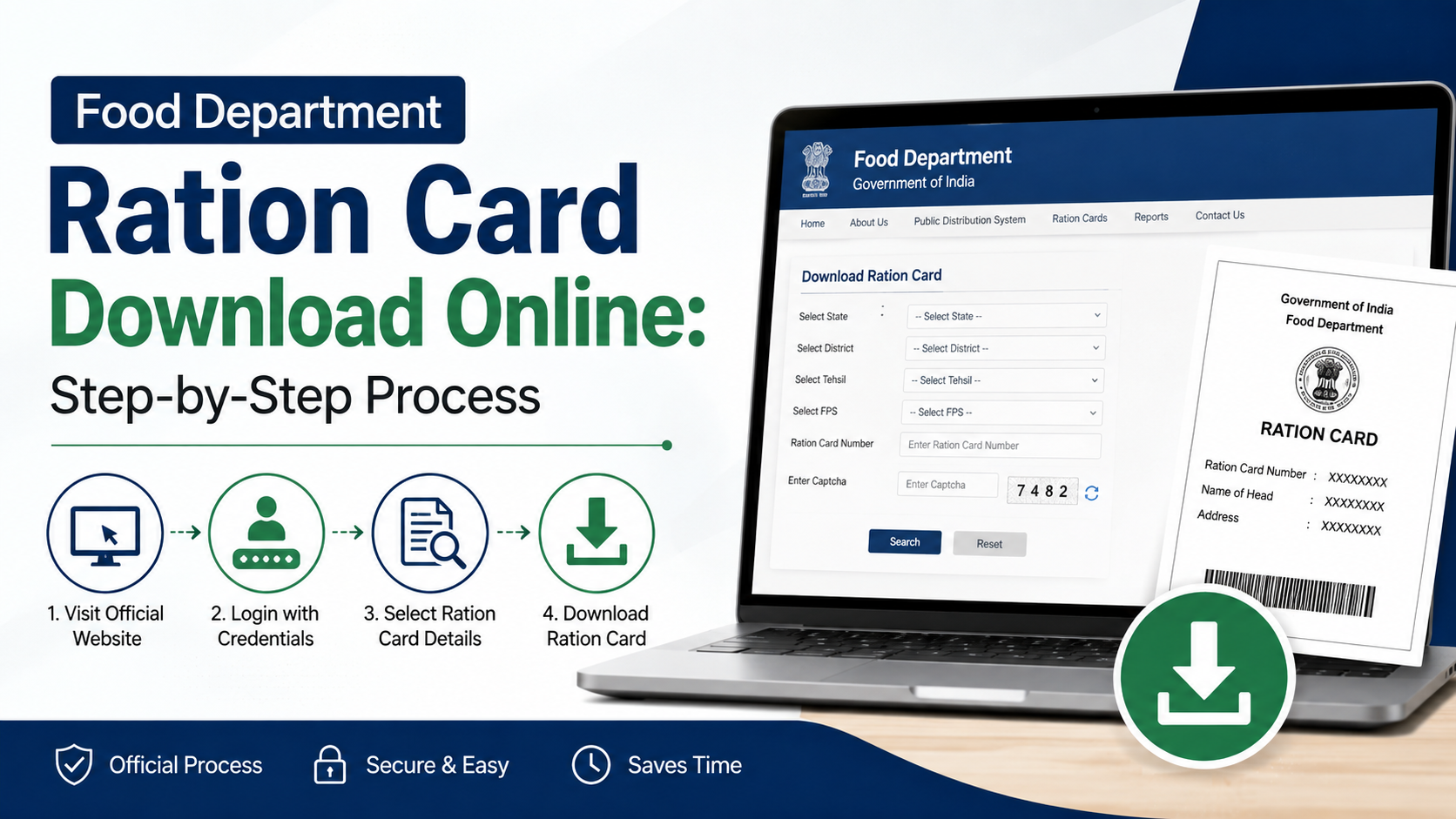
Log in to the same State/UT ration-card portal and look for “Download Ration Card,” “Print Ration Card,” or a similar service. If no download option appears, follow the approval message or contact the district food office listed on the portal.
Does an online application guarantee free foodgrains?
No. An application must be approved under the applicable State/UT rules. Free foodgrains under PMGKAY apply to eligible AAY and PHH beneficiaries according to their NFSA entitlement; they do not apply simply because an online form was submitted.
Conclusion
The correct food department ration card apply online method begins with your own State or UT’s official portal. Use the NFSA directory to find it, choose the right service, submit accurate household details and required documents, and preserve your acknowledgement number for tracking.
Before applying, check whether your need is truly a new card or an update to an existing household record. Then use only official PDS channels for status updates, verification, payments, and grievances.