A spelling mistake, incorrect address, missing family member or wrong Aadhaar-linked detail can affect ration distribution and authentication. In India, ration cards are administered by the respective State Government or Union Territory, so the online correction process differs by location. The National Food Security Act (NFSA) portal directs applicants to their state’s official Food and Civil Supplies website for ration-card services. NFSA state portal directory
This guide explains how to use the food department ration card correction online service, which documents are usually required, how to track an application and what to do if online correction is unavailable.
Key Takeaways
- Ration-card correction is handled by the relevant State or UT Food and Civil Supplies Department.
- Start from the official NFSA state-portal directory instead of using private websites.
- Common requests include name, address, date of birth, Aadhaar, mobile-number and family-member corrections.
- Documents and fees vary by state and by the type of amendment.
- Save the acknowledgement or application number to track status.
- The national PDS helpline is 1967; individual states may also publish separate helpline numbers.
Who Handles Ration Card Corrections in India?
The central Department of Food and Public Distribution (DFPD) manages national PDS policy, NFSA monitoring and portability initiatives. However, identification of eligible households and issuance or modification of ration cards is the responsibility of the State Government or UT Administration. NFSA application guidance
Consequently, there is no single nationwide correction form that works for every household. A resident of Bihar may use the state’s Ration Card Management System, while a Maharashtra resident may use the RCMS portal. Bihar’s official portal states that its system supports modification of existing ration cards, while Maharashtra lists name correction, member addition or deletion and address-change services through its RCMS. Bihar EPDS, Maharashtra Food Department services
How to Find the Correct Official Portal
Step 1: Select your state or UT
Open the NFSA Ration Card State Portals page and select your State or UT. The page links to official food-department websites and, where available, state ration-card management systems.
Avoid links received through social media, messaging groups or search advertisements that request payment or OTP details. Check that the website uses a government domain such as gov.in, nic.in or an officially linked state portal.
Step 2: Look for the correction service
Portal labels differ. Search menus for terms such as:
- Ration Card Modification
- Change in Ration Card
- Correction in Existing Ration Card
- Add or Delete Member
- Change of Address
- Update Aadhaar or Mobile Number
- Ration Card Management System
- Citizen Services or e-Services
Some states provide a unified online form. Others divide corrections into separate services for adding a member, deleting a member, changing address or correcting personal information.
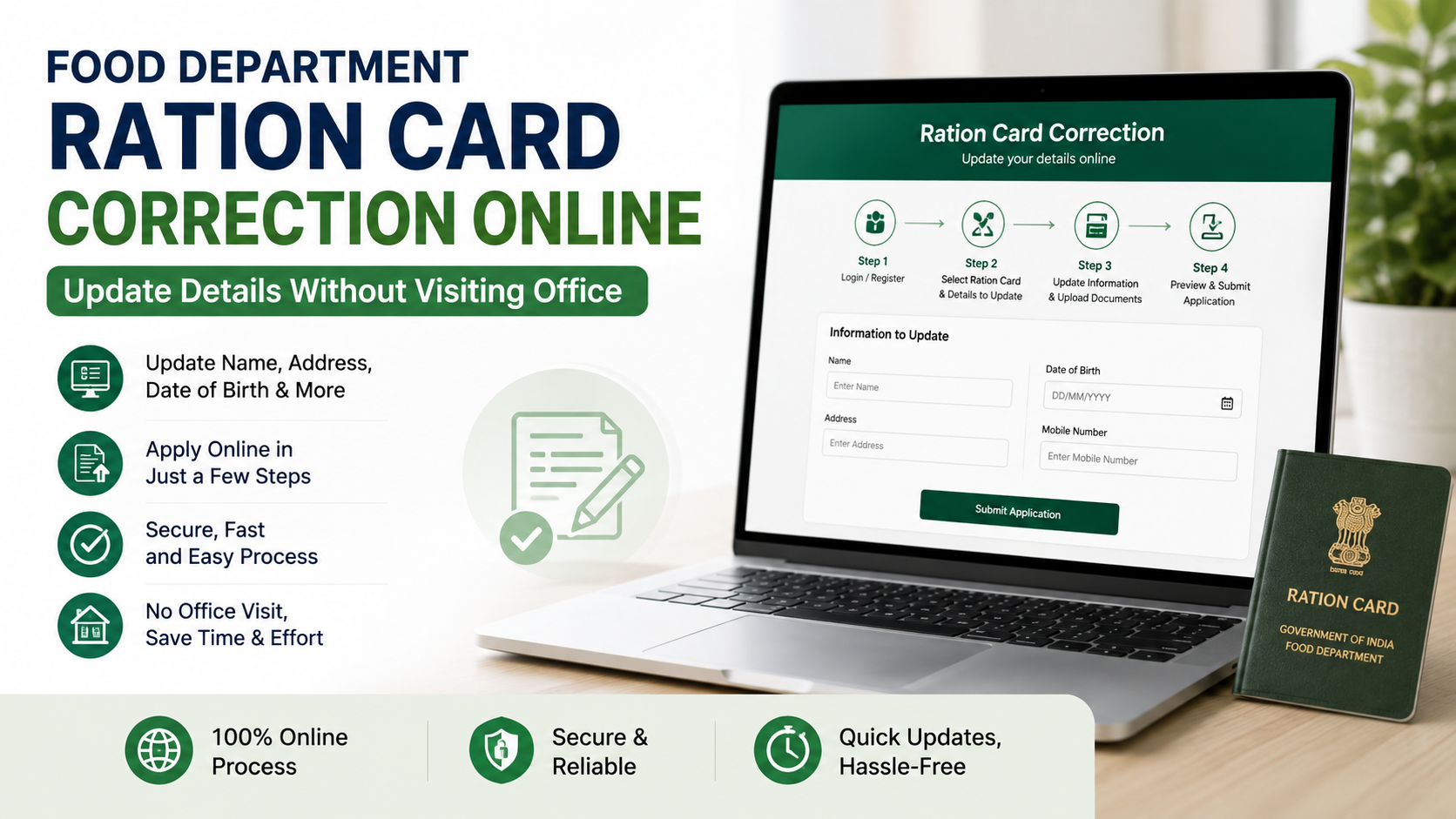
Food Department Ration Card Correction Online: General Procedure
The exact screen names vary, but the following workflow is common.
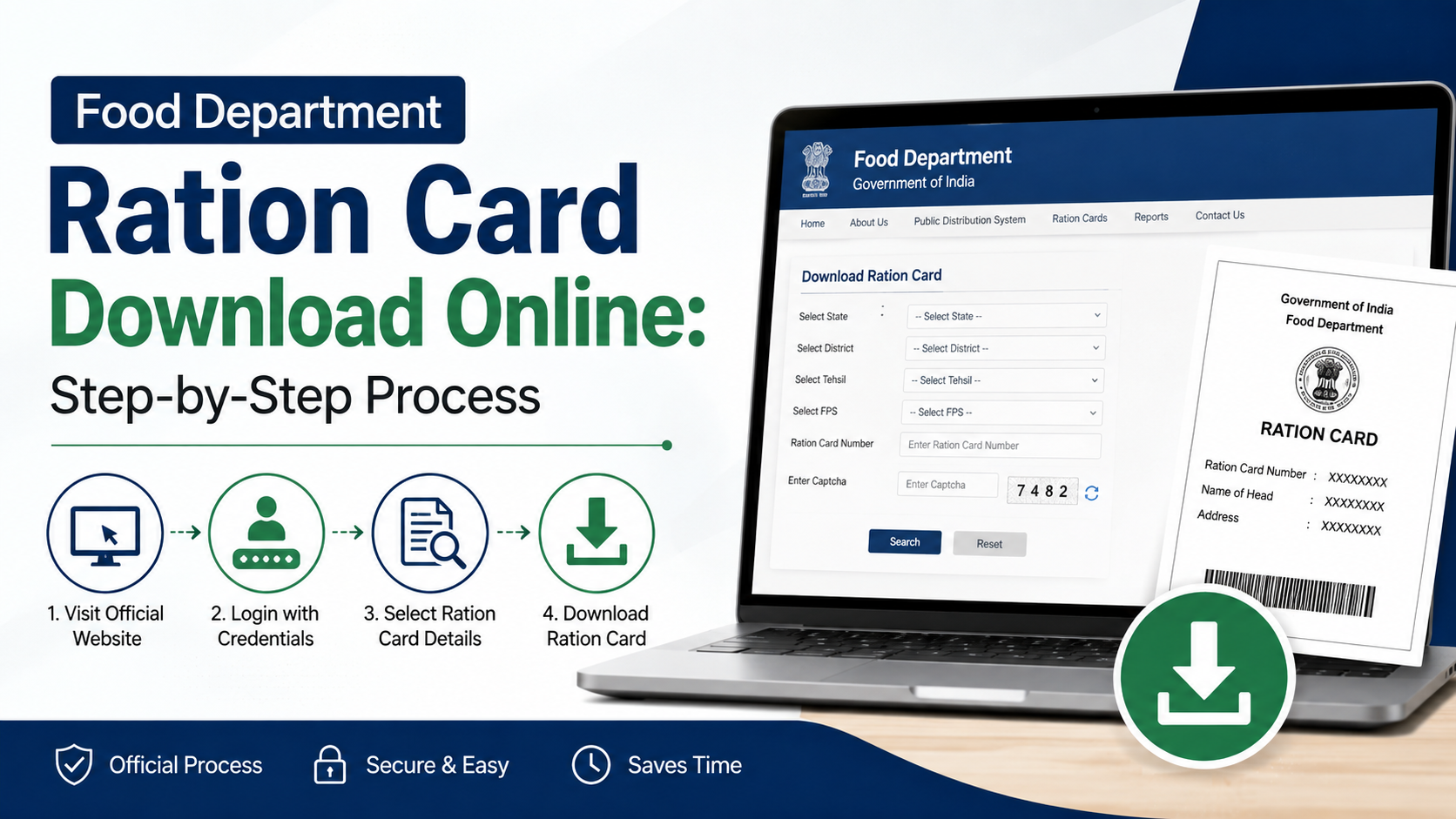
1. Register or log in
Use the mobile number requested by your state portal. Registration may require the ration-card number, Aadhaar number, applicant name or other household details. Enter your name exactly as shown on the supporting identity document.
Never share an OTP with an agent or caller. Government departments do not need your OTP over the phone to process a legitimate application.
2. Choose the appropriate amendment
Select only the correction you need. Typical options include:
- Head-of-household name correction
- Member-name spelling correction
- Date-of-birth or age correction
- Address or household-details correction
- Aadhaar seeding or correction
- Mobile-number update
- Addition of a newborn or eligible household member
- Deletion of a deceased, migrated or otherwise ineligible member
- Change of ration-card category, where permitted by state rules
If you need multiple changes, check whether the portal allows one combined request or requires separate applications.
3. Enter the corrected information
Compare every field with your proof before continuing. Pay special attention to:
- Spelling in English and the regional language
- Initials, surname and transliteration
- Aadhaar number digits
- Date format
- House number, village, ward, district and PIN code
- Relationship of each household member
- Mobile number used for notifications
A mismatch between the application and the uploaded document can lead to rejection or a request for clarification.
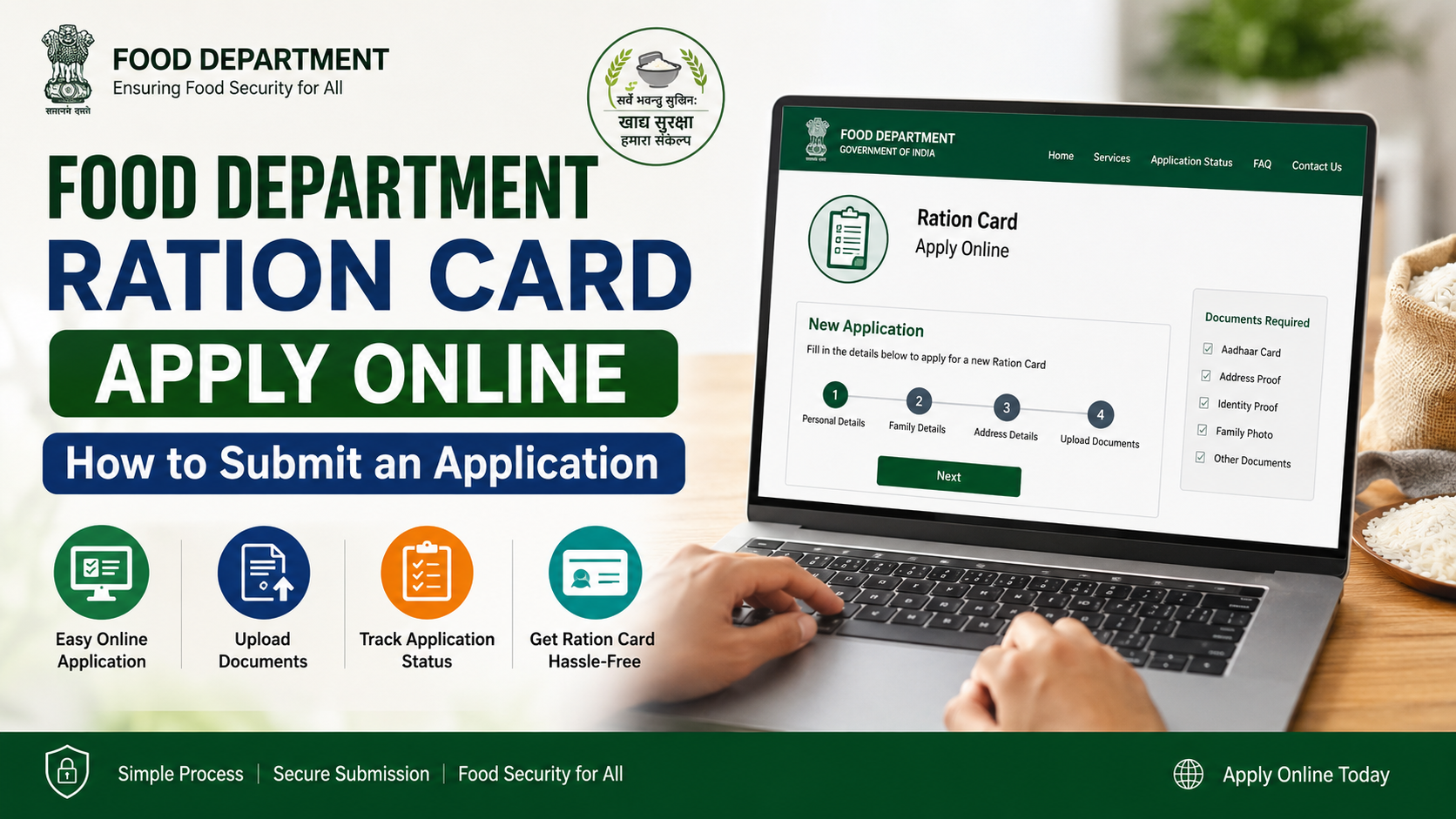
4. Upload supporting documents
Upload clear, readable files in the format and size specified by the portal. Keep the original documents available because an official may request verification.
Common examples are shown below. The list is indicative, not universal.
| Correction requested | Documents that may be requested |
|---|---|
| Name or date-of-birth correction | Aadhaar, birth certificate, school certificate or another accepted identity record |
| Address correction | Aadhaar, voter ID, domicile or residence certificate, utility bill, rent agreement or other state-approved address proof |
| Addition of a member | Birth certificate, Aadhaar, relationship proof and declaration or no-objection document, where required |
| Deletion of a member | Death certificate, migration proof, marriage certificate or deletion declaration, depending on the reason |
| Aadhaar or mobile update | Aadhaar details and mobile number registered or verified under the state’s process |
For example, Uttarakhand’s official modification guidance lists address proof and a birth certificate for certain member additions, but it also describes an office-based workflow and a prescribed fee. This demonstrates why applicants must follow their own state’s current instructions rather than assume that every service is fully online. Uttarakhand modification guidance
5. Submit, pay any prescribed fee and save the receipt
Review the declaration, complete OTP or e-sign verification if requested and submit the form. Some states charge a fee for particular services, while others provide corrections without charge. Do not assume that a fee applies nationally.
Download or print:
- Application or acknowledgement number
- Submitted form
- Payment receipt, if applicable
- Uploaded-document list
- Expected service timeline shown on the portal
How to Track the Correction Application
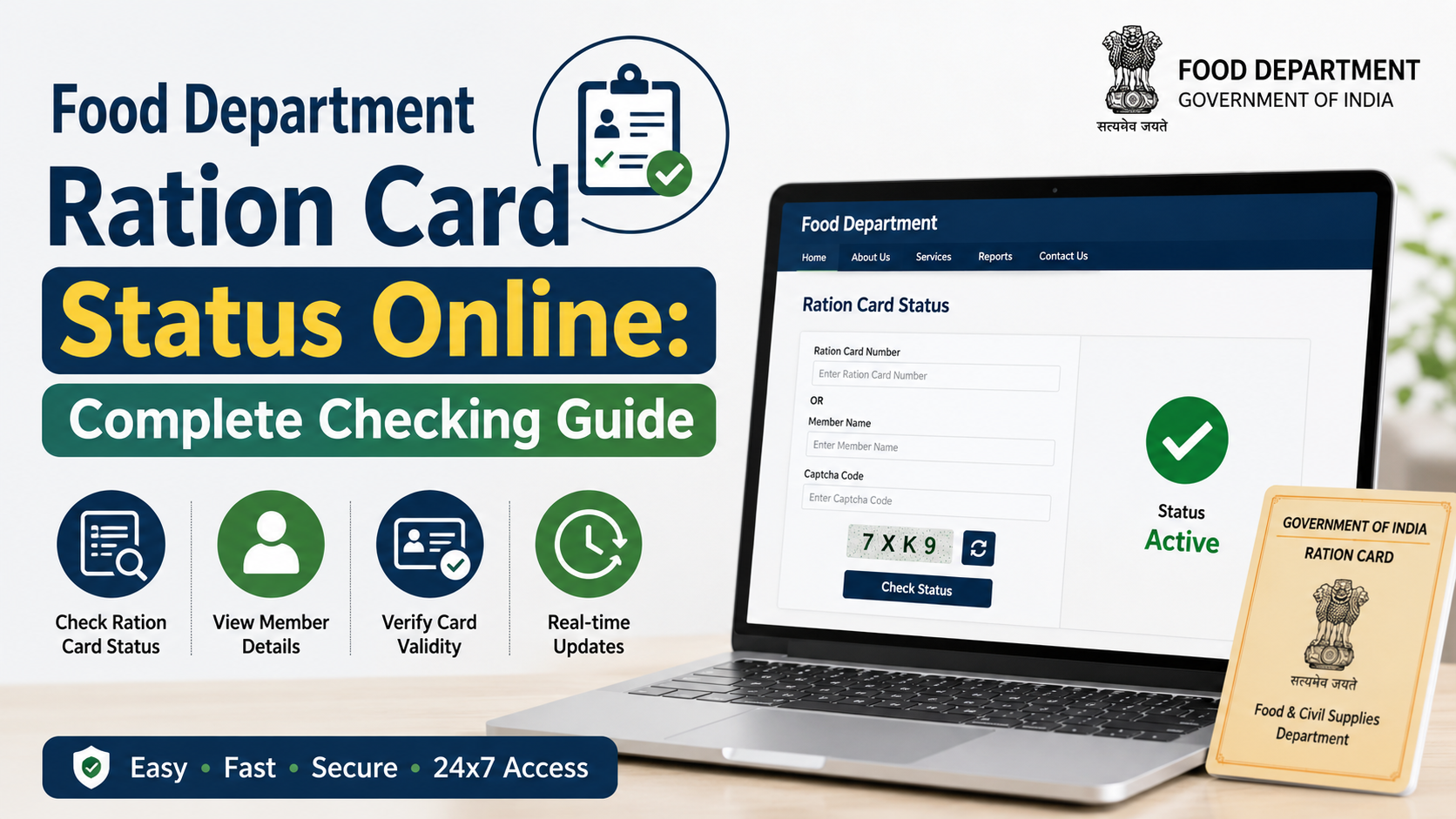
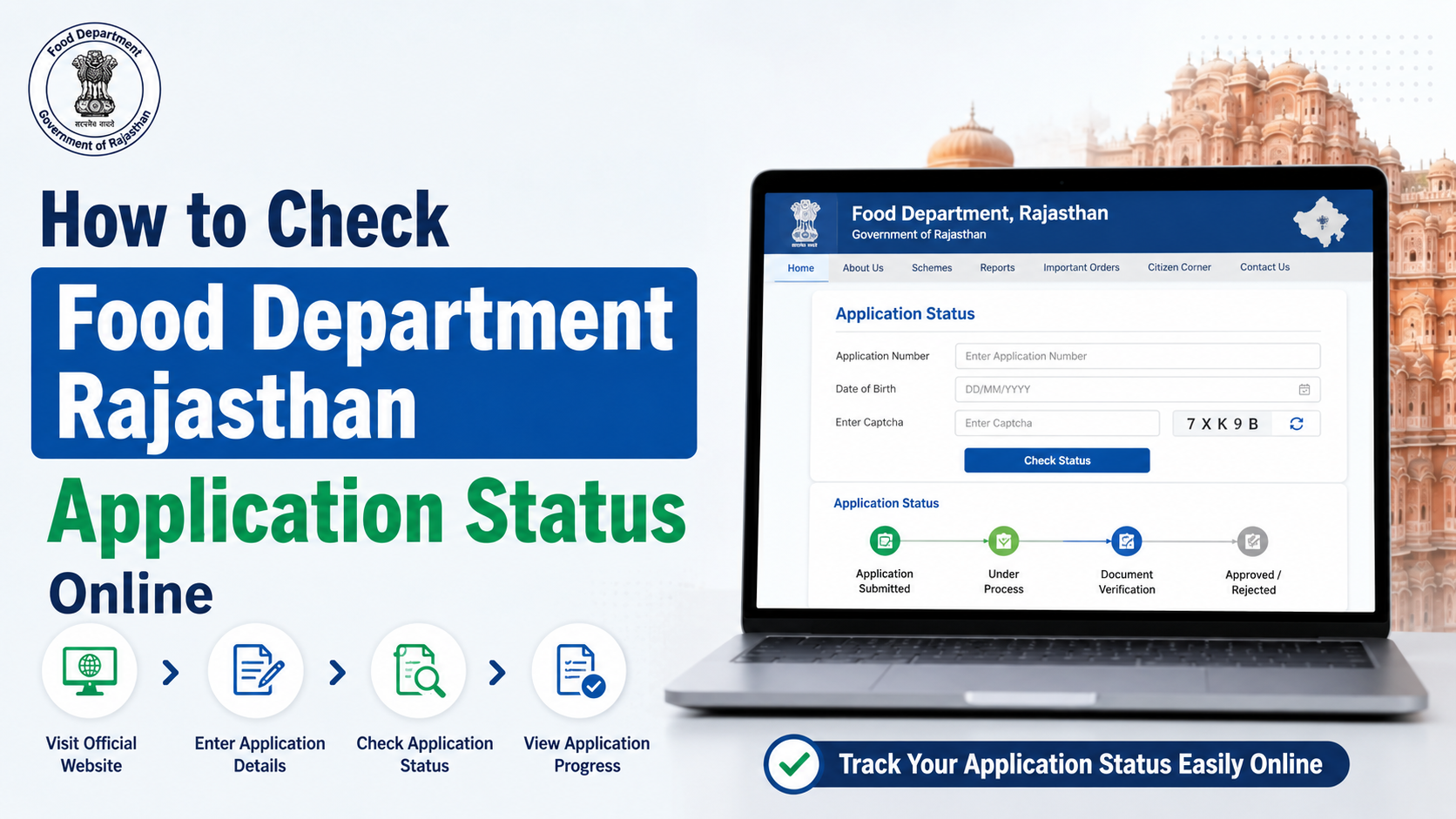
Use the state portal’s Track Application, Application Status or Know Your Ration Card Status option. The portal may ask for an acknowledgement number, ration-card number, registered mobile number or Aadhaar reference.
Status descriptions commonly indicate stages such as:
- Submitted
- Document scrutiny
- Field or departmental verification
- Approved
- Rejected or returned for correction
- Card updated or e-ration card generated
A status marked “approved” does not always mean that every connected system has updated immediately. Check the ration-card record again after the department completes data synchronisation.
What to Do if the Online Request Is Rejected
Read the rejection reason carefully. Frequent causes include:
- Blurred or incomplete documents
- Name does not match the proof
- Incorrect ration-card number
- Duplicate household or member record
- Unsupported file type or size
- Address outside the department’s jurisdiction
- Missing declaration or certificate
- Request for a change that requires eligibility verification
Correct the issue and resubmit if the portal permits. If the portal directs you to an office, Common Service Centre (CSC), fair-price-shop operator or local Food Supply Officer, follow that instruction. “Online correction” reduces visits for eligible services; it cannot remove statutory verification requirements.
Using Mera Ration for Checking Details and Grievances
The DFPD’s Mera Ration application supports NFSA beneficiaries with entitlement information, transaction history, Aadhaar-seeding status and nearby fair-price-shop location. The department’s information also describes the app as supporting portability under the One Nation One Ration Card initiative. DFPD PDS information
The revamped Mera Ration 2.0, launched on 20 August 2024, provides features including family-member details, requests for adding members, entitlement information, grievance lodging, fair-price-shop ratings and shop-location services. Press Information Bureau release
Use the app to inspect information or lodge a grievance where available, but use your state’s authorised portal for formal record correction unless the app specifically provides that service for your state.
Important Safety and Privacy Warnings
- Use only links reached through the NFSA directory or your state government website.
- Do not upload documents to unofficial “ration-card correction” websites.
- Do not pay an intermediary for an OTP or disclose Aadhaar OTPs by telephone.
- Mask unnecessary Aadhaar details where the portal permits it, while ensuring the required information remains readable.
- Keep screenshots of submission and payment confirmation.
- Do not submit a false address, duplicate household or ineligible member; departments may verify records and take action under applicable rules.
- A correction does not automatically change NFSA eligibility or guarantee a different ration entitlement.
Helpdesk and Escalation Options
For PDS-related complaints, the DFPD publishes the national helpline number 1967. State and UT portals may publish additional toll-free numbers, email addresses and grievance links. For example, the NFSA directory entry for Andhra Pradesh lists 1967 along with state-specific numbers. NFSA Andhra Pradesh page
When escalating, include your application number, ration-card number, submission date, registered mobile number and a concise description of the problem. Never include an OTP in an email or complaint.
Frequently Asked Questions
Can I correct my ration card online from another state?
Usually, you must apply through the state or UT that issued the ration card. One Nation One Ration Card portability allows eligible beneficiaries to draw food grains from participating fair-price shops, but portability does not transfer responsibility for correcting the issuing state’s records.
Is Aadhaar mandatory for every correction?
Requirements differ by state and service. Aadhaar may be requested for identity verification or seeding, but a portal may accept other documents for a name, address or member amendment. Follow the document list displayed on the official application page.
How long does online correction take?
There is no single India-wide timeline. Processing depends on the state’s citizen-service rules, document scrutiny and any field verification. Use the acknowledgement number and the timeline shown by your state portal.
Can I add a newborn online?
Several state systems provide member-addition services, but they may require a birth certificate, relationship information and verification. Apply only after obtaining the documents specified by your state.
What if my ration-card details are correct online but wrong at the fair-price shop?
Save evidence such as the portal record, transaction details and shop receipt. Raise the issue through the state grievance system or call 1967. The department can determine whether the error is in the card database, Aadhaar seeding, e-PoS device or shop transaction.
Conclusion
Food department ration card correction online is possible for many routine amendments, but the responsible authority is your State or UT Food and Civil Supplies Department. Begin with the official NFSA state-portal directory, select the correct service, upload matching documents and retain the acknowledgement number. Check the final record after approval and use 1967 or your state’s published grievance channel if the request stalls.