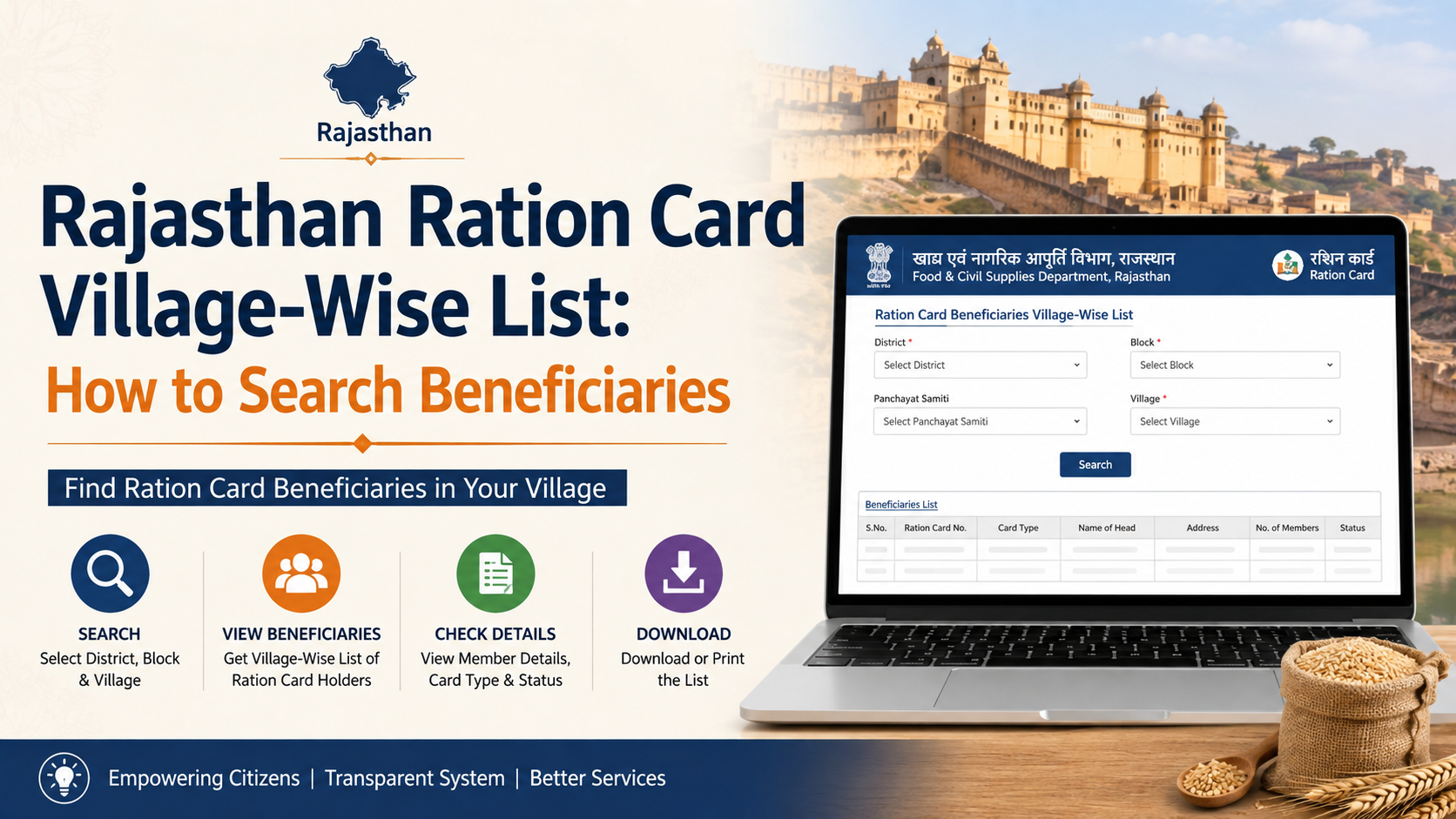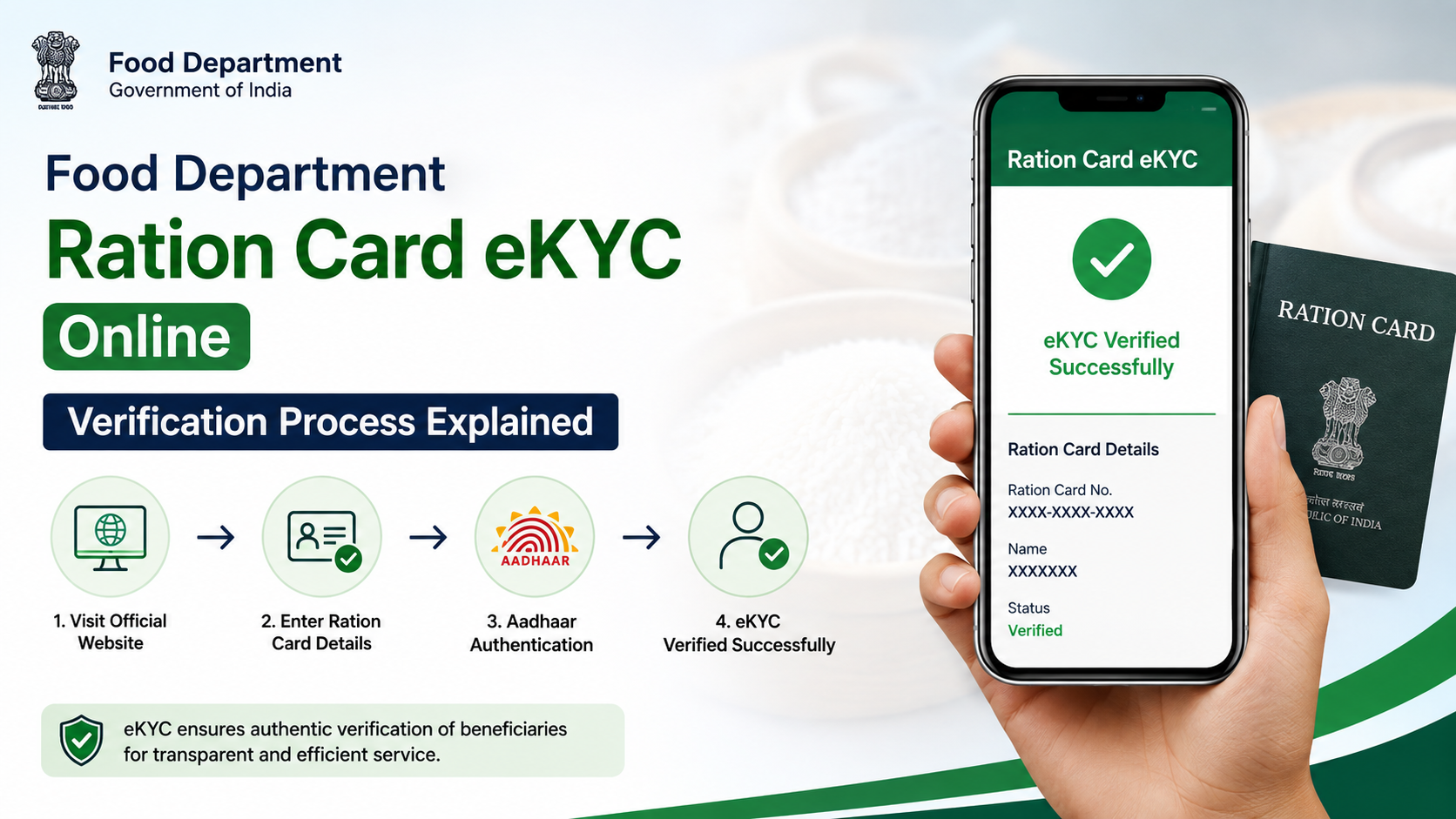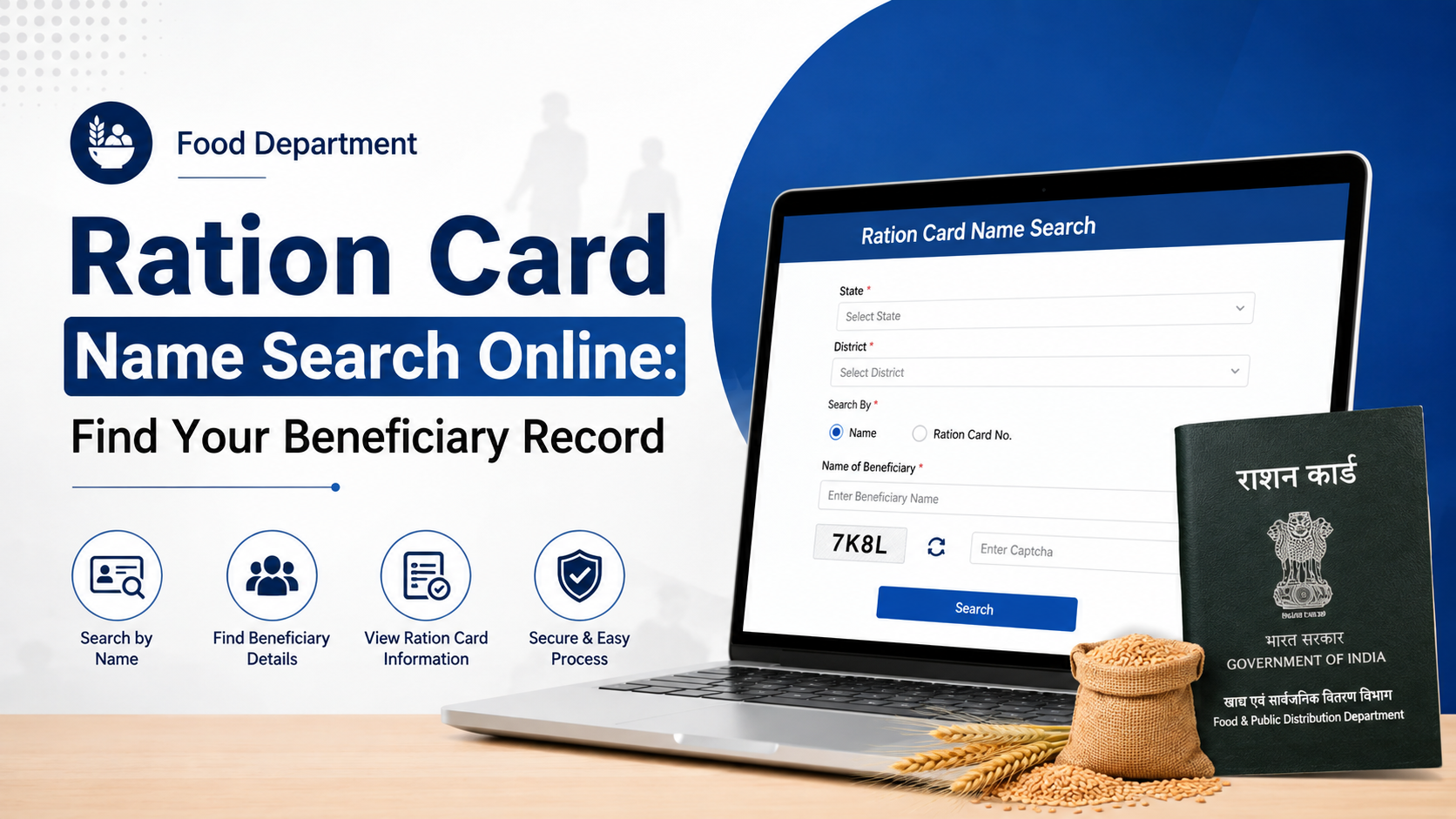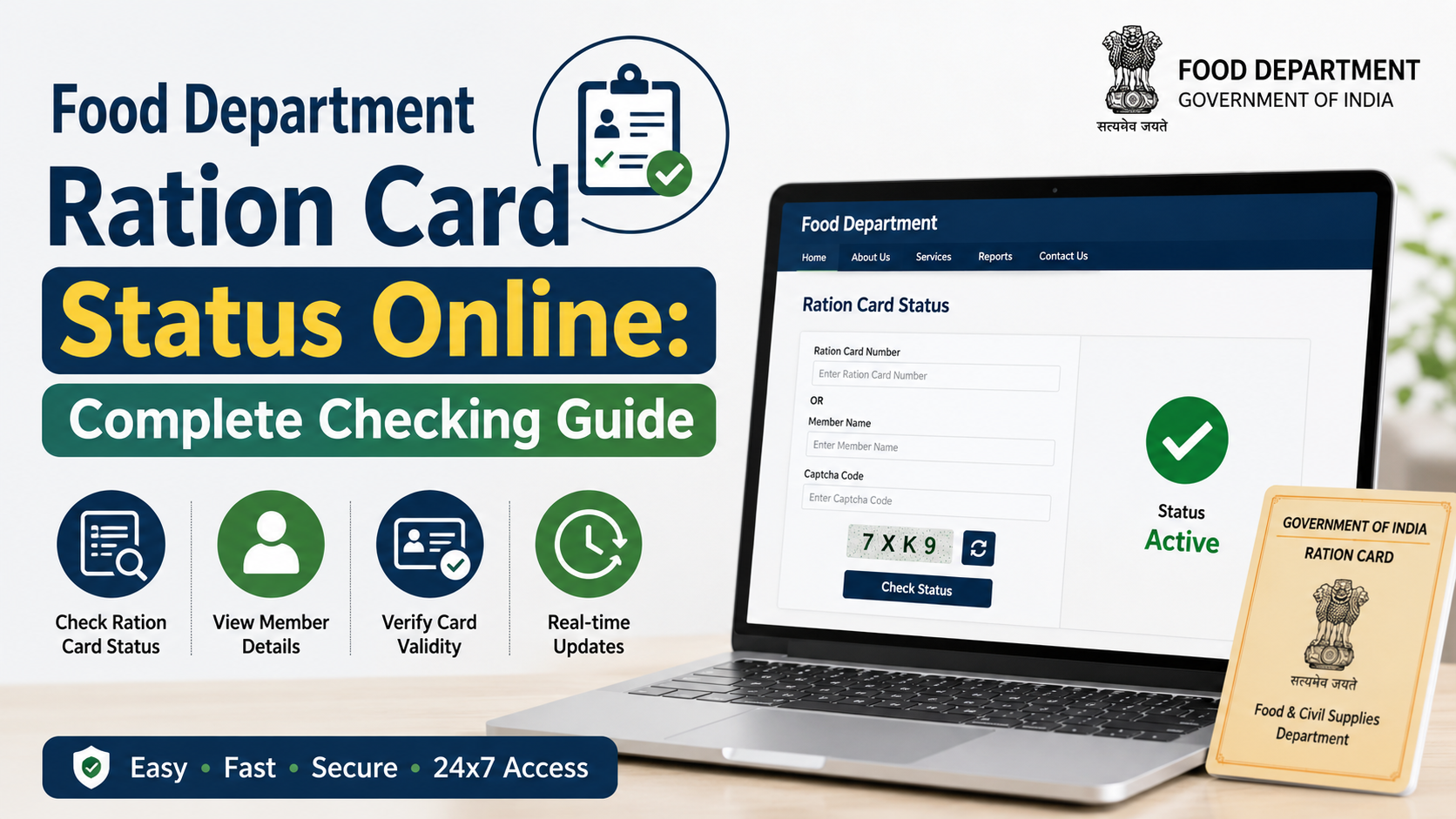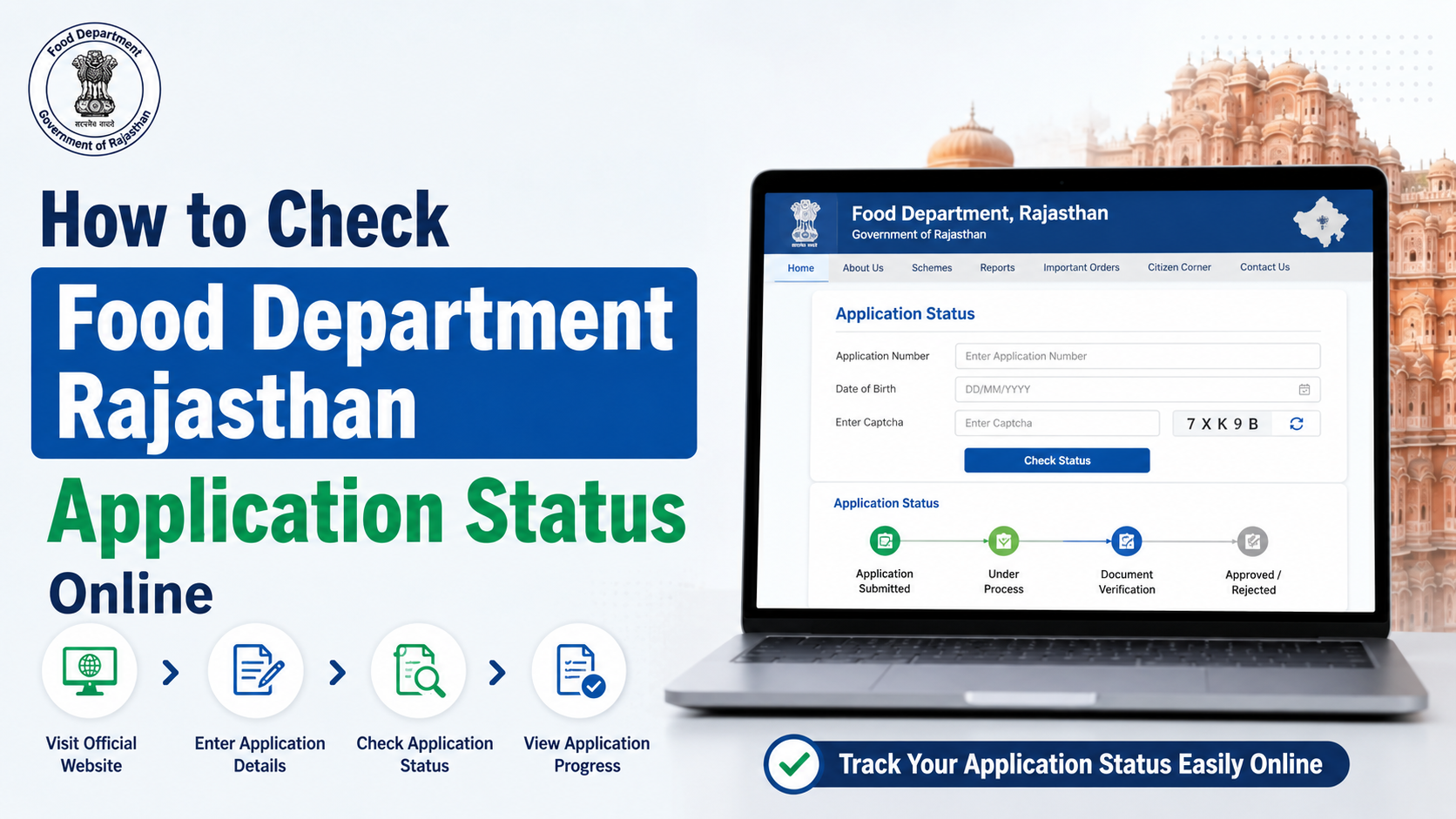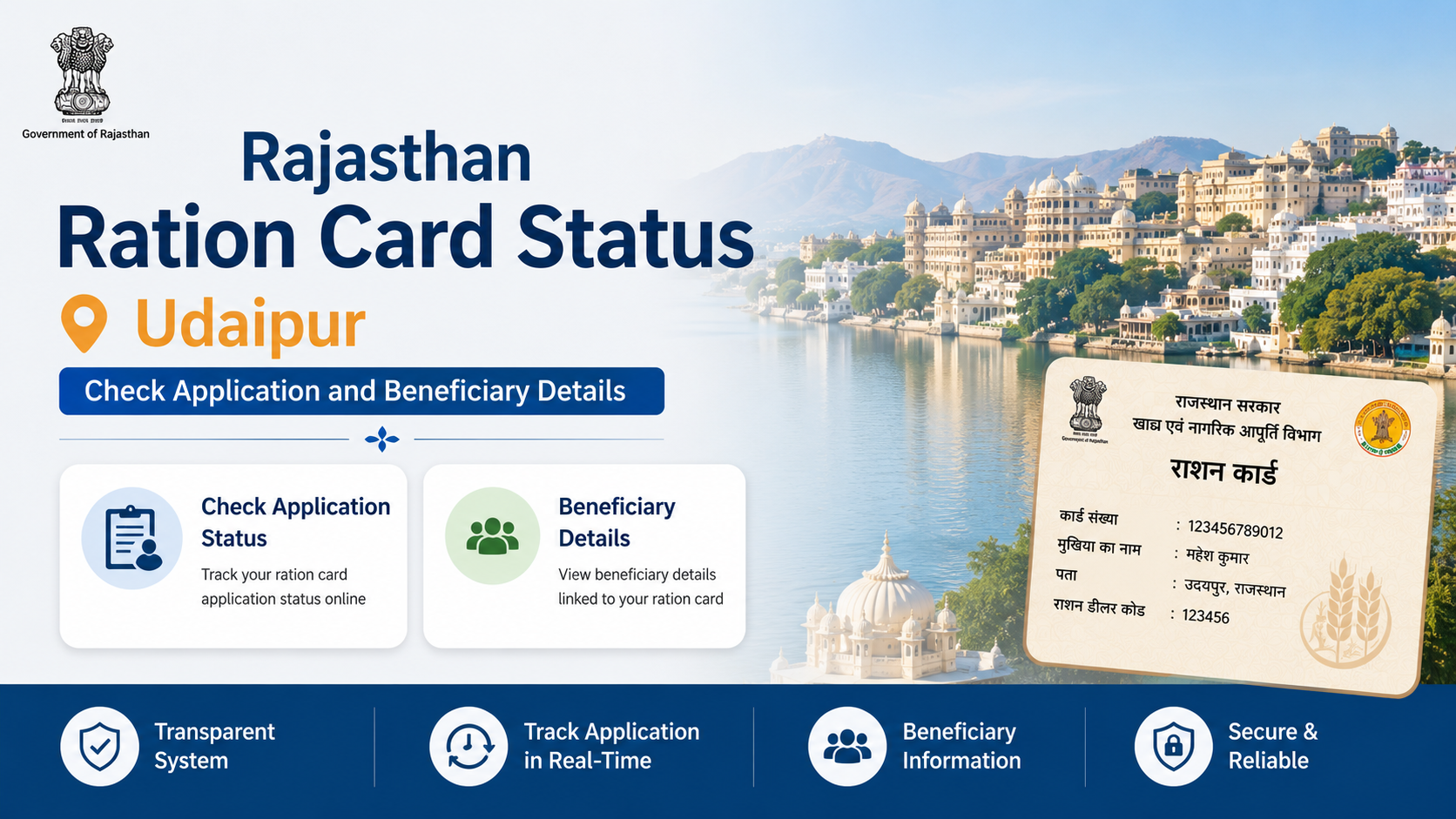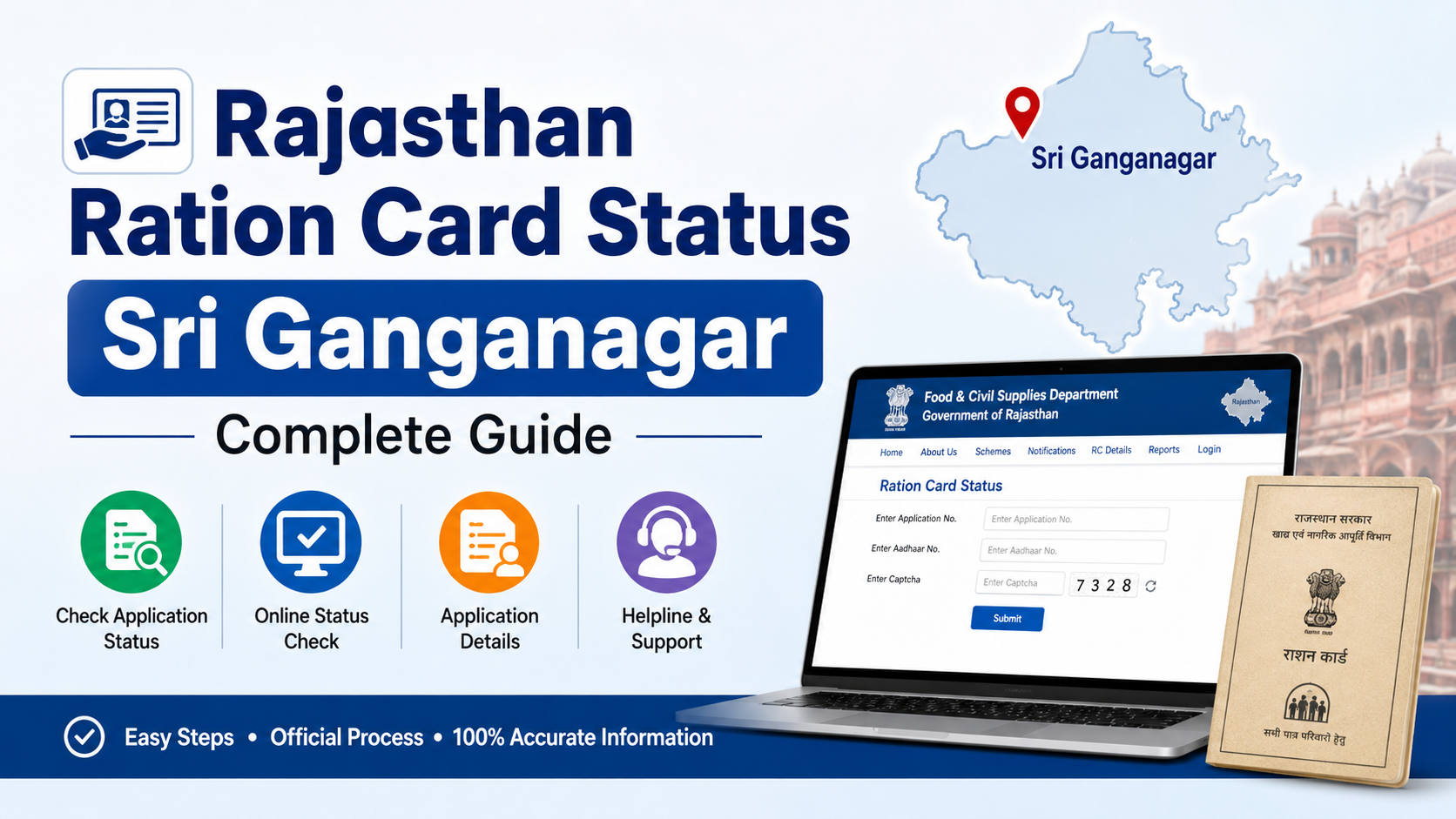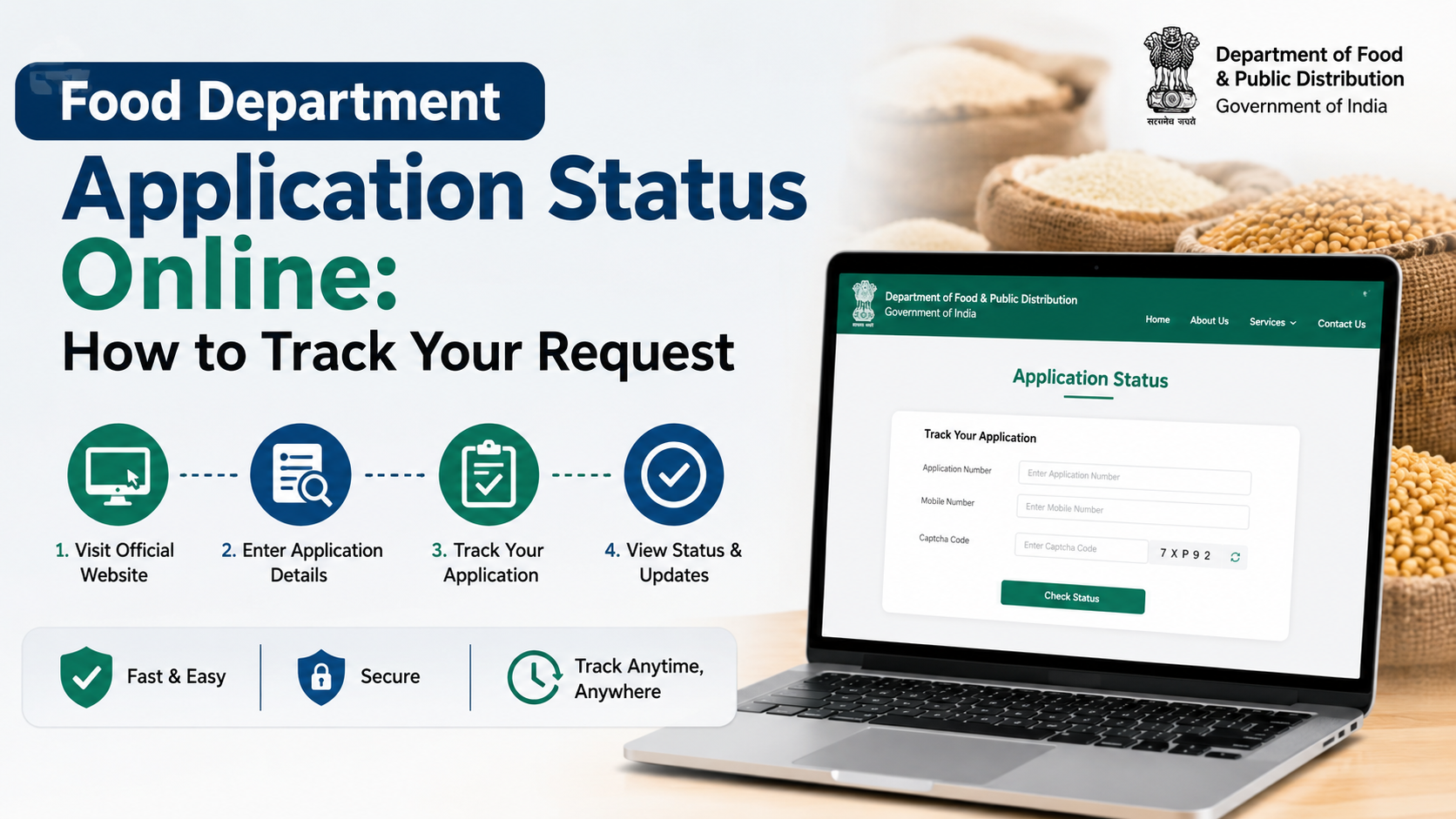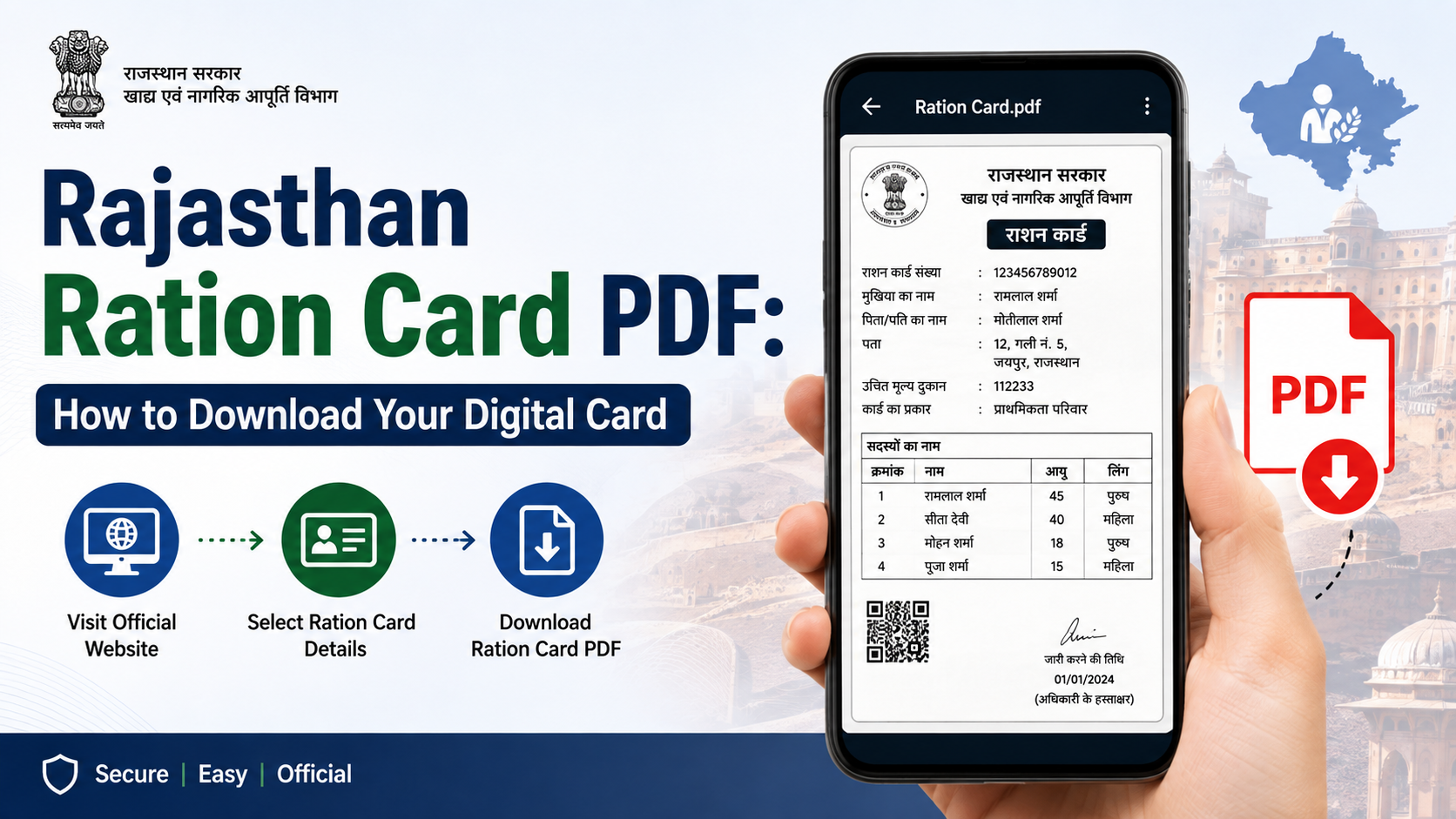
A Rajasthan ration card PDF gives a household a convenient digital copy of its ration card details for personal records and service-related needs. If you already have a 12-digit ration card number, the Rajasthan government’s dedicated Ration Card portal provides an official download facility. This guide explains the correct route, the information to keep ready, what to do when the download does not work, and why a ration card should not be confused with a Jan Aadhaar e-card.
Key Takeaways
- Use the official Rajasthan Ration Card portal to download a ration card or surrender certificate.
- Keep your district and 12-digit ration card number ready before starting.
- Download the document only from a government domain; avoid sharing card details with unofficial websites.
- A ration card PDF and a Jan Aadhaar e-card are separate documents with different portals.
- If card data is missing or details are incorrect, use the Food Department or an authorised e-Mitra centre for help.
- Save the downloaded file securely and verify household-member details before using it.
What Is a Rajasthan Ration Card PDF?
A Rajasthan ration card PDF is the downloadable digital version of a household’s ration card record. It is useful when you need a copy of the card without carrying a paper printout or visiting an office simply to obtain a duplicate.
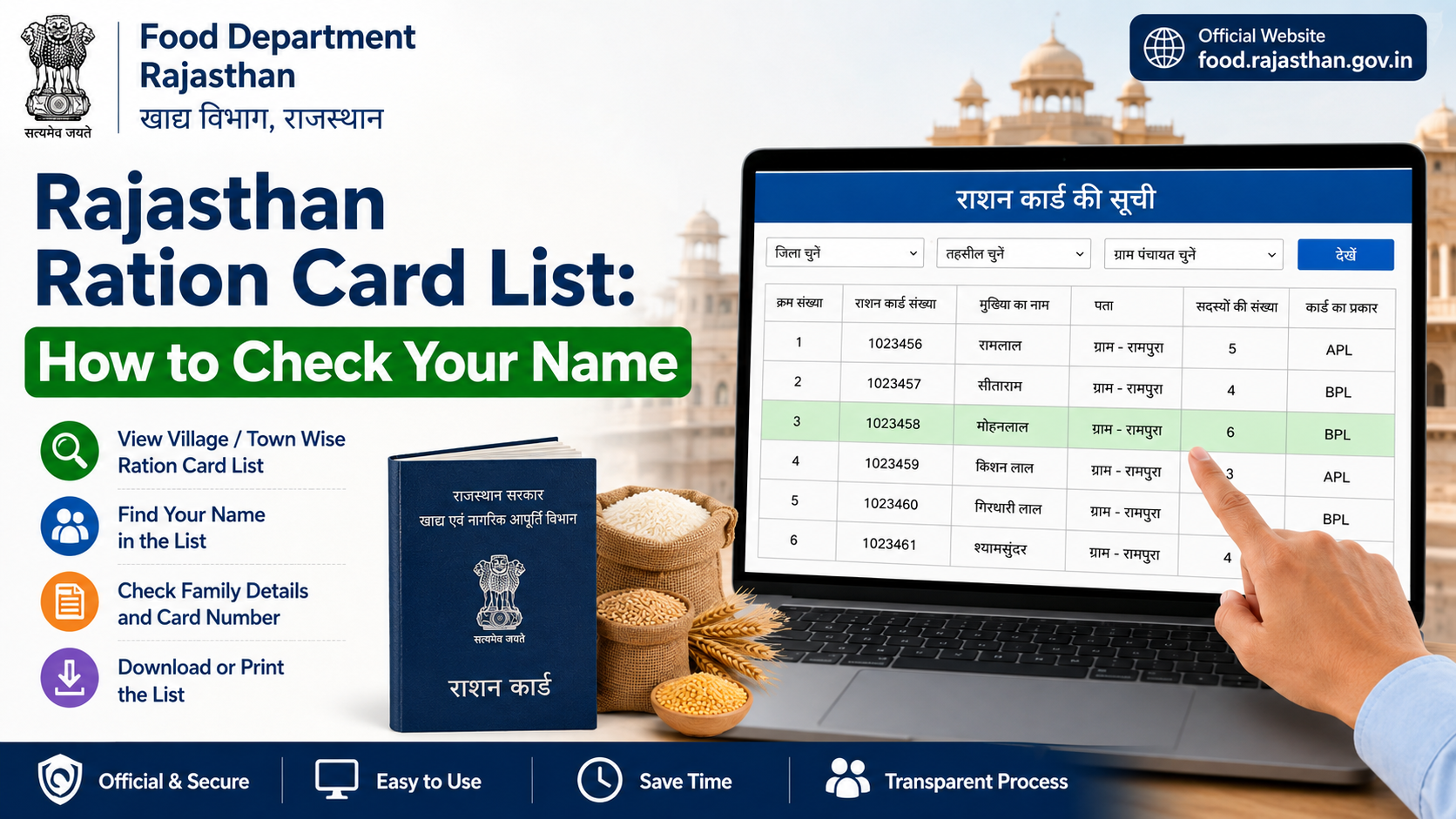
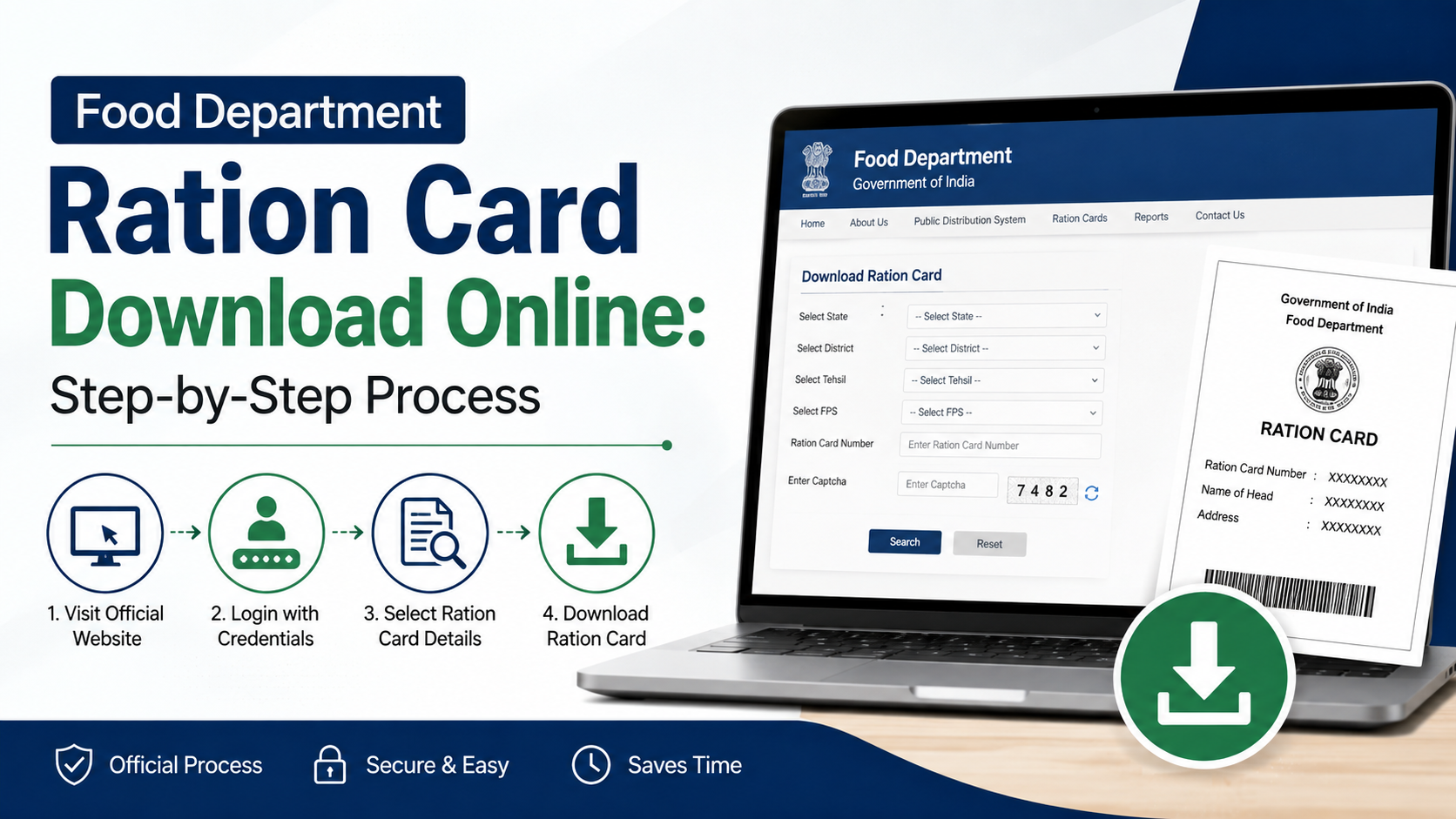
The official Rajasthan Ration Card portal labels this service “Download Ration Card / Surrender Certificate.” It requires the user to choose the relevant district and enter the ration card number. The portal is available at rrcc.rajasthan.gov.in/DownloadRationCard.aspx.
A ration card is associated with the public distribution system and household food-entitlement records. It is not automatically the same thing as a Jan Aadhaar card, although Rajasthan government systems may use linked information for service delivery.
What You Need Before Downloading the Card
Prepare the following before opening the portal:
| Requirement | Why it is needed |
|---|---|
| District | The download page asks you to select the district connected with the card. |
| 12-digit ration card number | This identifies the household record in the download system. |
| Internet-connected device | A mobile phone, tablet, laptop, or desktop browser can be used. |
| On-screen verification details, if requested | Complete any verification displayed by the official portal. |
Do not rely on an approximate number or a number copied from an unverified message. Enter the ration card number carefully. A single incorrect digit can prevent the record from appearing.
If you do not know the number, first check an older ration-card copy, a previous ration receipt, or household records. The Rajasthan Food Department also provides official ration-card details and distribution-related services from its Food Department website.
How to Download Rajasthan Ration Card PDF Online
Follow these steps to get a Rajasthan ration card PDF from the official source.
Step 1: Open the Official Download Page
Open the Rajasthan government’s Download Ration Card / Surrender Certificate page.
Check the address bar before entering any information. The domain should end in rajasthan.gov.in.
Step 2: Select Your District
Choose the district associated with your ration card from the available list. Select the district carefully, particularly if the family has shifted residence or the card was issued before an administrative change.
Step 3: Enter the Ration Card Number
Enter the household’s 12-digit ration card number in the designated field. Avoid inserting spaces, extra characters, or a Jan Aadhaar number in this field.
Step 4: Complete Portal Verification
If the page shows a verification code or other on-screen validation, enter it exactly as displayed. Refresh the code only when necessary, as a refreshed code may invalidate the previous entry.
Step 5: Download or Print the Record
After the portal locates the card, use the available download or print option. Save the document as a PDF if the browser opens a printable card page rather than downloading a file automatically.
Use a clear filename, such as:
Rajasthan-Ration-Card-2026.pdf
Avoid including the full ration card number in a filename if the device is shared.
Step 6: Check the PDF Before Closing the Page
Open the saved file and confirm that the visible household information belongs to your family. Check the card number, name, address, and listed family members. If anything is wrong, do not alter the PDF yourself; use the correction route described later in this guide.
Rajasthan Ration Card PDF vs Jan Aadhaar E-Card
These two documents are often treated as interchangeable, but they serve different purposes and are issued through different services.
| Feature | Rajasthan Ration Card PDF | Jan Aadhaar E-Card |
|---|---|---|
| Main purpose | Ration-card record and public distribution system use | Family identity and access to linked state services |
| Official download route | Rajasthan Ration Card portal | Jan Aadhaar portal through SSO or e-Mitra |
| Key number | Ration card number | Jan Aadhaar ID |
| Authentication | Depends on the ration-card portal’s required fields | Aadhaar authentication is required for e-card download |
For a Jan Aadhaar e-card, use the official Jan Aadhaar e-card service. The Rajasthan Jan Aadhaar Authority states that citizens can download the e-card through Aadhaar authentication using an SSO ID or through e-Mitra.
The Jan Aadhaar Authority also states that NFSA and ration card numbers are obtained from ration services and cannot be independently updated within Jan Aadhaar. If those records are not linked, the person should contact the Food and Supply Department to register the ration card number.
If You Cannot Download Your Ration Card
A failed download does not necessarily mean that the ration card is cancelled. Start with simple checks, then use official support channels.
Confirm the Input Details
Check that:
- The selected district is correct.
- The ration card number contains all 12 digits.
- You have entered a ration card number, not a Jan Aadhaar number.
- Any on-screen verification code has been typed correctly.
- Your browser has not blocked a pop-up or PDF download.
Try again using an updated browser or a different device if the page does not load properly. Government portals can also be temporarily busy or under maintenance.
Check Ration Card Information Through Official Services
The Rajasthan Food Department lists services for ration-card details, application status, Aadhaar seeding, e-KYC, LPG-ID mapping, fair-price-shop information, and ration-distribution reports on its official website.
For a broader government directory of services, Rajasthan’s Jan Soochna Portal includes “Know About your Ration Card,” “Know About your Ration Shop,” and NFSA-beneficiary information.
Visit an Authorised e-Mitra Centre
If you cannot resolve the issue online, an authorised e-Mitra kiosk can be a practical option for assistance with government services. Use an official e-Mitra centre, take your relevant documents, and ask for a receipt for any paid service.
Do not hand over your Aadhaar OTP, bank PIN, or mobile-app password to anyone. An e-Mitra operator may help submit or access a service, but sensitive authentication information should remain under your control.
How to Correct Errors in a Ration Card Record
A downloaded PDF reflects the record currently held by the system. Editing the downloaded document will not correct the official record and may make the copy unreliable.
For changes such as a member addition, deletion, address correction, or other ration-card amendment, use the authorised process through the Food Department or e-Mitra/CSC route. Rajasthan’s Food and Civil Supplies Department publishes a page for forms relating to ration card creation and amendments through e-Mitra or CSC.
Keep supporting documents relevant to the requested correction. The documents required can vary according to the type of change, so use the instructions shown within the official service rather than relying on social-media videos or third-party checklists.
After a correction is processed, download a fresh Rajasthan ration card PDF and confirm that the updated information is visible.
Safe Use of Your Digital Ration Card
A ration card PDF contains household information. Treat it as a sensitive document.
Keep the File Secure
- Save it in a password-protected phone, computer, or cloud account.
- Do not post the full document on social media.
- Share only the page or information required for a legitimate purpose.
- Avoid sending the PDF through public groups or unknown messaging accounts.
- Delete copies from shared computers after downloading or printing.
Use Only Official Websites
A genuine government portal generally uses a government domain such as rajasthan.gov.in or gov.in. Be cautious of websites that demand payment merely to “unlock” a ration card PDF, ask for unnecessary banking information, or promise instant approval of a new card.
For national-level navigation, the Government of India’s Know Your Ration Card page lists Rajasthan among the state options. It is useful for reaching state-linked ration-card services, but the Rajasthan download portal remains the direct route for the Rajasthan ration card PDF.
Frequently Asked Questions
Can I download a Rajasthan ration card PDF with only my mobile phone?
Yes. Open the official download page in a mobile browser, select the district, enter the 12-digit ration card number, complete any displayed verification, and use the download or print option. Check the device’s Downloads folder after saving the file.
Is a Jan Aadhaar e-card the same as a Rajasthan ration card PDF?
No. They are distinct documents. A Jan Aadhaar e-card is a state family identity document, while a ration card relates to ration-card and public distribution system records. Use the appropriate official portal for the document you need.
What should I do if the portal says my ration card number is not found?
First recheck the district and all 12 digits. If the problem continues, use the Food Department’s official services or contact the relevant Food and Supply Department office. An authorised e-Mitra centre can also help you access the proper service.
Can I correct my name or add a family member in the downloaded PDF?
No. A PDF is only a copy of the existing official record. Request the correction through the authorised ration-card amendment process, then download a new copy after the official record is updated.
Is a downloaded ration card valid without a printed copy?
The download facility provides an official digital copy, but an organisation may have its own document-acceptance requirements. Where a physical printout is requested, print the PDF clearly and retain the digital original for reference.
Conclusion
To download a Rajasthan ration card PDF, use the official Rajasthan Ration Card portal, select the correct district, and enter the 12-digit ration card number. Keep the downloaded document secure, verify its details immediately, and use the Food Department or authorised e-Mitra route if the record is missing or needs correction. For the most reliable result, begin with the official Rajasthan ration card download page rather than third-party websites.