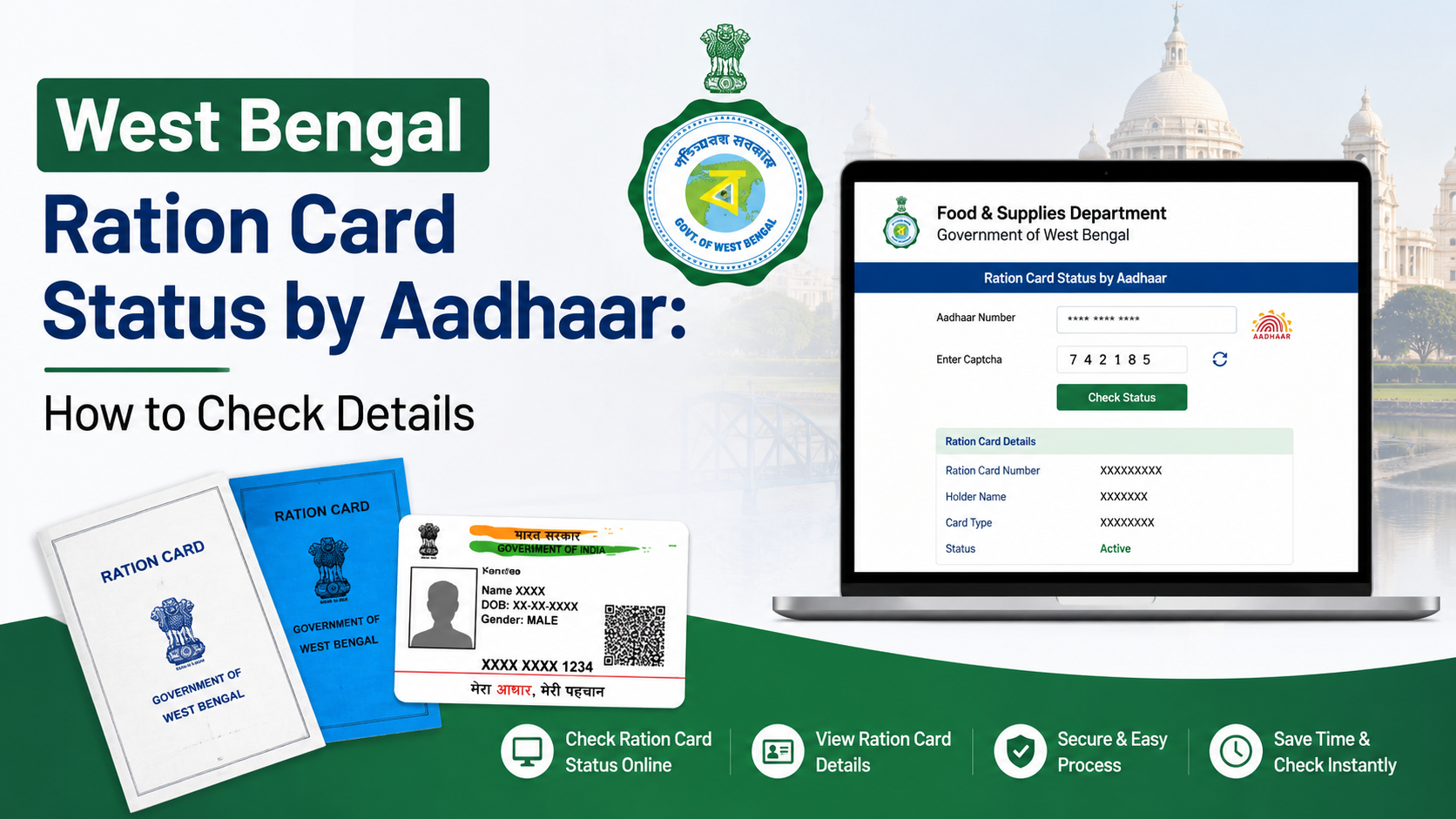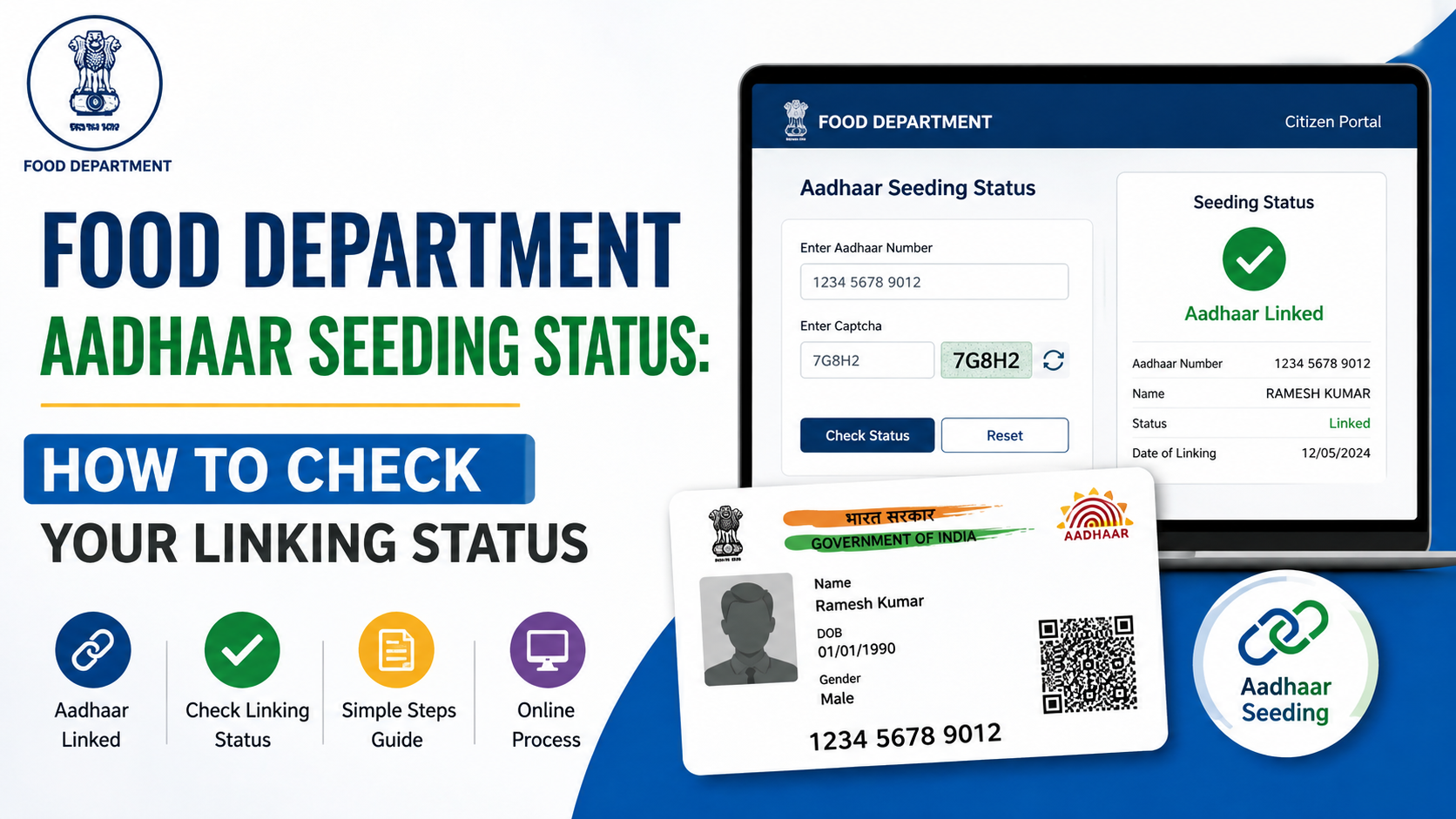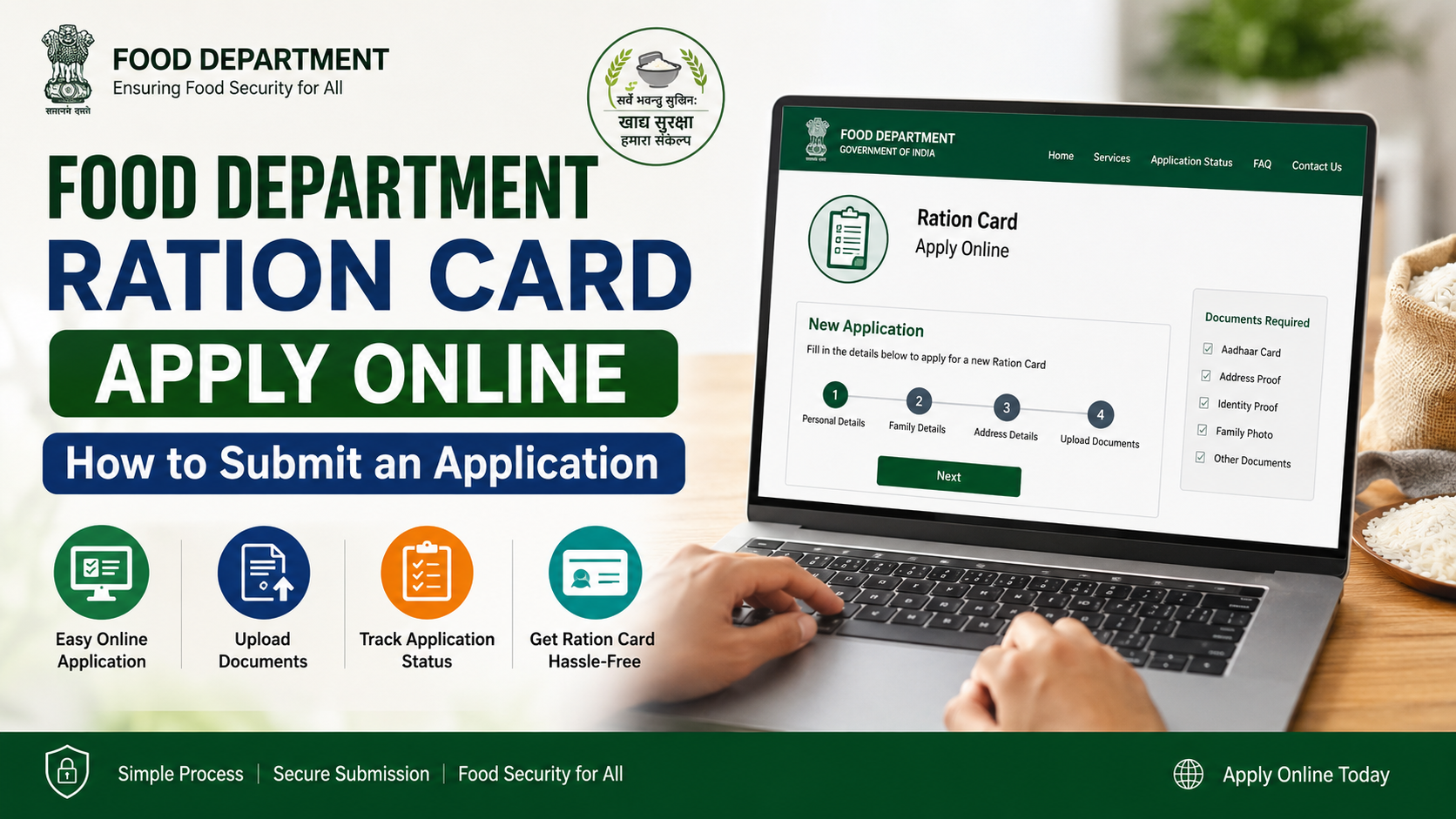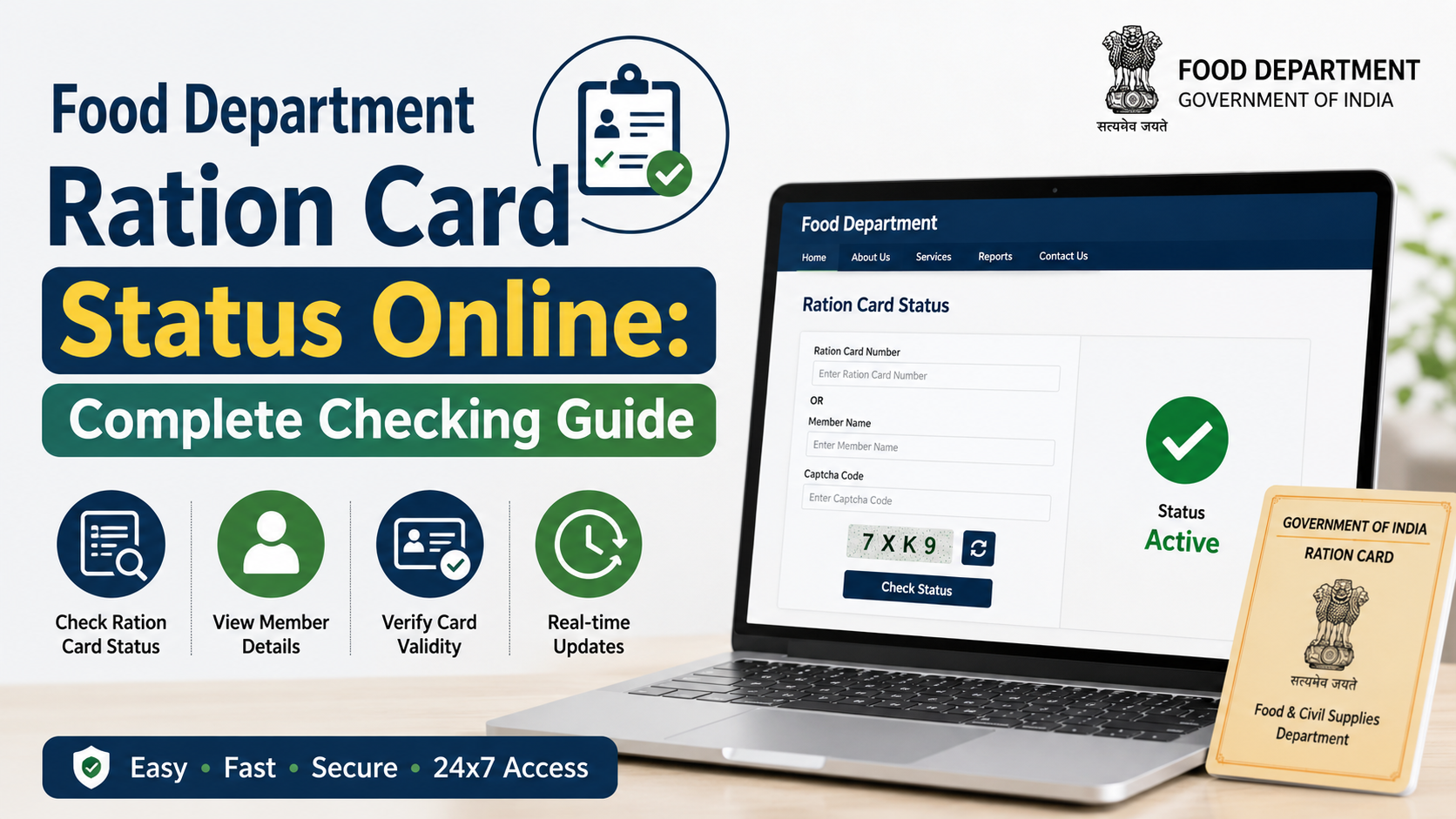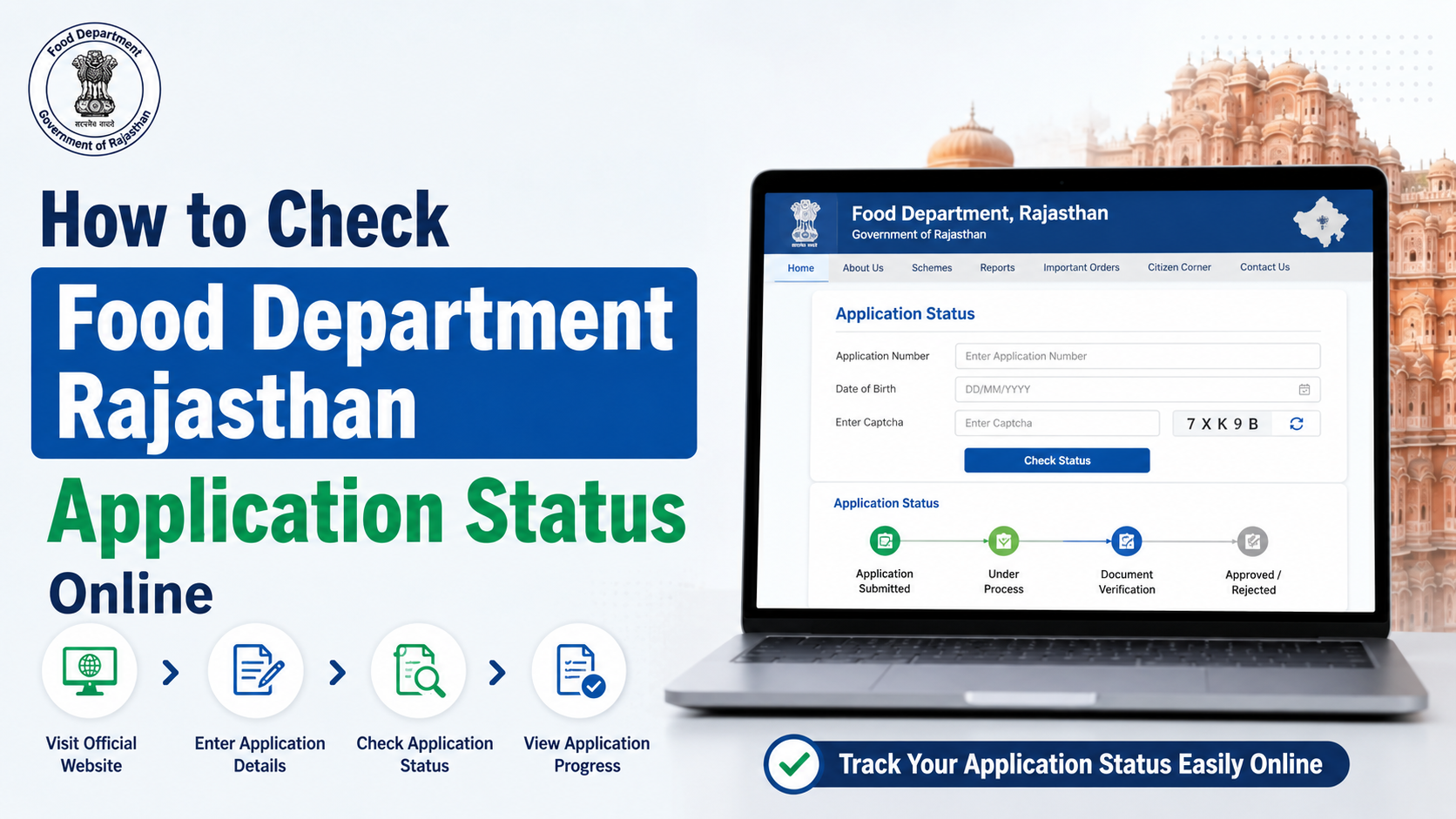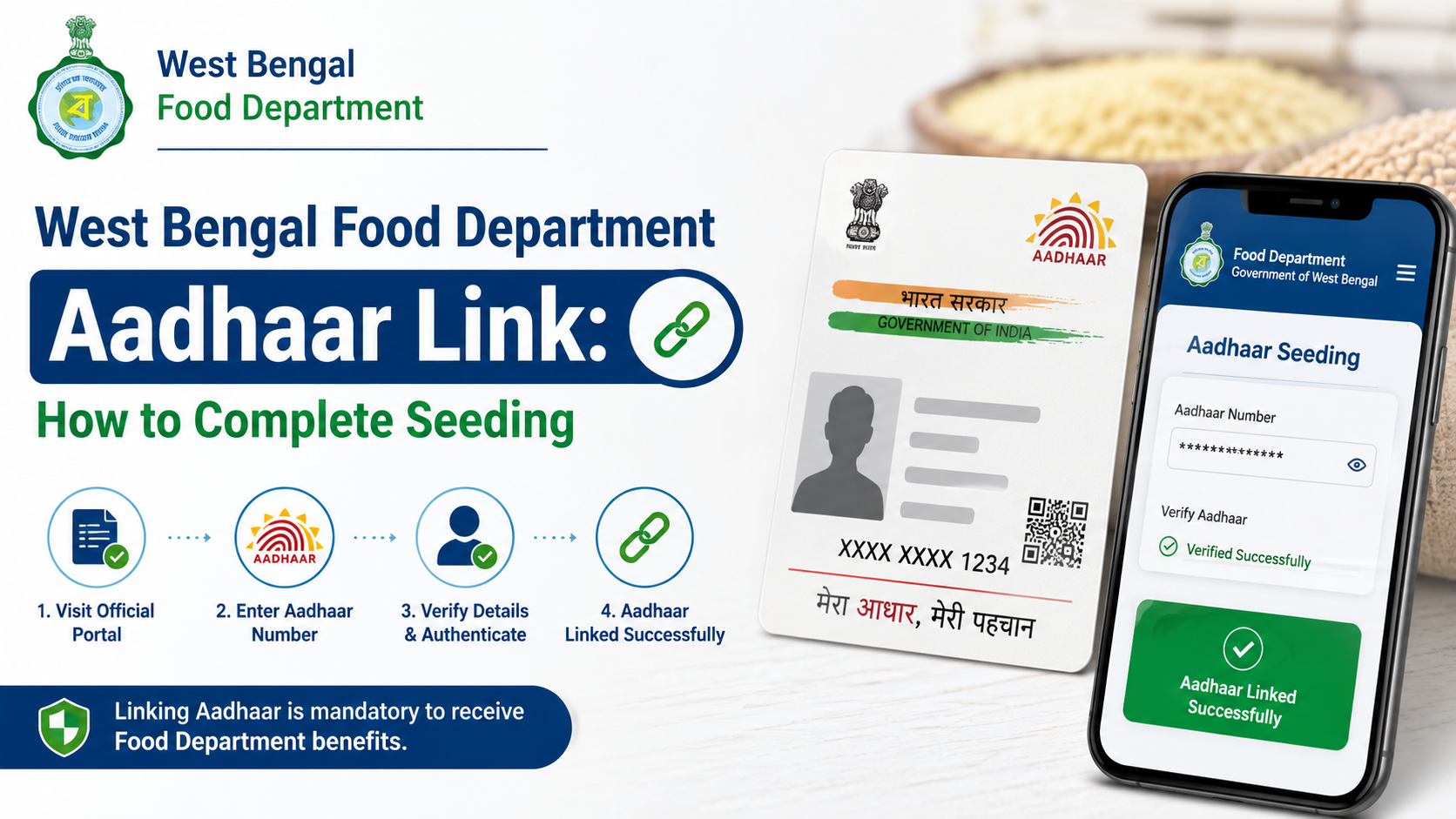
The west bengal food department aadhaar link process connects an individual’s Aadhaar number with their Digital Ration Card for the state’s public distribution system. West Bengal’s Food & Supplies Department provides self-service Aadhaar seeding through its departmental portal and also supports in-person e-KYC at Fair Price Shops (FPS), Bangla Sahayata Kendras (BSK), and Food & Supplies Inspector offices.
If your Aadhaar-linked mobile number can receive OTPs, online seeding is usually the simplest option. If biometric authentication, OTP verification, or personal details do not match, use the official offline route rather than repeatedly trying different Aadhaar numbers.
Key Takeaways
- Aadhaar can be linked through the Food & Supplies Department portal, an FPS, a BSK, or an Inspector’s office.
- For online seeding, the OTP is sent to the mobile number registered with Aadhaar.
- Exact matching of Aadhaar and ration-card details can result in immediate system approval; mismatches may go to the Central Processing Centre for verification.
- Take your Aadhaar card, Digital Ration Card, and mobile phone when using an offline facility.
- If an Aadhaar or ration card is already linked incorrectly, visit an Inspector/Rationing Officer; do not attempt to link it to multiple cards.
- Use only official West Bengal government portals and never share OTPs with unknown callers or agents.
What Aadhaar Seeding Means for a West Bengal Ration Card
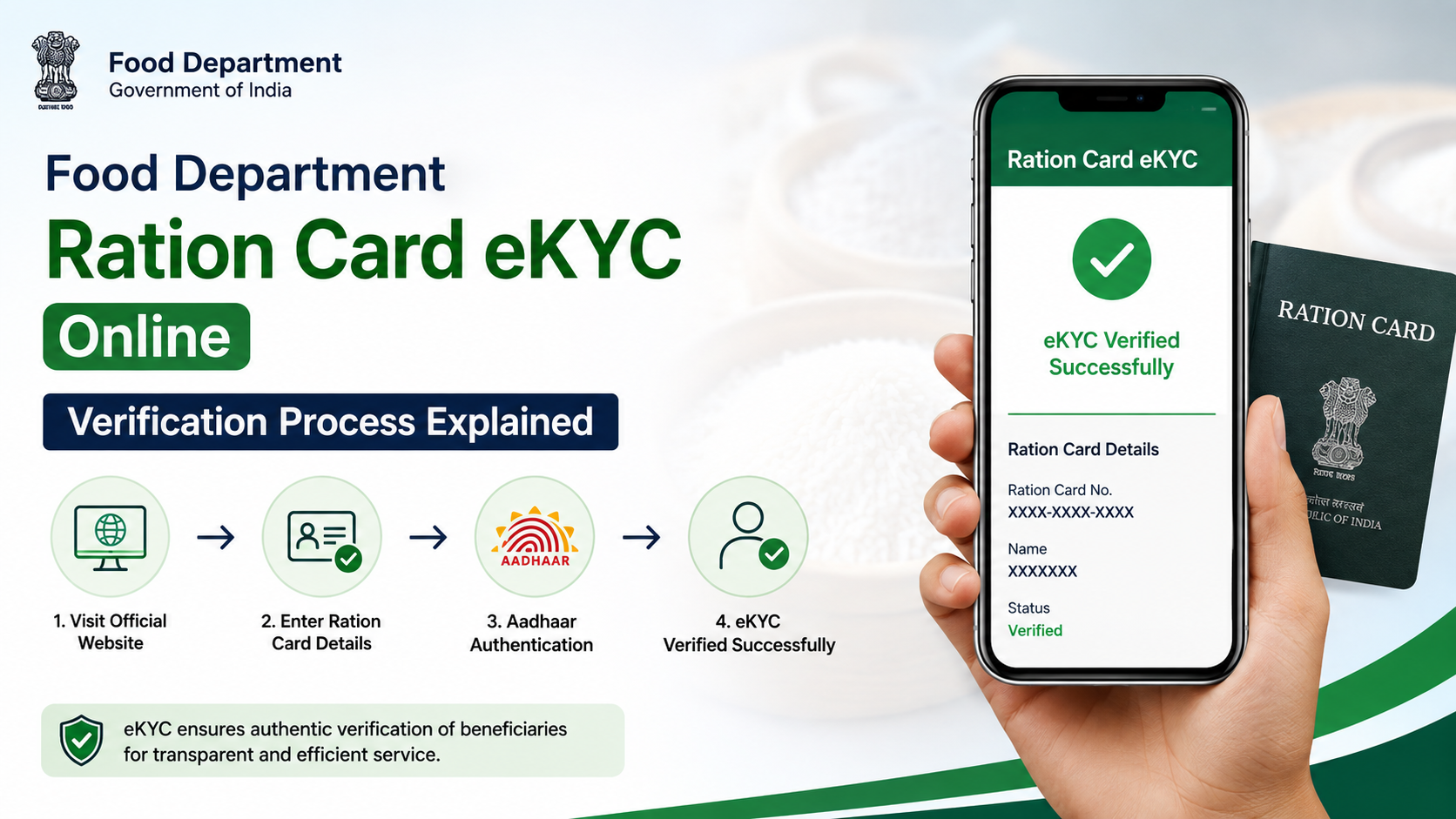
Aadhaar seeding means recording and validating a beneficiary’s Aadhaar number against their Digital Ration Card in the Department of Food & Supplies system. The process is connected with e-KYC, where identity details are authenticated through an Aadhaar-enabled method such as fingerprint, iris, or mobile OTP.
The department’s published guidelines classify ration-card records by status. An active card seeded through e-KYC is shown as green in the departmental system, while an active card seeded through demo authentication is shown as blue. A yellow status may indicate an active card that is not Aadhaar-seeded, including certain cases involving children below five years of age or approved exemptions. Temporary inactive cards that are not seeded may be reactivated through e-KYC; permanently inactive cards, such as cards deactivated following surrender or death, cannot be reactivated through this process. West Bengal Food & Supplies Department guidelines
Aadhaar linkage is also relevant when beneficiaries use Aadhaar-based biometric authentication to collect entitled commodities at an FPS. The department states that Aadhaar-linked Digital Ration Cards support portability within West Bengal, subject to authentication at the shop. Department consumer information notice
Documents and Details to Keep Ready
Prepare the following before starting the west bengal food department aadhaar link process:
| Requirement | Why it is needed |
|---|---|
| Digital Ration Card number | To locate the family or beneficiary record |
| Aadhaar number/card | To seed and authenticate the correct beneficiary |
| Mobile phone | Needed for OTP-based online verification and updates |
| Aadhaar-registered mobile number | Required to receive the Aadhaar OTP for self-service linking |
| Correct personal details | Name, gender, and age/date of birth should be reviewed before confirmation |
For an offline visit, carry the Aadhaar card, Digital Ration Card, and mobile phone. The department specifically advises beneficiaries to bring a mobile phone, preferably one linked with Aadhaar. Official consumer information
Do not submit an Aadhaar number that belongs to another family member merely to complete the form. Each beneficiary’s Aadhaar must correspond to that individual’s ration-card record.
How to Link Aadhaar with a Ration Card Online
The department’s official OTP procedure is designed for Digital Ration Card holders whose Aadhaar-linked mobile number is active.
Step 1: Open the official Food & Supplies portal
Visit food.wb.gov.in. Use the department’s ration-card service area and select the option labelled “Link Ration Card with Aadhaar Card” or the equivalent Aadhaar-linking service displayed on the portal.
Avoid lookalike websites, unofficial apps, or social-media links that ask for Aadhaar details or OTPs.
Step 2: Enter ration-card details
Select the applicable card category and enter the Digital Ration Card number. The system should display the ration-card details and the current Aadhaar-linking status.
If the status shows that Aadhaar is already linked, do not submit a duplicate request. Instead, review whether the linked record is correct and use the correction route if it is not.
Step 3: Choose Aadhaar linking and request OTP
If Aadhaar is not linked, select the option to link Aadhaar with the ration card. Enter the beneficiary’s Aadhaar number and choose Send OTP.
The OTP is sent to the mobile number registered with that Aadhaar number—not necessarily the number presently associated with the ration card.
Step 4: Verify the Aadhaar details
Enter the OTP and submit it. The portal displays identity details retrieved through Aadhaar e-KYC. Check them carefully before selecting Verify and Submit.
This is the point at which you should stop if the displayed details clearly belong to a different person. Do not approve inaccurate information in the hope that it can be corrected later.
Step 5: Link or update the mobile number
After Aadhaar verification, the portal may provide an option to link a mobile number with the ration card through OTP verification. Completing this step helps with service communication and future account updates.
The department’s published SOP says that where Aadhaar and ration-card names match exactly, the system can approve the linking immediately. Where names differ, the request is sent to the Central Processing Centre (CPC) for verification. Final approval or rejection is communicated by SMS. Official Aadhaar OTP SOP
Offline Options: FPS, BSK, and Inspector Office
Online access is not compulsory. West Bengal permits Aadhaar seeding through several in-person channels, which is especially useful when the Aadhaar mobile number is unavailable or biometric assistance is needed.
At any Fair Price Shop
You may approach an FPS in West Bengal for e-KYC through the e-POS device. The department’s guidelines state that a beneficiary can seek Aadhaar linking at any FPS in the state, not only the shop associated with the card. Bring the required documents and complete biometric authentication if requested. Revised Aadhaar-linking guidelines
At a Bangla Sahayata Kendra
BSKs provide another government-supported route for biometric Aadhaar linking. This is a practical option for people who need assisted service or cannot complete the online OTP process.
At the Food & Supplies Inspector or Rationing Office
Use the Inspector’s office or Rationing Officer route when there is an error, a duplicate linkage, a failed authentication, or a need for physical verification. Officials can complete e-KYC and deal with cases that cannot be resolved through self-service.
The department has also introduced iris-based e-KYC at relevant Inspector and Rationing Officer offices for beneficiaries whose fingerprints do not authenticate, including some elderly people or people with worn fingerprints. Department order on iris authentication
What Happens When Details Do Not Match?
A name mismatch does not automatically mean the request will fail. However, it can prevent instant approval.
When the Aadhaar and ration-card names are not identical, the department’s guidelines state that the case goes to the CPC for verification. The CPC compares details such as name, gender, and age/date of birth. Some minor or phonetic name variations may be considered along with the other information, but beneficiaries should not rely on an assumption that every mismatch will be accepted.
If the difference is substantial—for example, the ration card has the wrong name or incorrect demographic details—apply for correction before or alongside the Aadhaar process. The department’s ration-card services page lists Form 5 for rectification of name and address in NFSA/RKSY cards, with online and offline service routes. Ration-card application and forms page
If the Aadhaar is linked to the wrong ration card
Do not keep trying to seed the Aadhaar against other cards. The department directs beneficiaries to visit an Inspector’s office when an Aadhaar is wrongly seeded with another ration card or a ration card contains the wrong Aadhaar. The Inspector can initiate delinking and then complete e-KYC for the correct record after verification.
The published guidelines also warn that an Aadhaar repeatedly used with multiple ration cards may be locked for seeding and require an SCF&S/RO office visit to resolve. Revised guidelines
Common Problems and the Right Next Step
| Problem | Recommended action |
|---|---|
| OTP does not arrive | Confirm that the mobile number is registered with Aadhaar; otherwise use FPS, BSK, or an Inspector office |
| Fingerprint authentication fails | Ask about iris authentication at an Inspector/Rationing Officer office |
| Aadhaar and ration-card names differ | Do not force approval; allow CPC verification or correct the ration-card details through the official process |
| Aadhaar is linked to another card | Visit the Inspector/Rationing Officer for delinking and verification |
| Aadhaar is already shown as linked | Check the record; use the mobile-update option only if the Aadhaar linkage is correct |
| Child has crossed age five | Ensure required Aadhaar biometric details are updated at an Aadhaar enrolment centre before attempting biometric services |
For beneficiaries who cannot authenticate by fingerprint, the department’s guidelines provide for alternative handling, including iris authentication and, in specified exigency cases, demo authentication by an Inspector after physical verification. This is why a failed fingerprint should be escalated through an official office rather than treated as a reason to provide someone else’s Aadhaar.
Safety and Status Checks
Keep the process secure:
- Enter Aadhaar details only on official government websites or at authorised government service points.
- Never share your OTP, Aadhaar number, or ration-card details with unsolicited callers.
- Review the name and demographic details displayed after OTP verification before confirming.
- Save any application acknowledgement, confirmation screen, or SMS.
- If the system says the request is pending because of a mismatch, wait for the final SMS outcome or contact the department through official channels.
The official Food & Supplies grievance portal is helpdesk.wbfood.in. The department also lists toll-free support numbers 1800 345 5505 and 1967 for ration-card-related complaints and assistance. Official ration-card service page
Frequently Asked Questions
Can I link Aadhaar with my West Bengal ration card from home?
Yes. The department provides Aadhaar OTP-based self-service through its portal. You need the Digital Ration Card number, Aadhaar number, and access to the mobile number registered with Aadhaar. If you cannot receive the OTP, use an FPS, BSK, or Inspector office.
Do all family members need to visit together for Aadhaar seeding?
No. The department’s instructions state that all family members do not need to attend an office at the same time. Each person’s Aadhaar must still be correctly linked and authenticated as required.
Is it necessary to go to my own ration shop?
No. Department guidelines allow Aadhaar linking through any FPS in West Bengal, as well as through any BSK or Food & Supplies Inspector office in the state.
What should I do if my name differs between Aadhaar and the ration card?
Submit the online request only after reviewing the displayed details. A mismatch may be sent to the CPC for verification. If the ration-card record is wrong, use the official correction process, including Form 5 where applicable, or seek assistance at an Inspector/Rationing Officer office.
What if I do not have Aadhaar or my child’s biometrics are not updated?
Do not use another person’s Aadhaar. Seek assistance from the Food & Supplies Department and complete Aadhaar enrolment or biometric updates through an authorised Aadhaar enrolment centre. The department’s guidelines identify special handling for people without Aadhaar and for children whose biometric information needs updating after age five.
Conclusion
Completing the west bengal food department aadhaar link is straightforward when your Digital Ration Card details, Aadhaar details, and Aadhaar-registered mobile number are correct. Use the official portal for OTP-based self-service, or visit any FPS, BSK, or Food & Supplies Inspector office for assisted e-KYC. If there is a name mismatch, wrong linkage, or authentication failure, use the official correction and verification route instead of making repeated attempts.