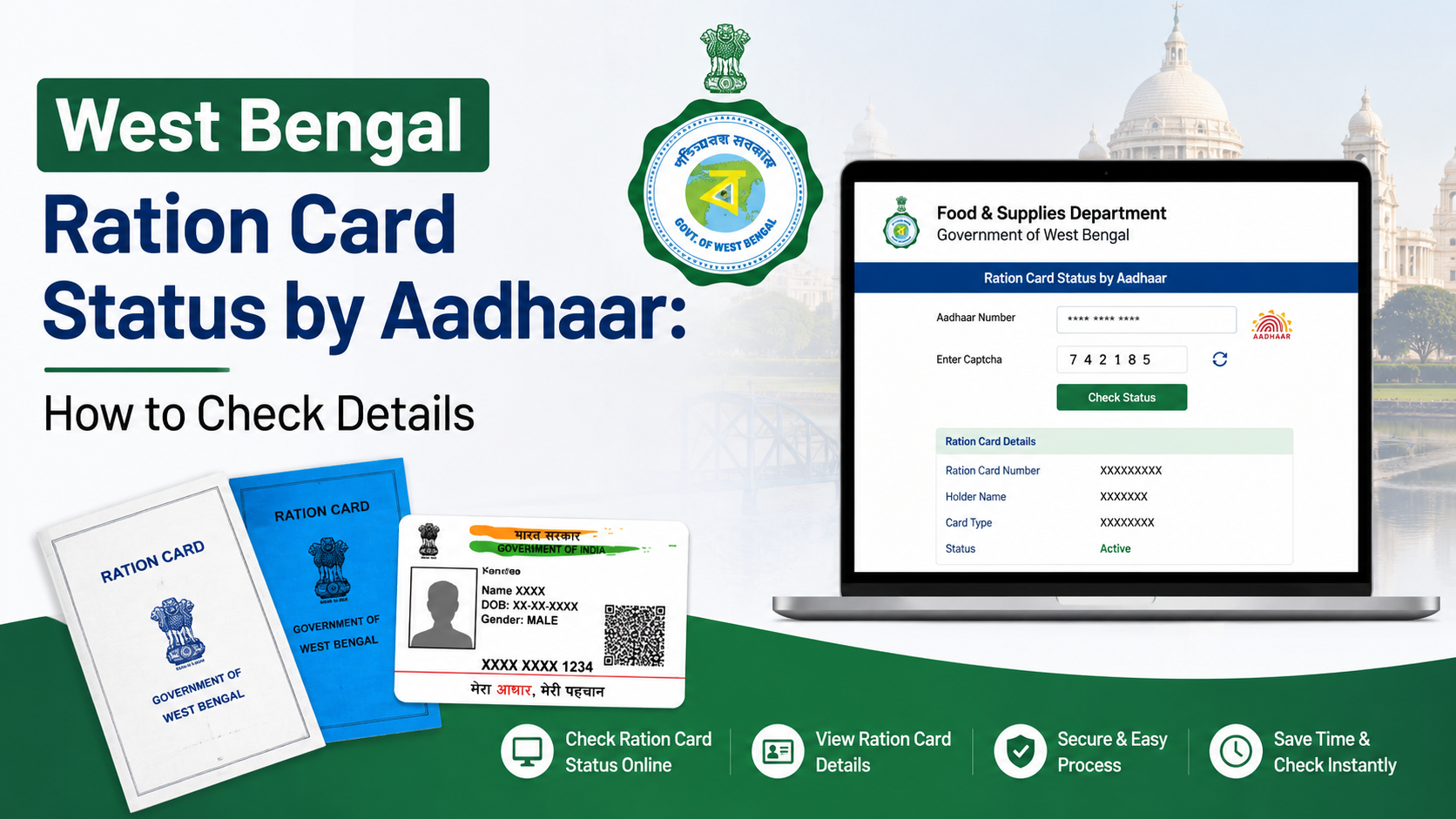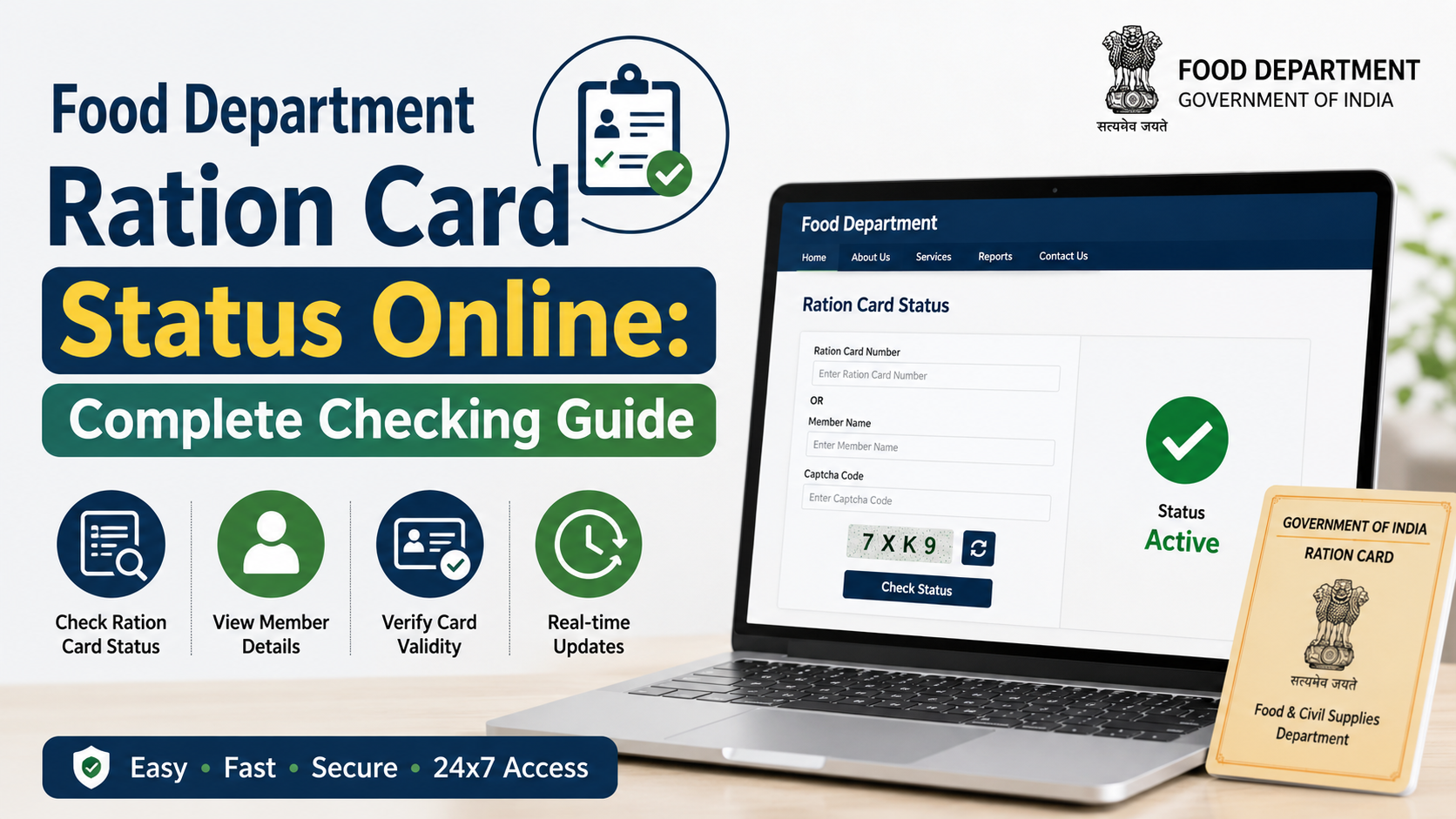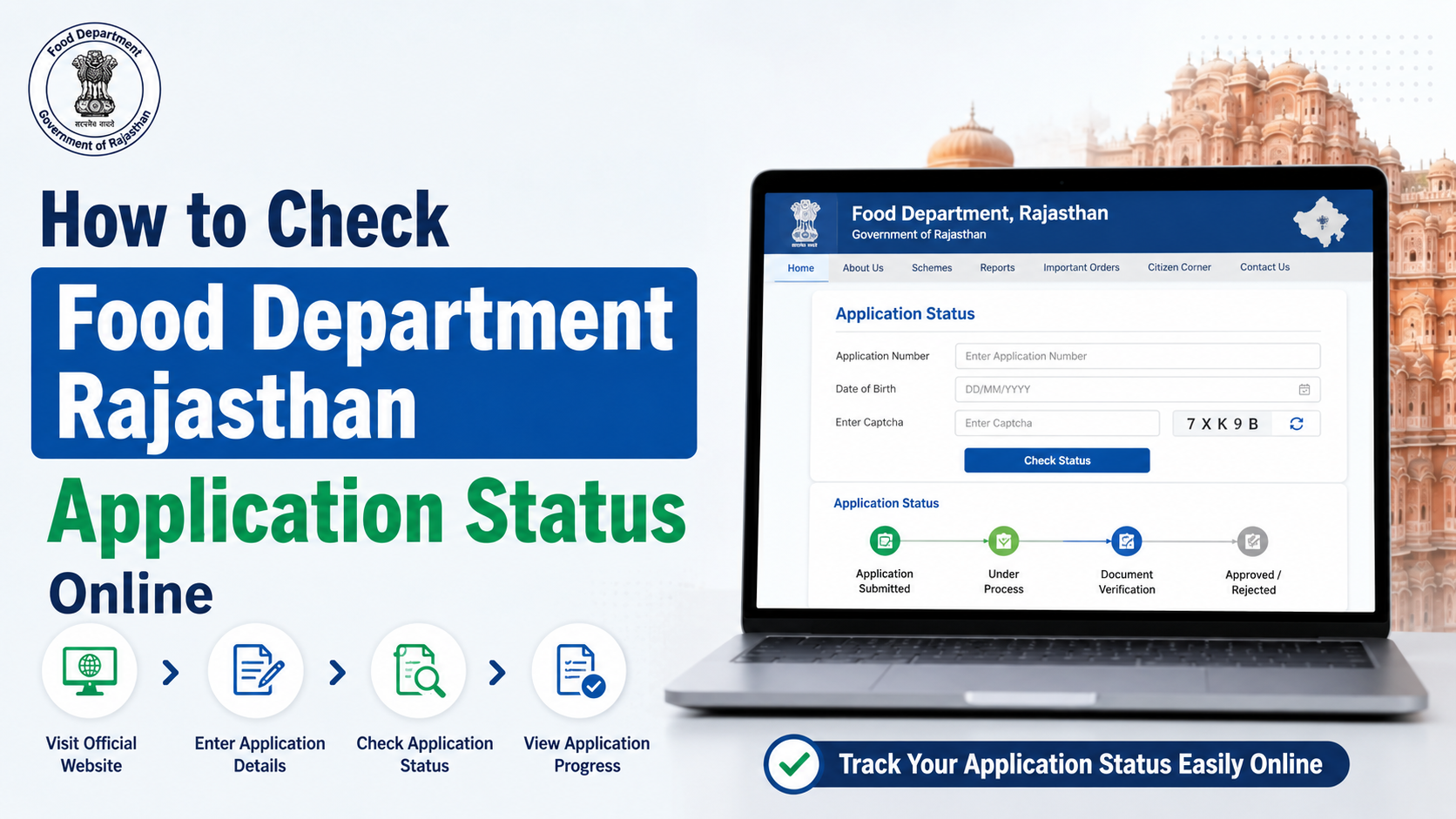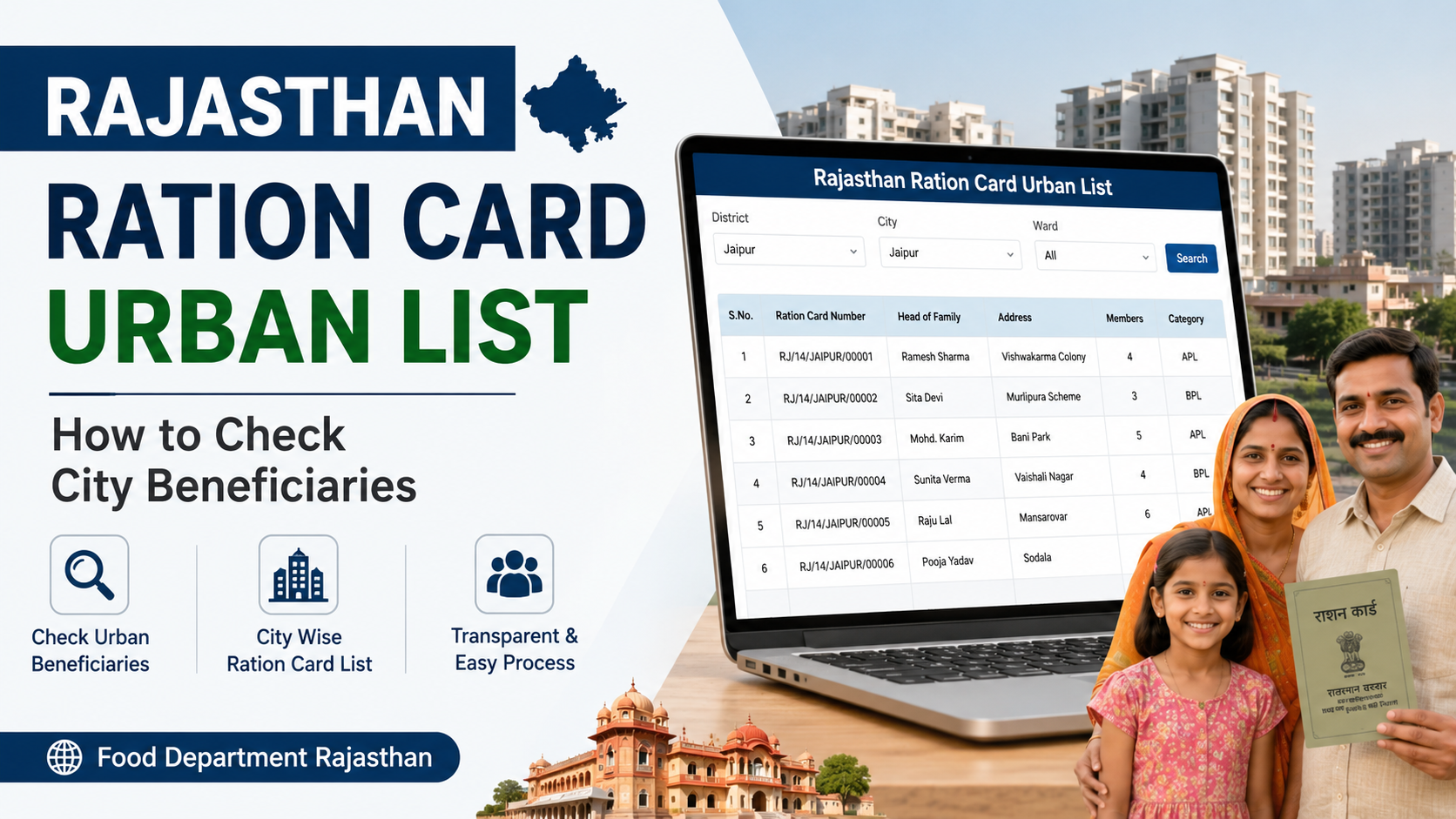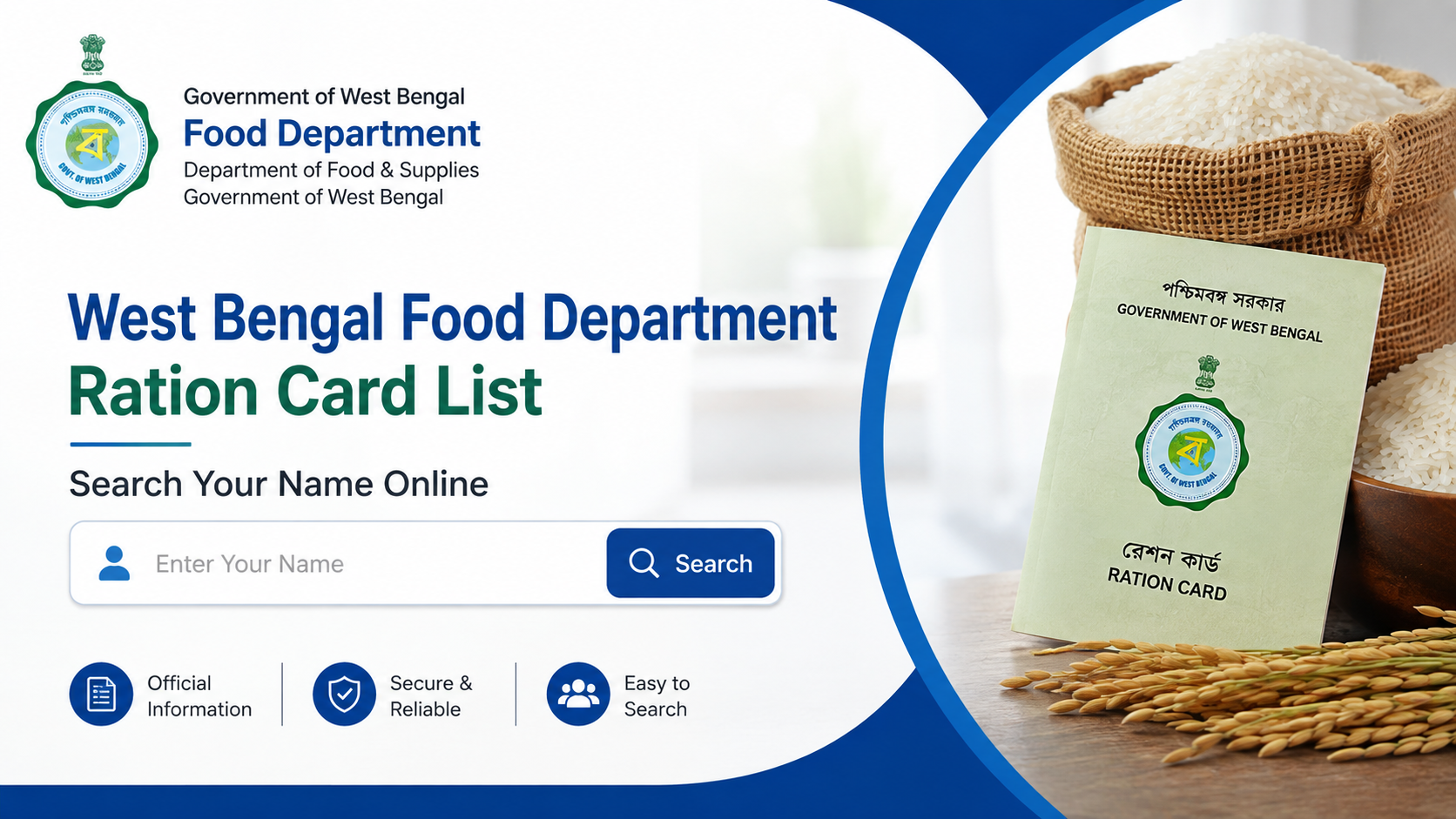
The west bengal ration card list is maintained by the state Food & Supplies Department through its Online Ration Card Life Cycle Management (RCMS) portal. Residents can use the official websites to search digital ration-card details, verify an e-Ration Card, check application status, view beneficiary data linked to a fair-price shop (FPS), and find support for corrections.
This guide explains the current online process, what information you need, how to interpret the result and what to do when your name or card number does not appear.
Key Takeaways
- Use the Food & Supplies Department’s official RCMS link to search digital ration-card details.
- The individual search page generally asks for a ration-card number and CAPTCHA; it is not the same as a downloadable district-wise PDF list.
- e-Ration Cards are accepted at par with Digital Ration Cards and can be shown on a phone or printed on plain paper.
- Aadhaar and mobile-number linking is required for e-Ration Card eligibility.
- The department’s official helpline numbers are 1800 345 5505 and 1967.
- Use only government domains such as
food.wb.gov.in,wbfss.wb.gov.inandwbpds.gov.in.
What Is the West Bengal Ration Card List?
The ration-card list is the department’s digital record of households and members covered under West Bengal’s Public Distribution System (PDS). It includes cards issued under National Food Security Act (NFSA) categories and state schemes. The RCMS portal describes itself as a one-stop platform for applying for cards, modifying details, changing a fair-price shop, surrendering a card and accessing ration-card information. West Bengal RCMS portal
The department’s public dashboard also displays totals for ration cards, Aadhaar-linked cards, mobile-linked families, applications and ration shops. These figures change as records are approved, corrected or linked, so treat the dashboard as a live snapshot rather than a permanent statistic. Food & Supplies Department dashboard
A “name search” can mean two different things:
- Individual card lookup: enter a known Digital Ration Card or e-Ration Card number to view the record.
- Beneficiary-list lookup: use an FPS-wise or area-wise report to see members attached to a particular ration shop.
The department’s search page is designed primarily for the first method.
Official Websites to Check Your Record
| Purpose | Official service |
|---|---|
| Department homepage and dashboard | food.wb.gov.in |
| Search digital ration-card details | RCMS search page |
| RCMS services and applications | wbfss.wb.gov.in/rcms |
| State and NFSA portal directory | NFSA state-portal directory |
| Official mobile application | Khadya Sathi–Aamar Ration on Google Play |
Bookmark the department homepage instead of relying on links shared in social-media posts or private “ration-card” websites.
How to Search the West Bengal Ration Card List Online
Method 1: Search by Digital Ration Card Number
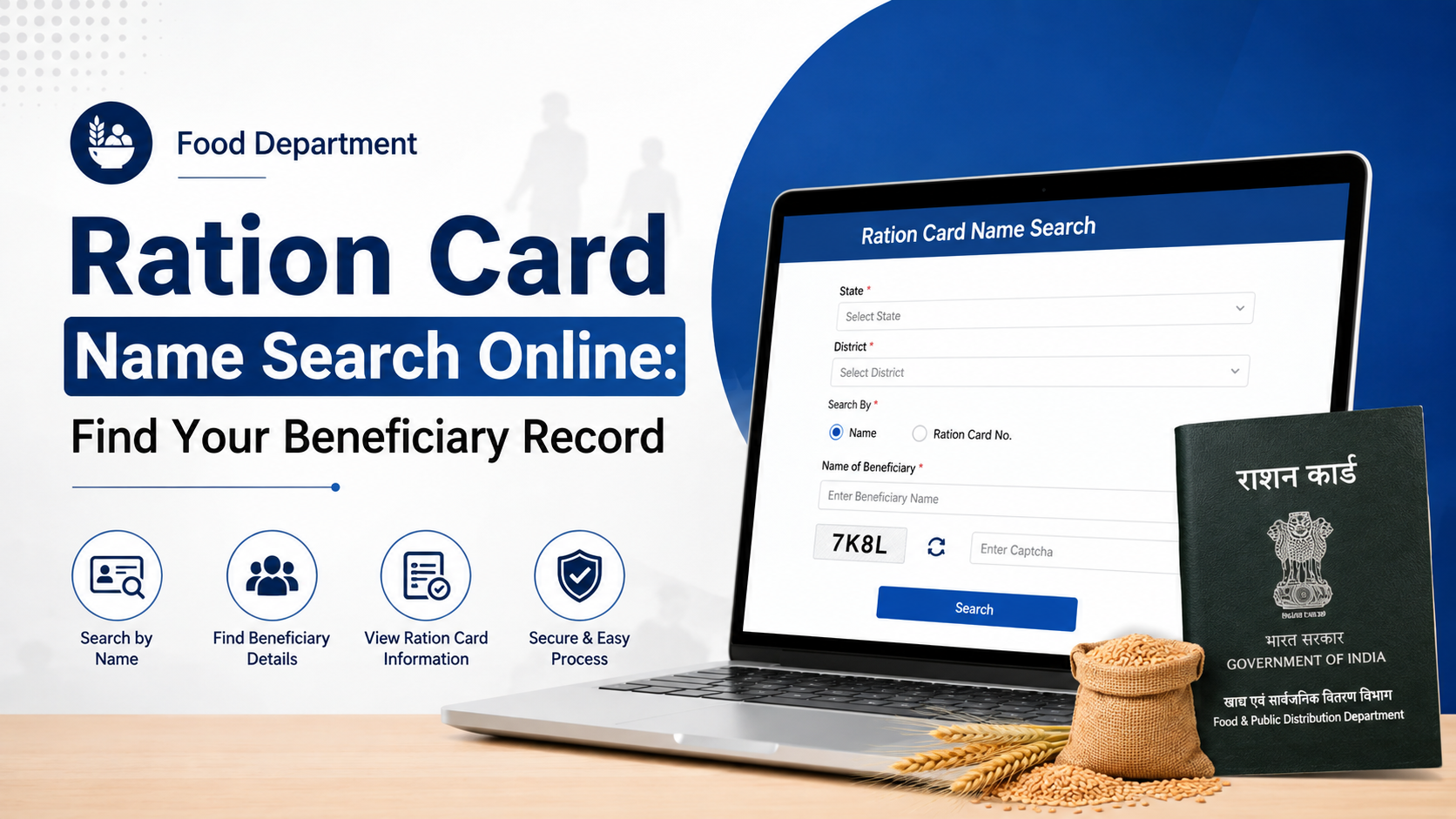
- Open the official RCMS search page.
- Locate “Search Your Digital Ration Card Details.”
- Enter the ration-card number exactly as printed on your Digital Ration Card or e-Ration Card.
- Type the displayed CAPTCHA code.
- Submit the form.
- Review the cardholder and family-member information shown on screen.
The page labels the input as “Ration Card No” and provides a CAPTCHA field. Keep the number format unchanged, including any leading zeroes or letters. RCMS search page
If the record loads, compare the following details with your documents:
- Cardholder’s name and spelling
- Names of family members
- Card category
- Ration-card number
- Address or jurisdiction
- Aadhaar-linking or mobile-linking indicators, where displayed
- Allotted fair-price shop
Take a screenshot or download the available e-Ration Card only for your own records. Avoid publishing another person’s ration-card number or Aadhaar information.
Method 2: Use an FPS-Wise Beneficiary Report
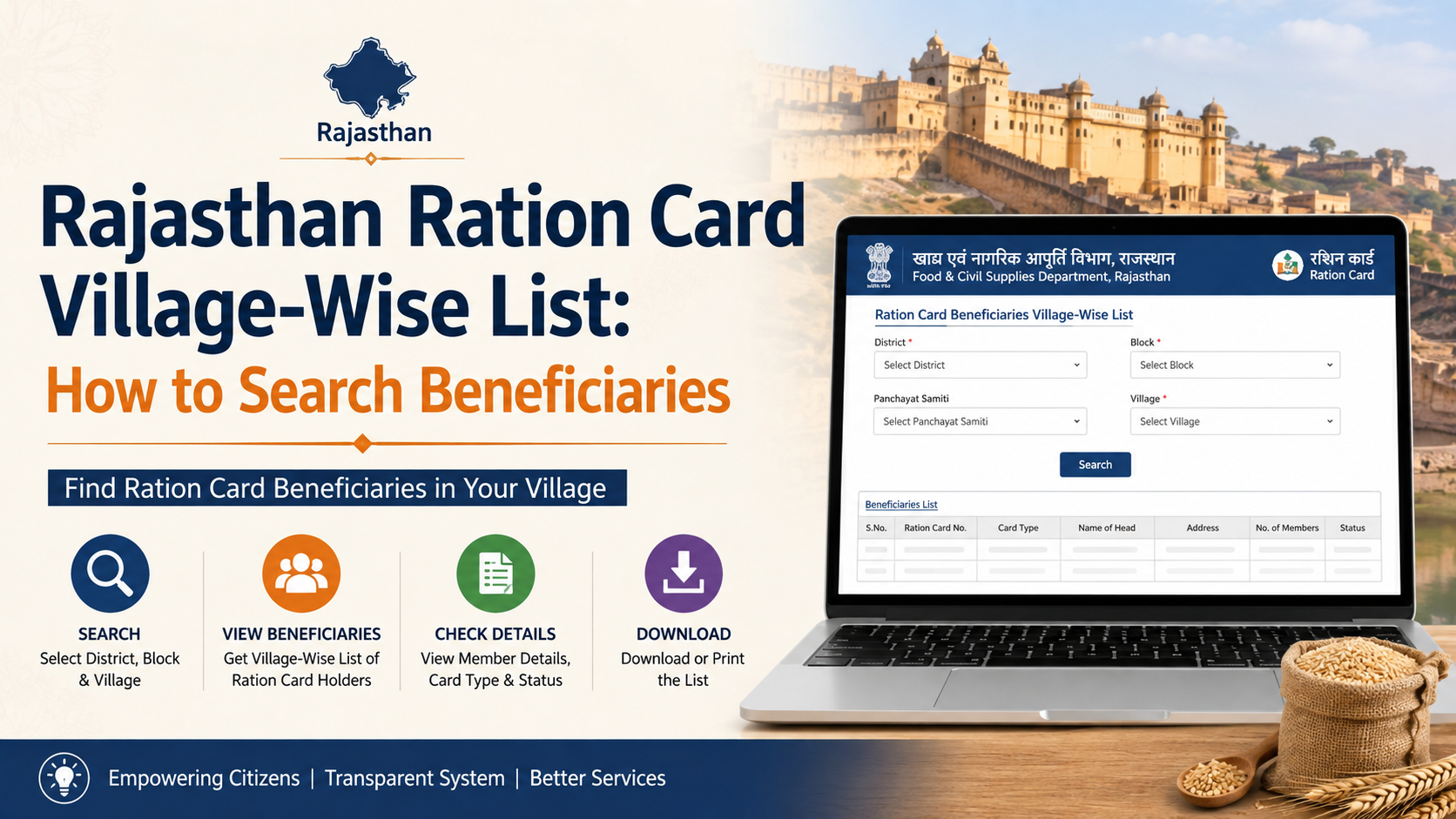
The department also provides an FPS Wise List of Beneficiaries link from its homepage. This route is useful when you know your fair-price shop but do not have the card number readily available. Department homepage
The report may require you to select administrative details such as district, block or municipality, and fair-price-shop code. Because the interface and filters can change, follow the labels currently displayed on the government page. Search the resulting beneficiary table for the member’s name.
An FPS report is not necessarily a complete state-wide “all names” download. It is organized around a particular shop or administrative area, and data may be paginated or protected by CAPTCHA.
Method 3: Check Through the Khadya Sathi–Aamar Ration App
The department’s official Khadya Sathi–Aamar Ration app offers services including ration-card applications, Aadhaar linking, application-status checks, entitlement information, nearest-shop location and complaints. The app listing identifies it as an official Food & Supplies Department application developed with technical supervision from the National Informatics Centre. Official app listing
Install the app only from the official Google Play listing, confirm the developer name, and keep the app updated. Do not enter Aadhaar, OTP or ration-card details into unofficial applications.
Understanding e-Ration Card and Digital Ration Card
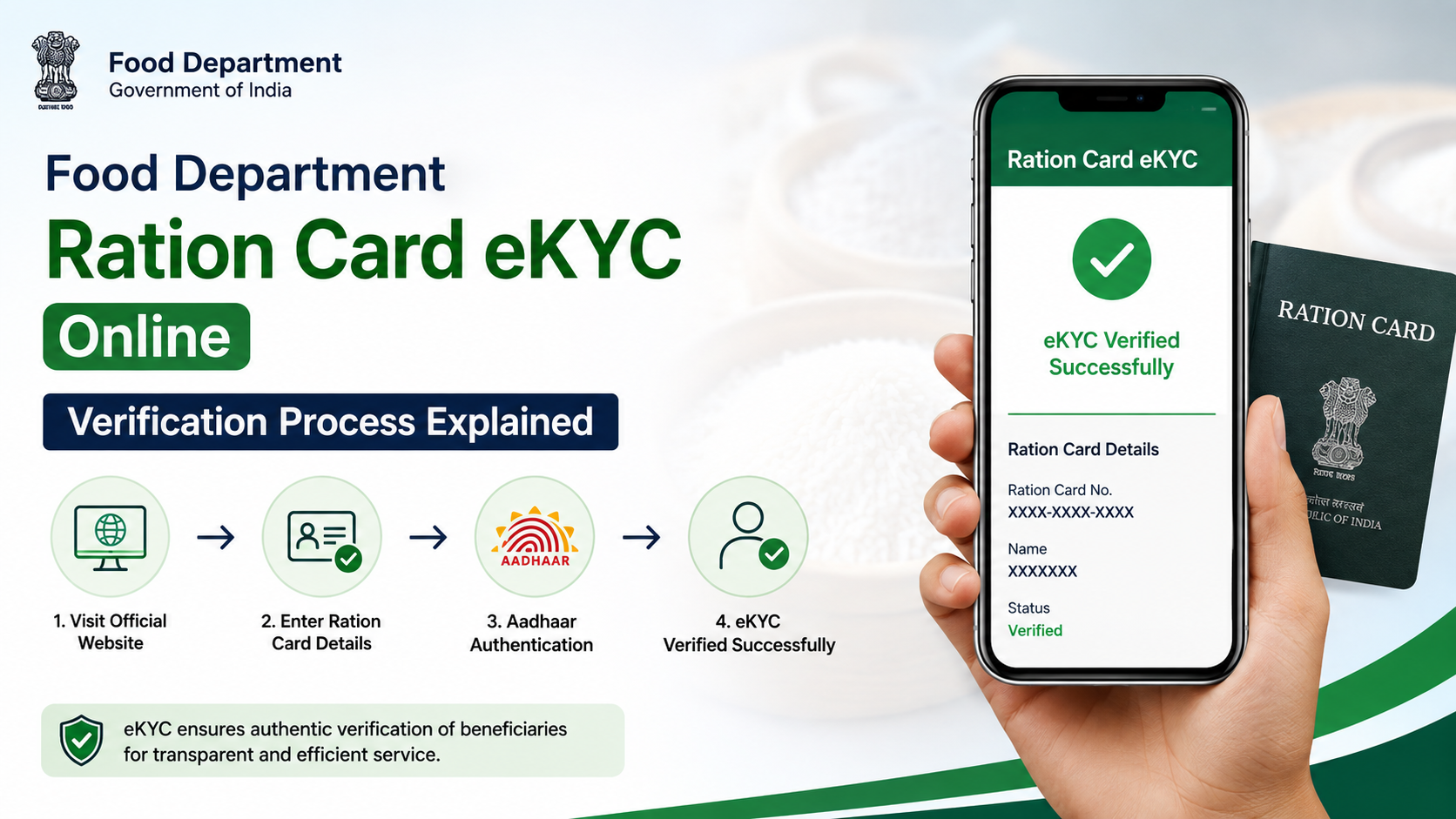
The department defines an e-Ration Card (e-RC) as an individual PDF issued by the Food & Supplies Department for purchasing PDS commodities from fair-price shops. The department states that:
- e-RC has the same rights and privileges as a Digital Ration Card.
- Authorities should accept e-RC at par with the Digital Ration Card.
- The card can be verified online using its embedded QR code or by entering the e-Ration Card number on the official website.
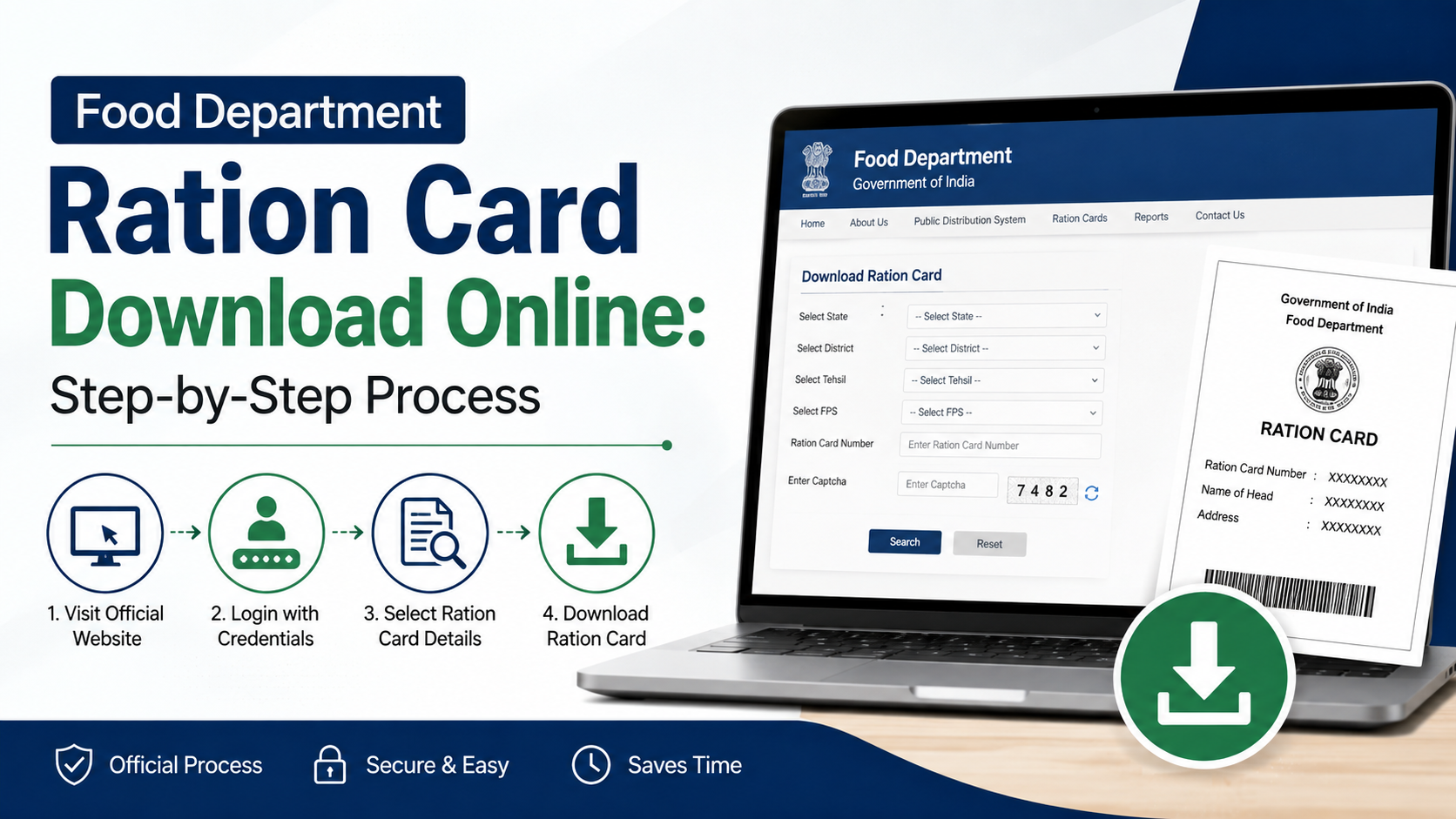
- A beneficiary may show a soft copy on a mobile phone or carry a plain-paper printout at the ration shop.
- Beneficiaries can visit the shop from the next working day after approval, according to the department’s published e-Ration Card information. e-Ration Card information
The same page says beneficiaries whose Aadhaar number and mobile number are linked with the ration card are eligible for an e-Ration Card. Linking status can be checked through the department’s inquiry services.
What to Do If Your Name Is Missing
A missing name does not always mean that the household is permanently excluded. Common reasons include a recently submitted application, pending approval, a spelling mismatch, an unlinked Aadhaar record, duplicate records, migration or a family-member change that has not yet been processed.
Follow these checks:
- Re-enter the ration-card number carefully, including zeroes and uppercase letters.
- Try the search again after refreshing the CAPTCHA.
- Check whether you are using the current RCMS link rather than an old page saved in your browser.
- Ask the fair-price-shop dealer to confirm the card number and shop allocation.
- Check the application-status service if you recently applied for a new card, correction, member inclusion or conversion.
- Visit the relevant Food & Supplies office or Bangla Sahayata Kendra with your acknowledgement and identity documents if the online record remains unavailable.
Do not submit multiple applications simply because a record is delayed. Duplicate applications can create verification problems.
Correcting Errors in the Ration Card Record
Use the department’s online services for corrections to names, addresses, family members, Aadhaar details or mobile numbers. The RCMS portal lists services for modification of digitized ration-card details, changing an allotted fair-price shop, shifting to a new family and surrendering a card. RCMS services
Keep these documents ready, depending on the service:
- Existing Digital Ration Card or e-Ration Card
- Aadhaar cards of relevant family members
- Proof of address
- Mobile number for OTP or departmental communication
- Death certificate for deletion after a member’s death
- Marriage or migration documents when family composition changes
- Application acknowledgement or reference number
The exact document list depends on the selected form. Read the instructions on the live application page before uploading or submitting anything.
Privacy and Online-Safety Warnings
Ration-card records contain personally identifiable information. Protect them by following these precautions:
- Use HTTPS government domains ending in
.gov.inor official department links. - Never share Aadhaar numbers, OTPs, passwords or full card details with an unknown caller.
- Check the browser address bar before entering information.
- Avoid screenshots that expose other family members’ Aadhaar numbers.
- Do not pay an intermediary for a service that the department provides online unless an officially notified service charge applies.
- If a portal is temporarily unavailable, retry later or contact the helpline rather than using an unverified website.
Contact the West Bengal Food & Supplies Department
For ration-card support, the department publishes the following toll-free numbers:
- 1800 345 5505
- 1967
The department lists its address as New Khadya Bhaban, 11A Mirza Ghalib Street, Kolkata – 700087, West Bengal. Department contact information
When lodging a complaint, include your application or ration-card number, district, fair-price-shop details, registered mobile number and a clear description of the problem. Never include an OTP in a complaint.
Frequently Asked Questions
Can I search the West Bengal ration card list using only my name?
The individual RCMS search page is presented as a ration-card-number search and asks for a CAPTCHA. If you do not know the number, use the FPS-wise beneficiary report, ask your fair-price-shop dealer or contact the department. Search availability may vary by portal module.
How can I verify an e-Ration Card?
Use the department’s e-Ration Card verification option or scan the QR code embedded in the e-RC PDF. The department says online verification is available by entering the e-Ration Card number on its official website. e-Ration Card page
Is a printed e-Ration Card accepted at a ration shop?
The department states that e-RC is at par with the Digital Ration Card. A beneficiary may show the soft copy on a phone or carry a plain-paper printout to receive food grains, subject to the record being approved and active.
What if my Aadhaar is not linked?
Use the department’s Aadhaar-linking service or the official Khadya Sathi–Aamar Ration app. If online authentication fails, visit an authorised service point or Food & Supplies office with the required documents.
Are ration-card numbers and entitlements the same for every family?
No. Card category, family composition, government orders and the beneficiary record determine entitlement. Check the department’s “Know Entitlement Against a Ration Card” service or ask your fair-price-shop dealer for the current allocation.
Conclusion
To check your entry in the west bengal ration card list, start with the official RCMS search page and your Digital Ration Card or e-Ration Card number. If you do not have the number, use the FPS-wise beneficiary route or seek help from your ration shop and the Food & Supplies Department. Keep Aadhaar and mobile details updated, verify e-RC information through the government portal and use the toll-free numbers 1800 345 5505 or 1967 for unresolved issues.